20+ Free Excel Project Management Templates (2026)
Project management in 2026 demands efficiency and clear oversight. Free Excel templates offer a powerful, cost-effective solution for tracking tasks, managing budgets, and hitting deadlines. You can a...
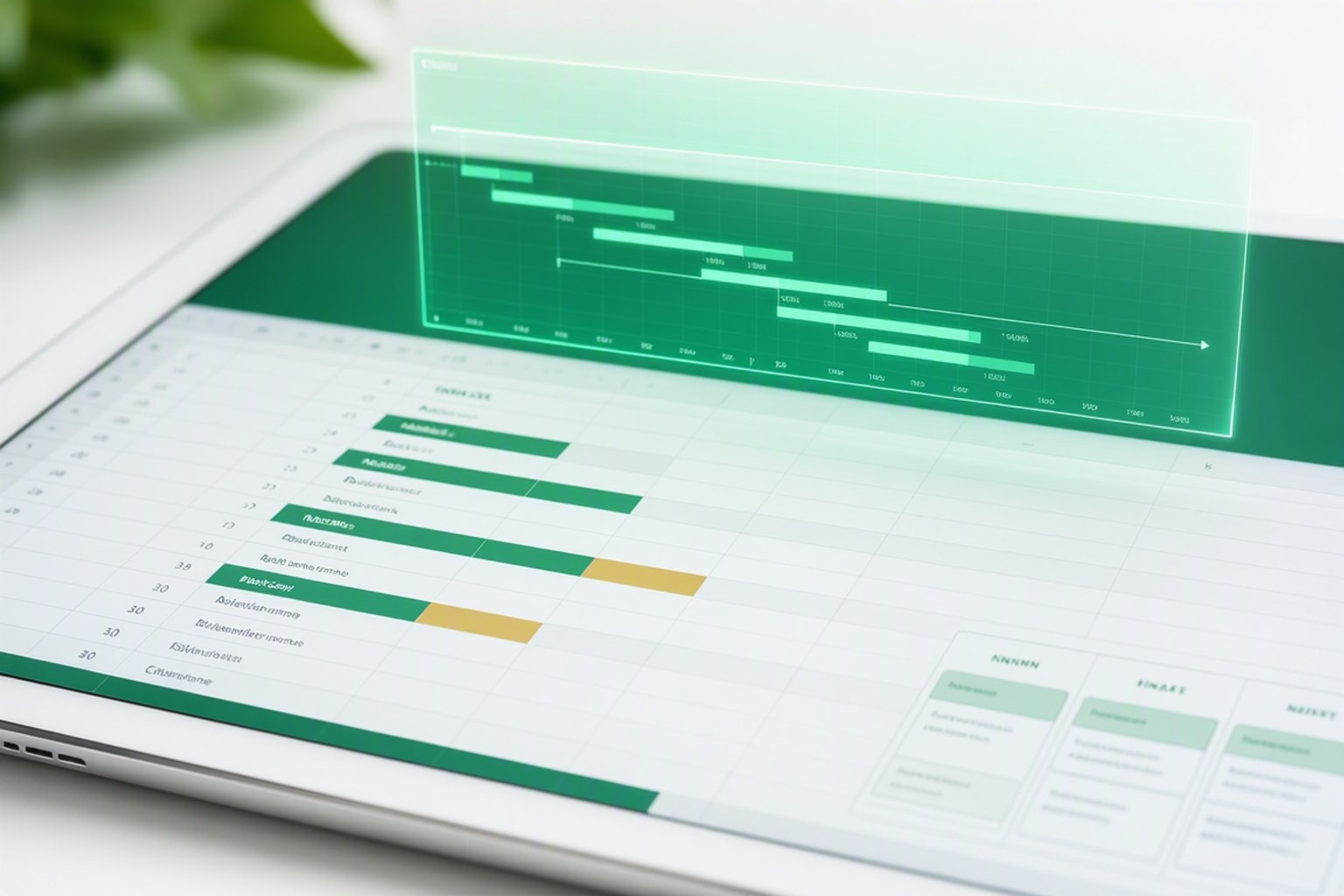
Project management in 2026 demands efficiency and clear oversight. Free Excel templates offer a powerful, cost-effective solution for tracking tasks, managing budgets, and hitting deadlines. You can avoid expensive software subscriptions and steep learning curves by leveraging tools you already know.
Why Free Excel Project Management Templates Are Essential in 2026 (Understanding the Need)
Modern project managers face constant pressure to deliver on time and within budget. Excel templates provide a practical framework to organize complex projects without significant upfront investment. They solve the core problem of needing robust project tracking without the overhead of specialized software.
The Cost of Complex Software vs. Free Solutions
Dedicated project management software often comes with steep licensing fees and requires extensive training. Excel, already familiar to most professionals, eliminates these barriers. Using free templates means you invest zero dollars in software and minimal time in learning new interfaces. This makes Excel an attractive option for startups, freelancers, and small teams.
Common Project Management Pain Points Solved by Spreadsheets
Project management frequently encounters challenges like budget overruns, missed deadlines, and poor communication. Spreadsheets directly address these issues. A well-designed template can track every expense, monitor task progress against a timeline, and provide a central hub for all project-related information. Many templates include features like conditional formatting for status logic and predecessor columns for dependency tracking, which are crucial for staying on track.
Choosing the Right Free Excel Template for Your Project (Finding the Best Fit)
Selecting the best template depends on your project's nature and your team's preferred methodology. Over 50 free Excel templates are available for various project management needs. Take time to evaluate what features will genuinely support your workflow.
Agile, Waterfall, or Hybrid: Matching Templates to Methodologies
Different project methodologies require distinct organizational structures. Waterfall projects benefit from sequential task lists and detailed Gantt charts. Agile teams might prefer Kanban boards for visualizing workflow and sprints. Look for templates specifically designed to support your chosen approach, whether it's Agile, Waterfall, or a hybrid model.
Key Features to Look for in a Project Management Template
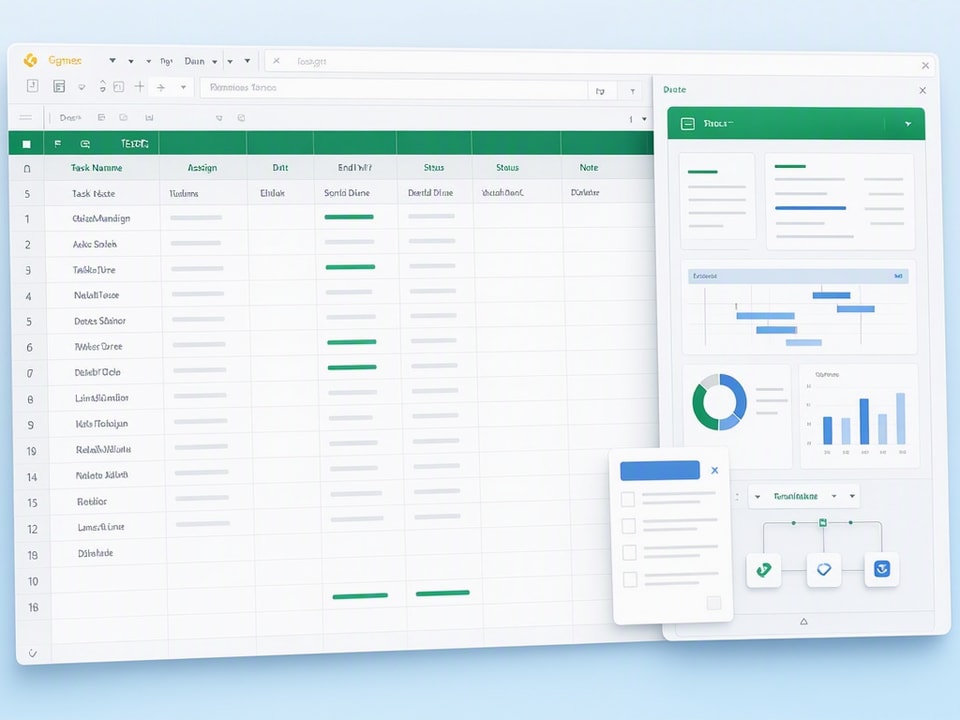
A robust project management template should include several core elements. Essential features are a clear task list with assignees, start and end dates, and status columns. Timelines, resource allocation sections, and budget trackers are also critical for comprehensive project oversight. Microsoft Excel includes built-in functionality for project trackers, timelines, and Gantt charts, making these features accessible.
When to Consider a Comprehensive Template Bundle
Sometimes, a single template isn't enough. If you manage multiple project types or need a suite of tools for various business functions, a template bundle offers a better solution. These collections provide a range of pre-built sheets covering diverse needs, saving you the effort of finding and customizing individual templates. They ensure consistency across your projects and business operations.
Recommended Resources
Skip the blank-sheet setup
Start with a proven template structure to save hours of design and formula work.
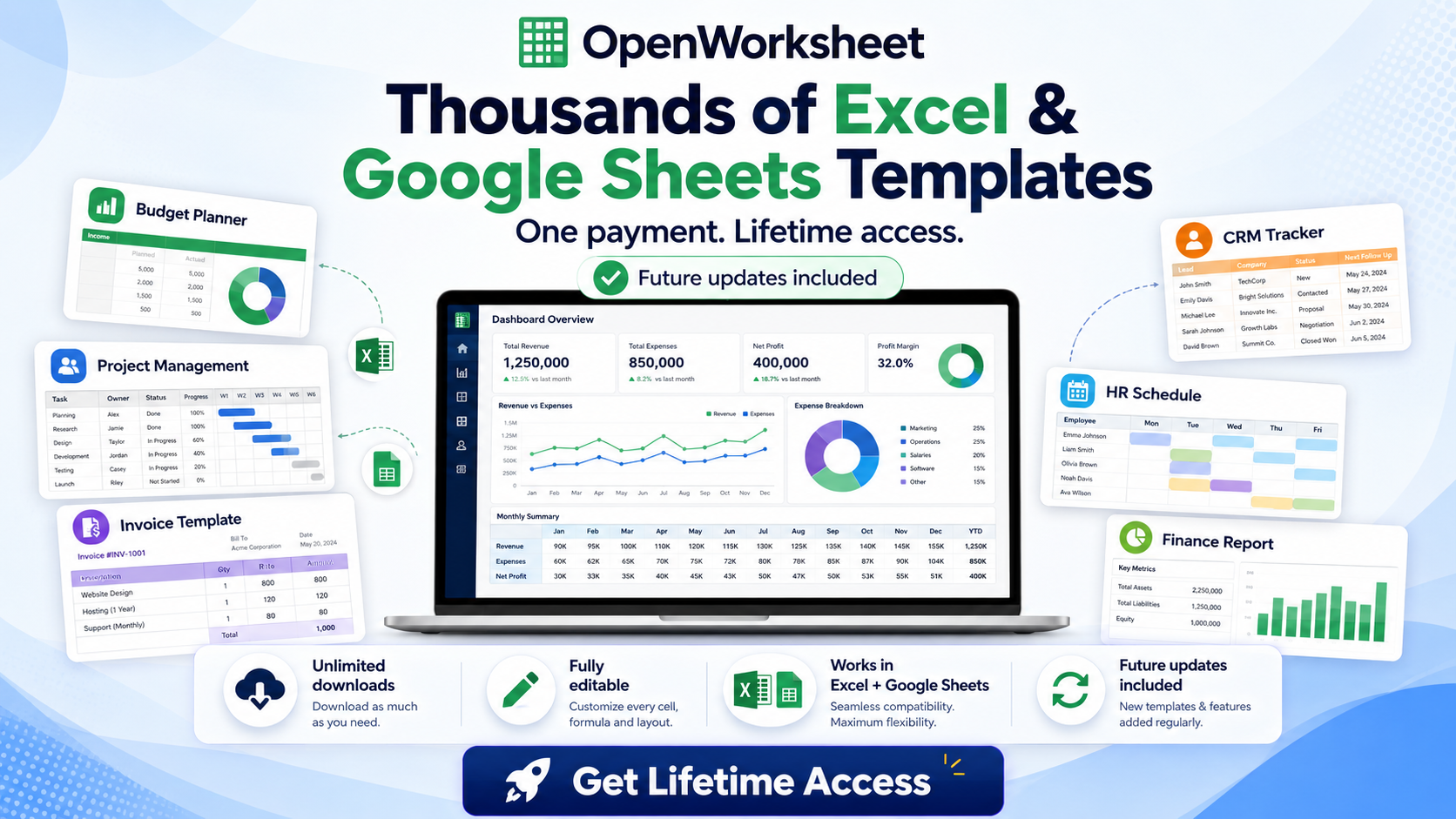
Thousands of Spreadsheet Templates Mega Library – Google Sheet Supported
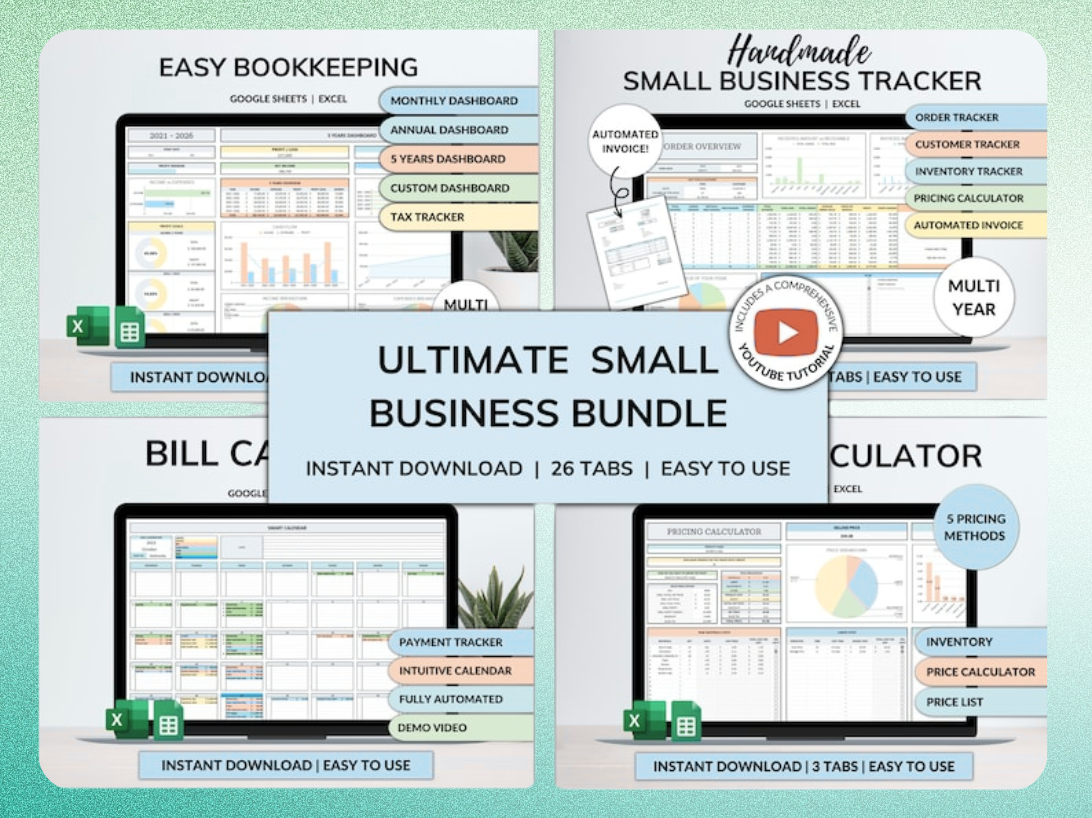
Ultimate Small Business Bundle Templates - Google Sheet + Ms Excel
All-in-One Spreadsheets for Bookkeeping, Inventory, Orders, Billing & Pricing Save Hours Every Week: Automate data entry and dashboards so you can focus on growth, not spreadsheets.
Building Your Project Timeline: A Step-by-Step Gantt Chart Tutorial
A Gantt chart is indispensable for visualizing project schedules and dependencies. You can easily create one in Excel to track progress and identify potential bottlenecks. This hands-on approach gives you full control over your project timeline.
Setting Up Your Task List and Dependencies
Start by listing all project tasks in a column. Include columns for start date, duration, and end date for each task. Add a "Predecessor" column to indicate task dependencies, using the row number of the preceding task. This links tasks, so changes in one automatically adjust subsequent tasks.
Visualizing Progress with Conditional Formatting
Excel's conditional formatting transforms your Gantt chart into a dynamic visual tool. Select the cells representing your timeline. Use a formula-based rule to highlight cells that fall between a task's start and end dates. This creates a visual bar representing each task's duration, making progress instantly clear.
Formulas for Automated Start and End Dates
Automate your date calculations to reduce manual errors. If task duration is in days, a simple formula like =B2+C2-1 (where B2 is the start date and C2 is duration) will calculate the end date. For tasks with predecessors, use =INDEX(End_Date_Column, Predecessor_Row)+1 to automatically set the start date of a dependent task. This streamlines scheduling and keeps your timeline accurate.
Streamlining Workflow with Free Kanban Boards in Excel (Visualizing Progress)
Kanban boards provide a visual way to manage tasks and workflow, often used in Agile environments. You can replicate this system effectively within Excel. This visual approach helps teams quickly grasp project status.
Designing Your Kanban Columns and Cards
Set up your Excel sheet with columns representing workflow stages: "To Do," "In Progress," "Blocked," and "Done." Each row beneath these headers will act as a "card" for a task. Include task details like descriptions, assignees, and due dates within these rows.
Tracking Task Status and Workflow Stages
Move tasks between columns by simply cutting and pasting rows. This simulates moving physical cards on a board. Add conditional formatting to highlight tasks by priority or due date, making critical items stand out. This visual movement provides an immediate update on task status.
Integrating with Other Project Data
Connect your Kanban board to other project sheets using cell references. For example, link a task's due date on the Kanban board to a master task list. This ensures consistency across your project data and provides a holistic view of progress.
Beyond the Basics: Advanced Features and Customizations (Maximizing Template Power)
Excel's capabilities extend far beyond simple task tracking. You can customize templates to handle complex project management needs. These advanced features turn a basic spreadsheet into a powerful project control center.
Resource Allocation and Capacity Planning
Track team member availability by creating a separate sheet for resource calendars. Link this sheet to your task list to assign tasks based on individual capacity. Use formulas to sum allocated hours per team member, preventing overload and ensuring equitable distribution of work.
Budget Tracking and Expense Management
Integrate a budget tab directly into your project template. List planned expenses and actual costs, categorizing them for clarity. Use formulas to calculate variances and display a running total of project expenditure. This provides real-time financial oversight.
Automating Reports with Pivot Tables and Dashboards
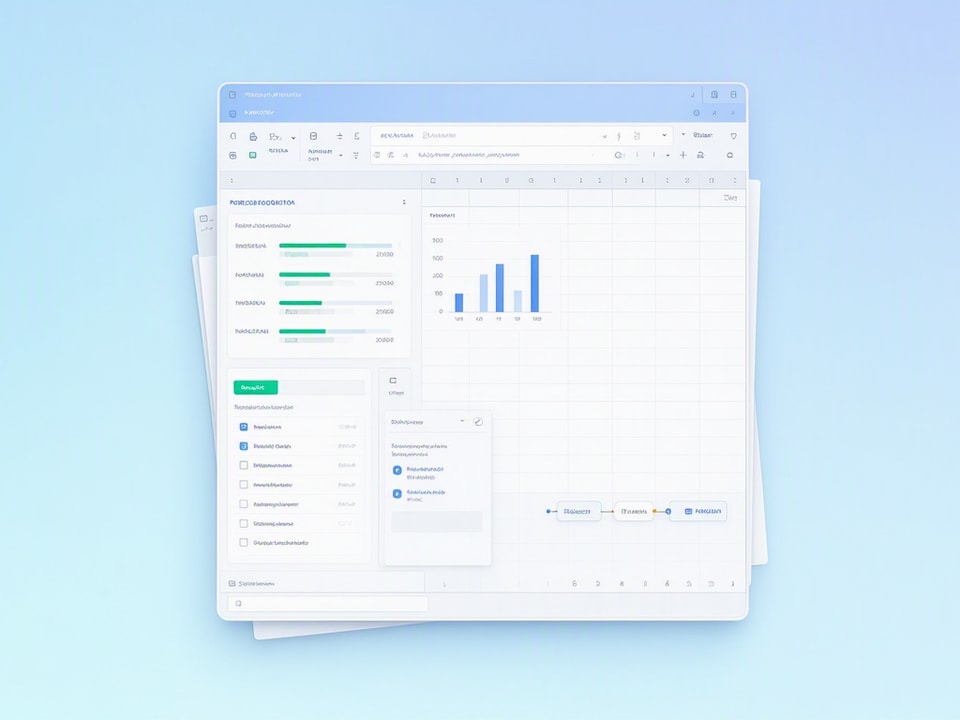
Pivot tables summarize large datasets, making them ideal for generating project reports. Create a dashboard sheet that pulls key metrics from your project data: task completion rates, budget status, and resource utilization. Use charts and graphs to visualize this data, offering quick insights for stakeholders.
Collaborative Project Management: Excel and Google Sheets Integration (Teamwork)
Team collaboration is crucial for project success. Both Excel and Google Sheets offer features that facilitate shared project management. You can work together on project files, ensuring everyone stays updated.
Seamless Migration: Excel to Google Sheets
Most Excel project management templates are compatible with Google Sheets. Simply upload your Excel file to Google Drive and open it with Google Sheets. This transition is usually smooth, preserving formulas and formatting. Many templates are compatible with both Excel 2016-365 and Google Sheets.
Real-time Collaboration and Version Control
Google Sheets excels in real-time collaboration, allowing multiple users to edit the same document simultaneously. Track changes and revert to previous versions easily, preventing data loss or conflicts. For Excel, use shared workbooks on a network drive or cloud service like OneDrive for collaborative editing.
Common Mistakes to Avoid and Best Practices for Success (Troubleshooting and Optimization)
Even with robust templates, pitfalls can derail project management. Adopting best practices helps you avoid common errors and maximize your template's effectiveness. Remember: a template is only a starting point; you'll need to customize it for each project.
Over-Complication: Keeping Your Templates Lean and Focused
Resist the urge to add too many features or tabs. An overly complex template becomes difficult to navigate and maintain. Keep it lean and focused on the essential information needed for project tracking. Simplify wherever possible.
Data Entry Errors and Validation Techniques
Manual data entry is prone to errors. Implement data validation rules in Excel to restrict input to specific formats or ranges. For example, ensure dates are entered correctly or that task statuses come from a predefined list. This maintains data integrity.
Regular Updates and Maintenance Checklist
Project templates are not "set it and forget it" tools. Regularly review and update your template to reflect current project needs and team changes. Create a maintenance checklist to ensure all data is current and formulas are functioning correctly.
Ready-to-Use Solutions: When to Download a Premium Template (Efficiency and Time-Saving)
While free templates are excellent starting points, sometimes a premium solution saves significant time and effort. Consider these options when you need a more robust or specialized tool.
Saving Time with Pre-Built, Optimized Templates
Building a comprehensive project management system from scratch in Excel is time-consuming. Pre-built, optimized templates offer instant deployment. They come with pre-designed dashboards, complex formulas, and advanced features, allowing you to focus immediately on project execution.
Specialized Templates for Small Businesses and Freelancers
Small businesses and freelancers often have unique needs that generic templates don't fully address. Specialized bundles, like the Ultimate Small Business Bundle Templates, provide tailored solutions for invoicing, bookkeeping, inventory, and more. These tools streamline operations beyond just project management.
Where to Find the Best Free and Premium Excel Project Management Templates
Many resources offer excellent project management templates. Excelx.com offers 22 free project plan templates across 6 categories. ProjectManager.com provides 54 free project management Excel templates and spreadsheets. For a massive collection of diverse templates, consider the 5500+ Ms Excel Templates Mega Bundle - Google Sheet Supported. This bundle provides a vast library for almost any spreadsheet need.
Get the newsletter
One sharp idea every Sunday.
No fluff. No sales pitches. Just the best of what we publish, hand-picked.
Continue Reading
Related Articles

10+ Best Pre-Construction Estimator Templates & Software (2026)
A single miscalculated line item can turn a profitable project into a six-month nightmare. Contractors lose bids because their estimates run too high, or win them and bleed margin because critical cos...
10+ Free Excel Budget Templates for Small Business in 2026
Your small business needs a budget. It's more than a financial report; it's a strategic roadmap, especially in 2026's dynamic market. A clear budget helps you allocate resources, anticipate challenges...
10+ Free Employee Attendance Tracker Excel Templates (2026)
Efficient attendance tracking saves businesses money and ensures compliance. Manual systems, prone to errors, cost companies thousands annually. A robust Excel tracker provides accurate data for payro...