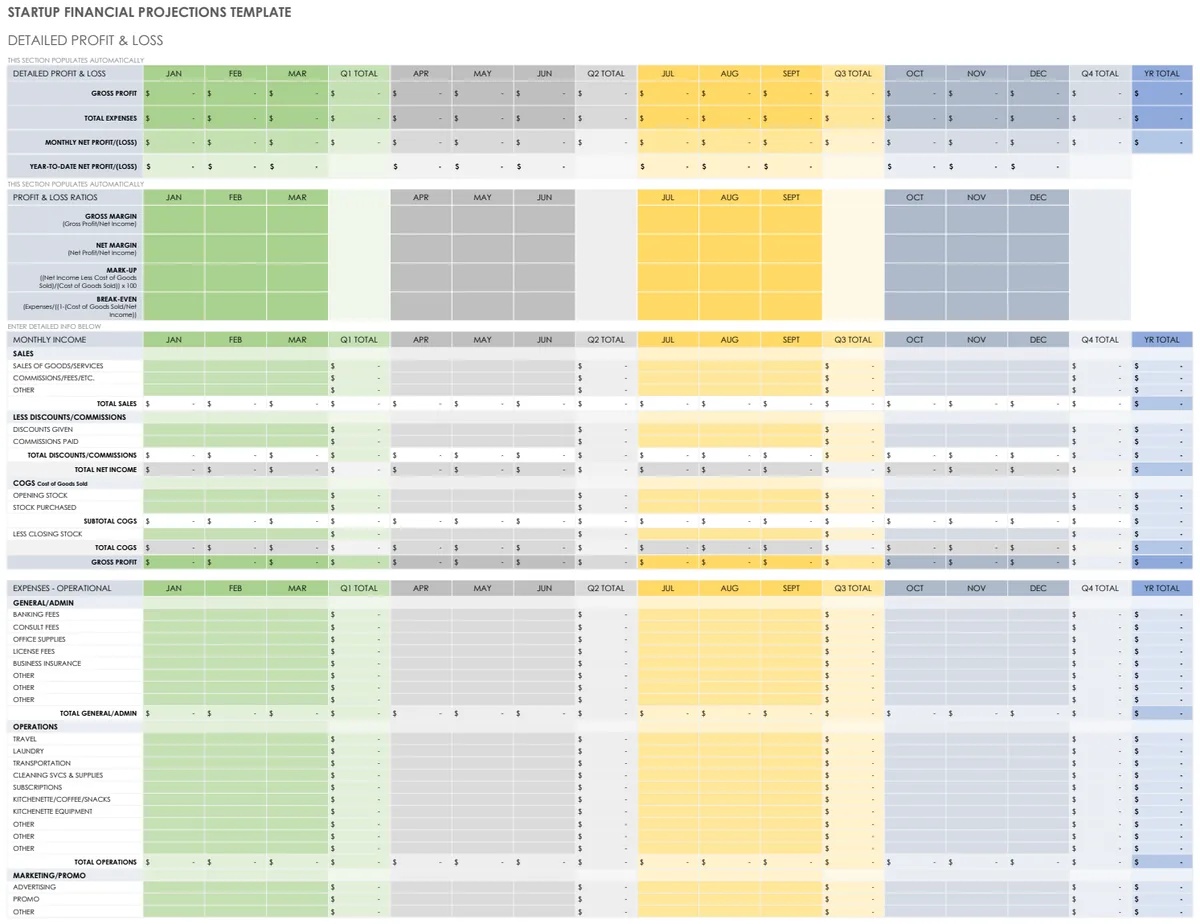
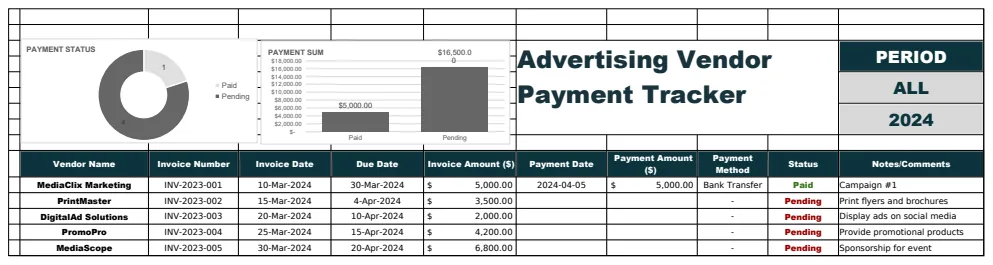
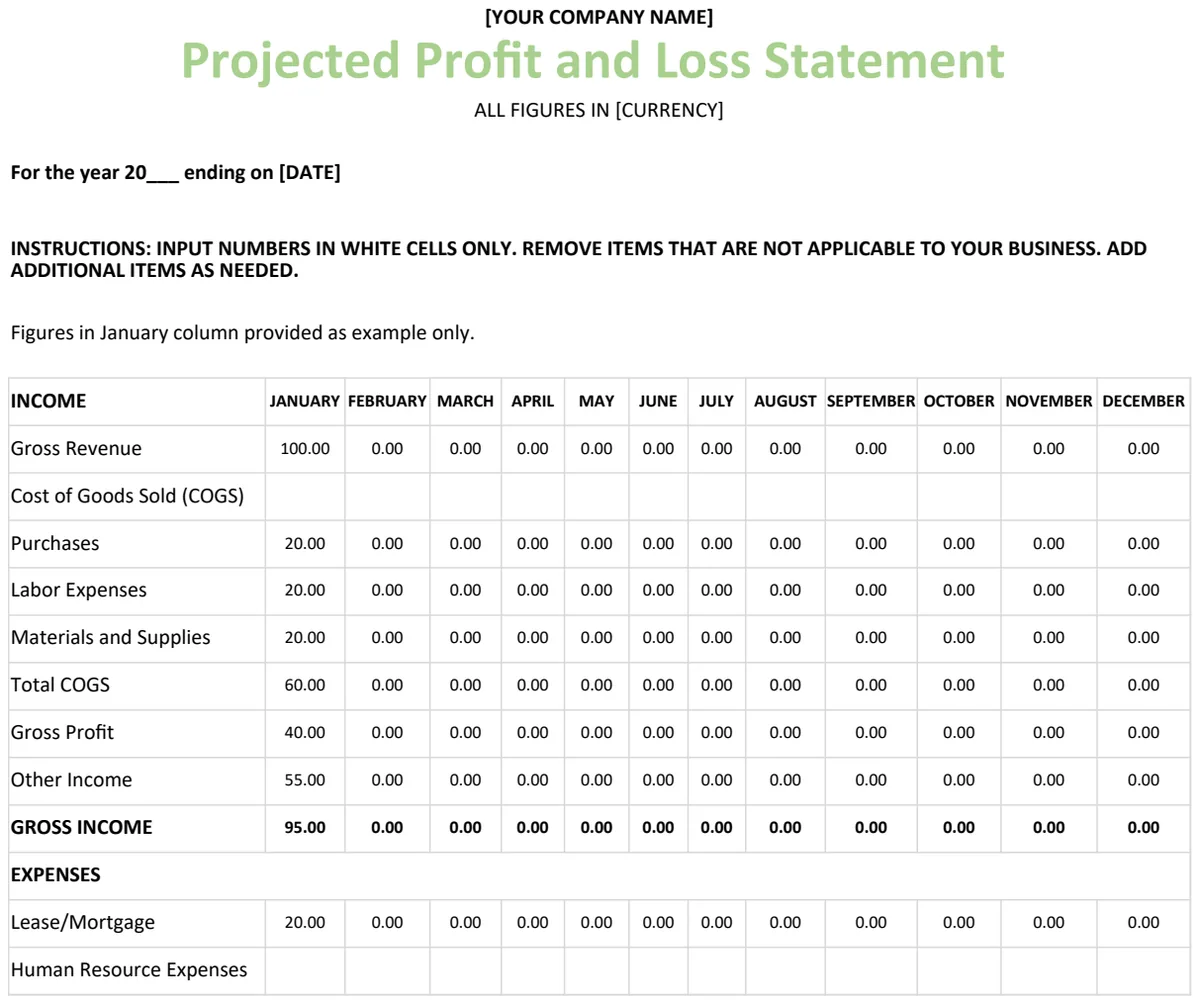
10 small business cash flow and expense tracker templates for year-end 2026
When you're sifting through cash flow and expense trackers, look for templates that actively help you track your finances, not just provide a place to dump numbers. A template that's built with clear categories, straight
When you're sifting through cash flow and expense trackers, look for templates that actively help you track your finances, not just provide a place to dump numbers. A template that's built with clear categories, straightforward formulas, and useful summaries will get used week after week. If it looks like it requires a degree in accounting, or if it's just a blank grid, you're probably not going to stick with it.
We've gathered ten templates from our own OpenWorksheet library that do the heavy lifting for you. These are designed to make managing your small business finances less of a chore and more of an advantage, especially as you close out the year and plan for the next.
How we picked these
Every template on this list comes from our OpenWorksheet library. We selected these based on how well they serve as small business cash flow, expense, and bookkeeping trackers. We favored workbooks that offer more than just a single data entry sheet, especially those including built-in charts for visual analysis.
All these templates are unlocked .xlsx files, meaning they work in both Excel and Google Sheets. You can preview the full contents of any template before you decide to download it.
What makes a good cash flow template
A great cash flow and expense tracker goes beyond a simple list of transactions. Look for distinct columns for dates, descriptions, categories, income, and expenses. Good templates use formulas like =SUMIFS to automatically tally up totals based on your chosen categories. Others might employ =XLOOKUP to pull data from one sheet to another, simplifying reporting. Built-in data validation can prevent errors by limiting what you can enter into certain cells. A well-structured template will also have separate sheets for data entry and summary reports, making it easy to see your financial overview at a glance.
Mistakes that break spreadsheets
One common error is inconsistent categorization. If you log "office supplies" one day and "stationery" the next, your reports won't accurately reflect spending. Another pitfall is leaving the template unlocked and accidentally deleting a formula, which can break the entire workbook. Over-complicating the setup by adding too many custom categories or unnecessary features early on can also lead to abandonment. Finally, not backing up your work means a single mistake could lead to a significant loss of data.
Common questions
Can I edit the categories in these templates?
Yes, you can. Most templates allow you to customize categories to match your specific business needs. You can usually do this directly on the sheet where categories are listed or defined.
Do I need to know advanced Excel functions to use these?
No, you don't. These templates are designed for small business owners, not spreadsheet experts. While some use functions like SUMIFS, they are pre-built into the template, so you just need to enter your data.
What's the difference between a cash flow template and a profit and loss statement?
A cash flow template tracks the actual movement of money into and out of your business over a period. A profit and loss statement, on the other hand, shows your revenue and expenses to determine profitability, regardless of when the cash was exchanged.
How do I get started if I'm new to bookkeeping?
Start by reviewing the template's instructions or any introductory sheets. Then, begin by inputting your business's starting cash balance and recording all income and expenses as they occur. Regularly reviewing the summary reports will help you understand your financial position.
1. Business Income and Expenses Template
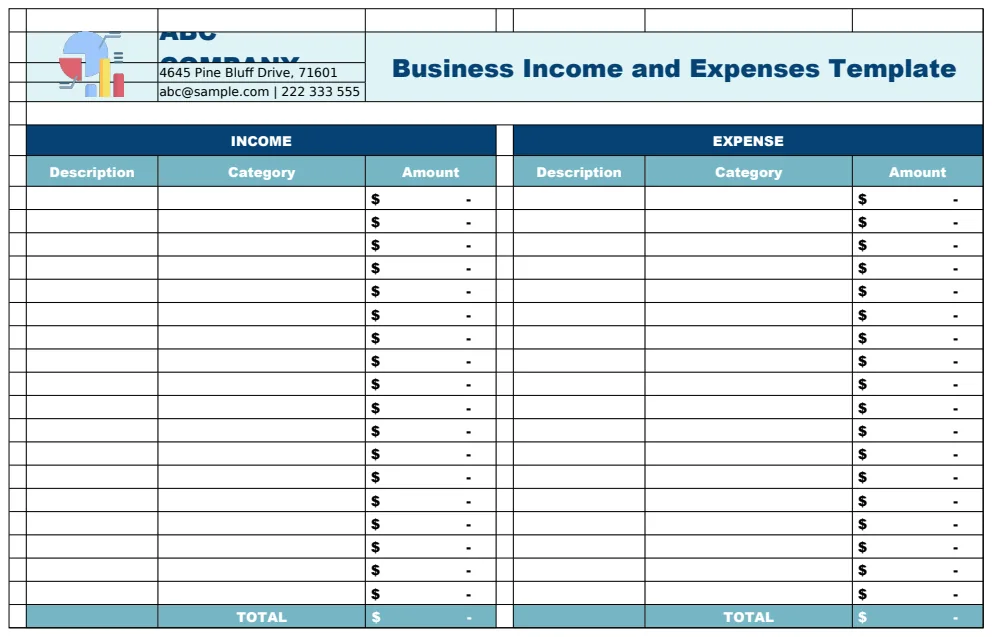
This template helps you organize and monitor your business finances. It has separate sheets for recording income and expenses, with a setup sheet where you can customize your categories. A main dashboard then pulls everything together, showing company information and summary calculations. You'll record each transaction with its date and a description.
This is a good choice if you're a small business owner or freelancer who needs to track monthly income and expenses with clear category breakdowns. It’s well-structured for generating financial summaries, though it doesn't include any charts for visual analysis.
2. Independent Contractor Profit and Loss Template
This template is designed for independent contractors to track their money. It automatically calculates monthly profit and loss statements based on the revenue and expenses you enter. You can also compare performance across different periods, like quarters or years, thanks to built-in multi-period columns.
If you're a freelancer or sole proprietor who needs a straightforward way to monitor profitability, this is a solid option. It’s simple to use, but it only offers two sheets, so it might feel a bit basic if you have a lot of detailed financial data to manage.
3. Small Business Budget
This template helps you manage your small business finances by tracking income, expenses, and cash flow each month. It has dedicated sheets for tracking revenue streams, categorizing expenses, and recording cash movements, including a running balance. You can also track your starting cash balance.
Choose this if you need to monitor monthly spending and income patterns and want to forecast your cash position. It's a beginner-friendly option with three sheets, but it focuses more on cash flow than detailed profit and loss analysis.
4. Easy Bookkeeping
This bookkeeping template lets you log every transaction, including the date, invoice number, category, and amount. It then automatically organizes this data and provides comparison tables and dashboards for monthly, quarterly, and annual views. You get year-to-date summaries and Q-over-Q analysis without doing any manual calculations.
This template is ideal for small business owners and freelancers who want to see their spending patterns over different time periods. It has nine sheets and includes charts, but its multi-currency support might not be as robust as dedicated international finance tools.
5. Profit and Loss Statement Service Business
This template provides a full profit and loss statement system specifically for service-based businesses. It includes a chart of accounts to keep your financial transactions organized. You’ll find multiple P&L report formats with debit and credit columns, and automated calculations using lookup functions.
This is a great choice if you need to generate monthly and annual P&L statements and want to use a standardized chart of accounts. It’s an intermediate-level template with five sheets, but it lacks visual charts to illustrate the financial data.
6. Monthly Freelance Budget Template
This budgeting tool is for freelancers to manage their finances monthly. It has separate sheets for business information, income from various sources, and expenses by category. You'll find instructions for use, and SUM functions automatically calculate totals. It also includes visual charts to show your budget performance.
If you're a freelancer tracking income from multiple clients or a small business owner monitoring operational expenses, this template will serve you well. It has four sheets and charts, but it's primarily focused on budgeting rather than detailed historical financial analysis.
7. Quarterly Profit And Loss Template
This template helps you prepare quarterly profit and loss statements. It has sections for revenue, cost of goods sold, and operating expenses, allowing you to calculate your net profit or loss. The template includes sample business information and uses SUM functions for automatic calculations.
This is a good option if you need to report your business's profitability quarterly or compare performance over three-month periods. It's an intermediate-level template with three sheets, but it's built around quarterly reporting, so it might not be the best fit for daily transaction tracking.
8. Account Excel Starter Template
This accounting starter template gives you pre-built sheets for invoices, receipts, and tracking your cash flow. It includes a dashboard showing your daily cash on hand and sales summaries. There’s also a stock report to monitor inventory value changes each month.
This template is best if you need to quickly set up basic accounting functions, track daily cash, and generate invoices. It has a large number of sheets at 35, but it doesn't include any charts to visualize your financial performance.
9. Rental Property Income and Expenses Tracker
This template helps you track rental property income and expenses over 12 months. It separates income and expenses into monthly sheets and records each transaction with its date, category, description, and rental period. Automatic SUM formulas calculate monthly totals.
If you're a landlord or property manager needing to monitor monthly rental income and operating expenses, this is a solid choice. It has 14 sheets, but it’s focused on rental properties, so you wouldn't use this for a general business.
10. Sales Profit and Loss Statement Template
This template provides a structured Profit & Loss statement format to record sales revenue and operating expenses, calculating your net profit or loss for a specific period. It's designed for business owners and financial managers who need to monitor company performance. Automated SUM formulas handle the calculations, and you can add your company name and period details.
This template is suitable for monthly or quarterly financial reviews and preparing standardized financial reports. It's a beginner-friendly option with three sheets, but it focuses solely on the P&L statement and doesn't include separate sheets for detailed transaction logging.