Editable employment contract templates in Word and Excel
Generic employment contract templates in Word and Excel often miss critical clauses, leading to potential disputes and legal issues.
A generic employment contract template word Excel file often misses critical clauses that protect both the employer and the employee, leaving significant gaps that could lead to disputes. Simply downloading a free template without understanding its limitations is a gamble. For instance, many free templates lack specific provisions for intellectual property ownership, non-compete clauses, or detailed dispute resolution procedures, which are vital for clarity and legal recourse.
Getting an employment contract right means tailoring it to your specific situation, industry, and legal jurisdiction, not just filling in blanks. While a template can be a starting point, its value diminishes rapidly if it doesn't account for the nuances of your business or the role being filled. This is where the real work begins, moving beyond a simple download to creating a document that truly serves its purpose.
Why a Standard Template Isn't Enough
Many off-the-shelf employment contract template word Excel documents are designed for broad applicability, meaning they are often too general. They might include standard clauses for job title, salary, and basic duties, but they rarely account for specifics like:
- Industry-specific regulations: Certain industries have unique legal requirements that a generic template won't address.
- Confidentiality and data protection: Beyond a basic clause, specific details about what constitutes confidential information and how it should be handled are often missing.
- Termination clauses: These can be complex, requiring specific notice periods, severance pay calculations, and grounds for immediate termination that vary by location and contract type.
- Intellectual Property (IP) rights: Who owns the work created by the employee during their tenure? This needs to be explicitly stated, especially in creative or tech-focused roles.
- Benefits and perks: While salary is usually covered, details on health insurance, retirement plans, stock options, or other benefits might be vague or entirely absent.
Failing to address these points can lead to misunderstandings, legal challenges, and potential financial liabilities for either party.
Key Components of a Robust Employment Contract
When you're developing an employment contract, whether starting from a template or drafting from scratch, ensure these elements are thoroughly covered:
- 01Identification of Parties: Full legal names and addresses of the employer and the employee.
- 02Job Title and Description: A clear statement of the employee's position and a summary of their primary responsibilities. This should be detailed enough to set expectations but flexible enough to allow for evolving duties.
- 03Start Date and Employment Type: When the employment begins and whether it is full-time, part-time, fixed-term, or probationary.
- 04Compensation: Detailed breakdown of salary or wages, including pay frequency, payment method, and any bonuses, commissions, or overtime policies.
- 05Benefits: Information on health insurance, retirement plans, paid time off (vacation, sick leave, holidays), and any other employee benefits.
- 06Confidentiality and Non-Disclosure: Clauses protecting sensitive company information, trade secrets, and proprietary data.
- 07Intellectual Property Ownership: Clear assignment of any IP created by the employee within the scope of their employment to the employer.
- 08Termination Conditions: Notice periods required for resignation or termination, grounds for termination (with or without cause), and any severance packages.
- 09Governing Law: Specifies which jurisdiction's laws will govern the contract. This is crucial for enforceability.
- 10Dispute Resolution: Outlines the process for resolving any disagreements, such as mediation, arbitration, or litigation.
- 11Restrictive Covenants (if applicable): Non-compete, non-solicitation, or non-disparagement clauses, which must be carefully drafted to be legally enforceable.
Customizing Your Employment Contract
The true power of an employment contract template word Excel document lies in its adaptability. Here’s a structured approach to customization:
- 01Identify Your Needs: Before you even open a template, list out the specific requirements for the role and your company. What are the absolute must-haves? What are the potential risks you need to mitigate?
- 02Choose a Flexible Template: Select a template that is well-structured and comprehensive but not overly restrictive. Look for templates that use clear language and have sections that are easy to modify or add to.
- 03Insert Specific Details: Fill in all the blanks with precise information. For example, instead of "competitive salary," state the exact annual salary or hourly rate. For "paid time off," specify the number of days and accrual method.
- 04Add Jurisdictional Clauses: Research the employment laws in your specific state or country and add clauses to ensure compliance. This might include specific language regarding minimum wage, overtime, leave entitlements, or termination notice periods.
- 05Incorporate Company Policies: Reference your employee handbook or other company policies where relevant, especially regarding conduct, performance reviews, and disciplinary procedures.
- 06Consult Legal Counsel: This is arguably the most critical step. Have an employment lawyer review your customized contract, especially if it includes complex clauses like non-competes or significant IP considerations. They can identify potential legal pitfalls you might have missed.
Working with an Employment Contract Template Word Excel File
When you download an employment contract template word Excel file, treat it as a draft or a framework, not a final document. Here’s how to approach it:
- Review Every Clause: Read each section carefully. Does it make sense for your situation? Is it clear and unambiguous?
- Use Find and Replace Strategically: For standard terms like company name, employee name, and salary, use the "Find and Replace" function in Word or Excel to ensure consistency. Be cautious, however, not to accidentally replace parts of clauses that should remain unchanged.
- Add Specific Annexes or Schedules: For detailed information, such as a specific commission structure or a list of company property the employee will use, create separate annexes or schedules and reference them within the main contract. This keeps the main body of the contract cleaner.
- Version Control: If you make multiple edits, save each version with a clear date and version number (e.g., "Employment_Contract_v1.1_2026-03-15.docx"). This helps track changes and revert if necessary.
For businesses that manage many contracts, or need to track vendor agreements and their expiry dates, a dedicated system can be invaluable. Consider using a template like the Administration Vendor Contract Expiry Log Template to keep track of key dates and obligations.
Common Mistakes to Avoid
Many employers and employees make critical errors when using or drafting employment contracts. Being aware of these can save you significant trouble down the line:
- Over-reliance on Free Templates: As mentioned, free templates often lack the necessary detail or legal compliance for specific situations.
- Ambiguous Language: Vague terms like "reasonable efforts" or "standard benefits" can lead to disputes. Be specific.
- Unenforceable Clauses: Non-compete agreements, in particular, are often struck down by courts if they are too broad in scope, duration, or geographic limitation.
- Failure to Comply with Local Laws: Employment law varies significantly by jurisdiction. What's legal in one state or country might be illegal in another.
- Not Getting Legal Review: Assuming your drafted contract is legally sound without expert review is a major risk.
- Not Providing a Copy: Ensure both parties receive a signed copy of the final contract.
Beyond the Contract: Managing Agreements
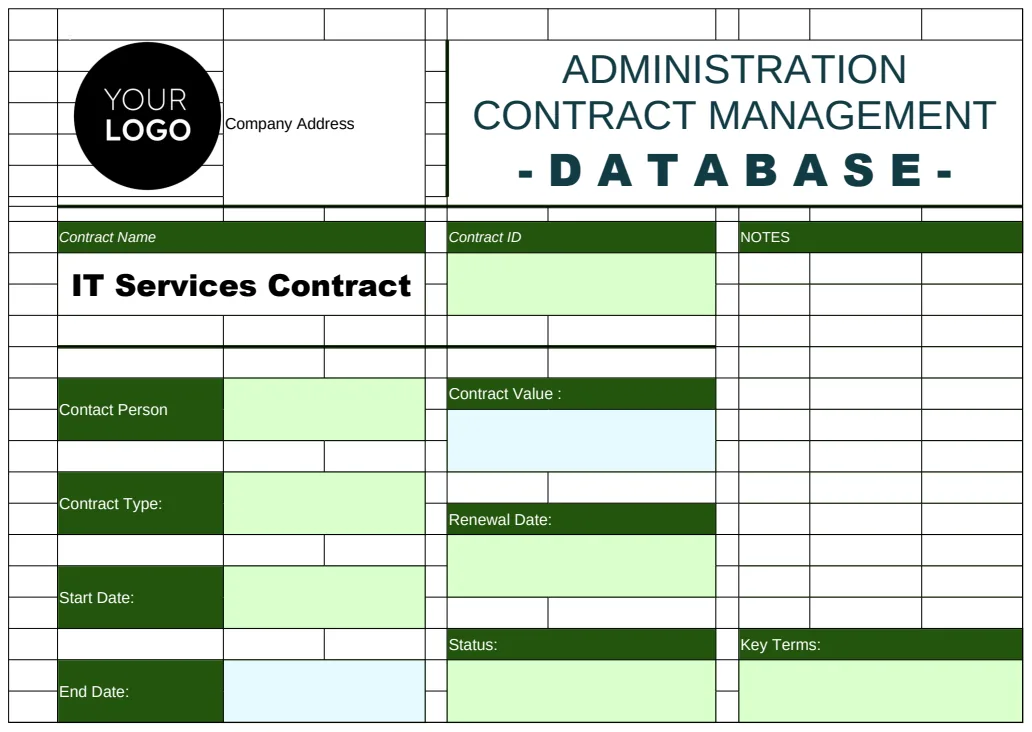
Once an employment contract is signed, the management of that agreement doesn't end. For ongoing business relationships, or even internal tracking of key agreements, having a system to monitor terms and dates is essential. If you need to manage multiple contracts, including vendor or client agreements, the Administration Contract Management Database Template can help centralize information, track key personnel, and monitor important dates. Similarly, for sales-driven contracts, the Sales Contract Payment Schedule Template can ensure that payment terms are clearly defined and managed effectively.
What if the Employee is an Independent Contractor?
If you're engaging someone as an independent contractor rather than an employee, the contract needs to reflect that distinction. Independent contractor agreements should focus on the delivery of a specific service or project, the payment terms for that service, and crucially, avoid language that could be interpreted as creating an employer-employee relationship. This includes avoiding clauses related to benefits, hours of work, or direct supervision that are typical in employment contracts. Misclassifying a worker can lead to significant penalties, so it's vital to get this right.
Can I Use a Template for a Fixed-Term Contract?
Yes, you can use a template as a starting point for a fixed-term contract, but it requires careful customization. A fixed-term contract template should clearly state the end date of the employment and specify whether the contract automatically renews or terminates upon reaching that date. It's also important to include clauses that address early termination by either party, as this can be more complex for fixed-term roles than for at-will employment. Ensure your template accounts for any local laws regarding the use and duration of fixed-term employment.
How Does an Employment Contract Affect My Taxes?
An employment contract itself doesn't directly change your tax obligations, but the terms within it define your employment status, which has significant tax implications. For an employee, the contract outlines your salary or wages, from which taxes (income tax, social security, etc.) will be withheld by the employer. The contract clarifies that the employer is responsible for these withholdings and for providing tax forms like W-2s (in the US). For independent contractors, the contract will usually state that they are responsible for their own taxes, as no withholding will occur. This distinction is why clear classification in the contract is so important for tax purposes.
What if I Need a Contract for My Own Freelance Work?
If you are self-employed or a freelancer, you'll need a client agreement or independent contractor agreement, rather than an employment contract. This document would outline the services you provide, your rates, payment schedules, deliverables, and your terms regarding intellectual property and confidentiality. For tracking your own business finances, including income and expenses, a template like the Self Employed Profit & Loss Template can be extremely useful in managing your financial health.
For a wide selection of professionally designed templates for various business needs, including legal and administrative documents, explore the library at /templates.