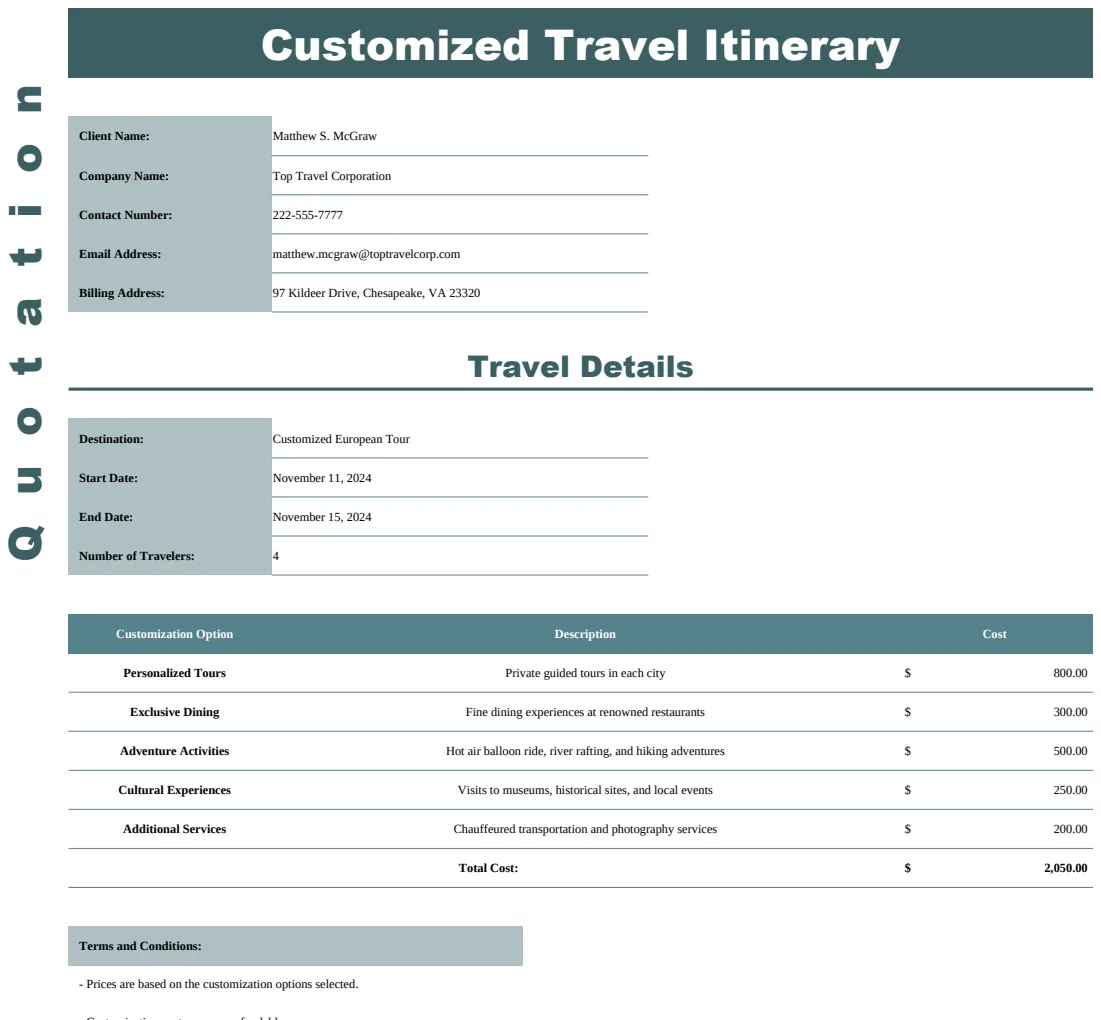
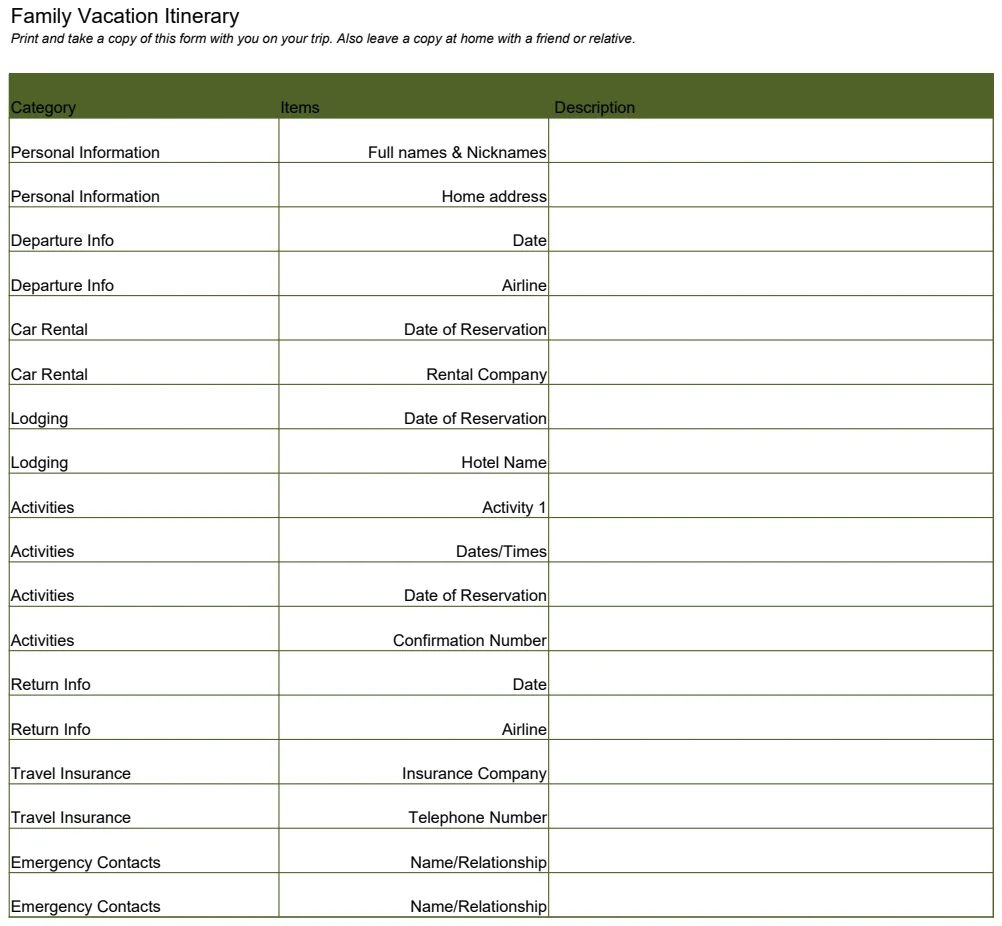
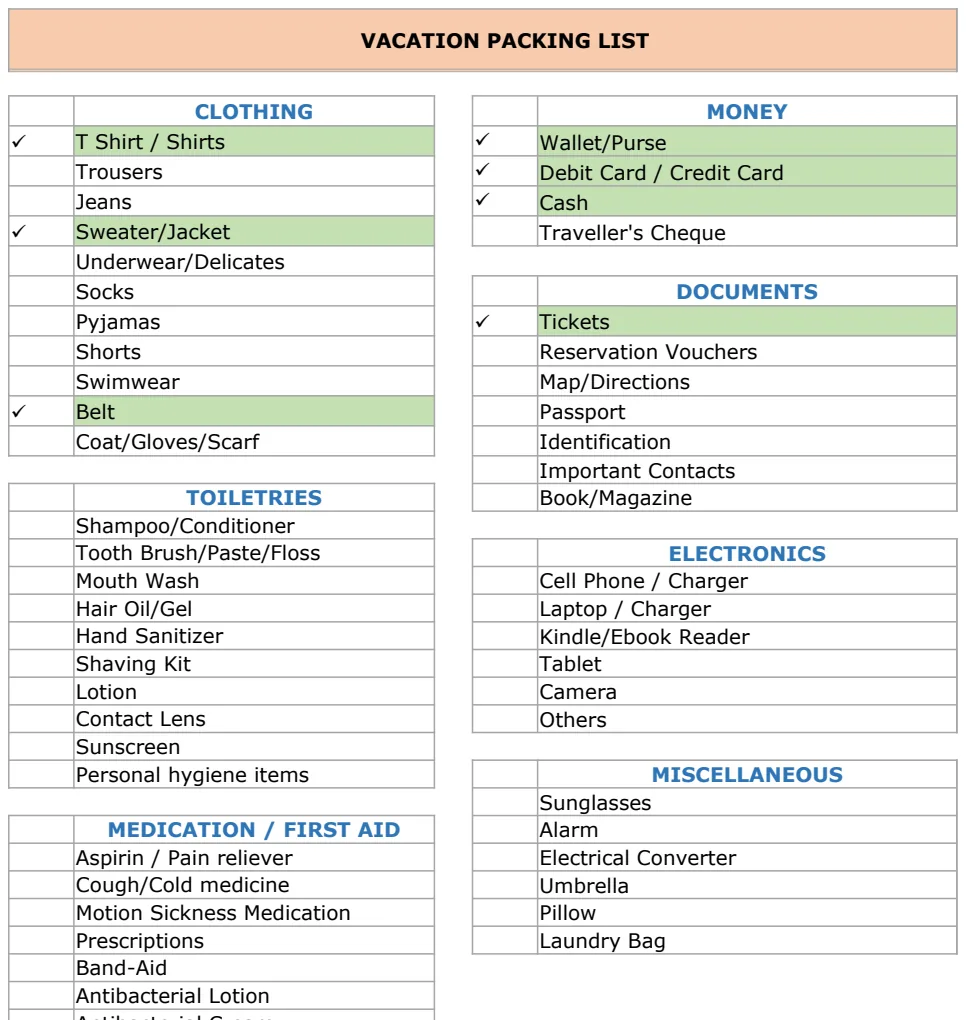
Free Excel template for planning your event costs
Get a free Excel event budget template to accurately track all your event expenses and revenue, saving you time and preventing costly mistakes.
Building an event budget from scratch in Excel can be surprisingly complex, often leading to hours of manual data entry and potential errors. A robust event budget template Excel free is your best bet for accuracy and efficiency, saving you time and preventing costly oversights. While many free templates exist, their quality varies wildly. Some are little more than a few columns for categories and totals, offering minimal guidance. Others, however, provide structured frameworks that guide you through every critical expense and revenue stream.
The latter type of template, the kind that anticipates common line items and includes built-in calculation logic, is what truly holds up. It moves beyond a simple list to become a functional tool. This is especially true when you're managing multiple events or need to track detailed breakdowns for stakeholder reporting.
Why a Structured Template Beats a Blank Sheet
Starting with a blank spreadsheet for your event budget is like building a house without blueprints. You might get it done, but it's likely to be inefficient, structurally unsound, and take far longer than necessary. A well-designed event budget template, on the other hand, provides that blueprint. It pre-defines categories, suggests common line items, and often includes formulas for automatic calculations, such as total projected costs, actual expenses, and variance. This saves you the mental overhead of deciding what to track and allows you to focus on the how much.
Consider the difference: on a blank sheet, you’d first have to decide on your main categories (Venue, Catering, Marketing, Staffing, etc.). Then, within each, you'd list potential expenses. For Catering, you might think of food, beverages, service staff, and rentals. A template, however, will likely have these pre-populated and might even include sub-categories like "plated dinner," "buffet," "open bar," or "cash bar," prompting you to consider details you might otherwise miss. This structured approach is fundamental to managing an event budget effectively.
Essential Components of an Event Budget Template
A truly useful event budget template Excel free will typically include several key sections and features. These are designed to capture both the income and expenses associated with your event, providing a clear picture of your financial standing.
- Income/Revenue Section: This area is crucial for forecasting how much money you expect to bring in. Common line items include ticket sales, sponsorships, exhibitor fees, merchandise sales, and grants. For each, you'll want columns for the projected amount and, later, the actual amount received.
- Expense Categories: This is the heart of the budget. A good template will break down expenses into logical categories. Typical ones include:
- Venue: Rental fees, setup/teardown, insurance, permits.
- Catering: Food, beverages, service staff, gratuities, special dietary needs.
- Audiovisual (AV) & Technology: Sound systems, microphones, projectors, screens, lighting, Wi-Fi.
- Marketing & Promotion: Advertising, printing, social media campaigns, PR, website development.
- Speakers & Entertainment: Fees, travel, accommodation.
- Staffing & Volunteers: Wages, training, uniforms, catering for staff.
- Decor & Signage: Flowers, centerpieces, banners, directional signs.
- Contingency: A buffer for unexpected costs (usually 10-20% of total expenses).
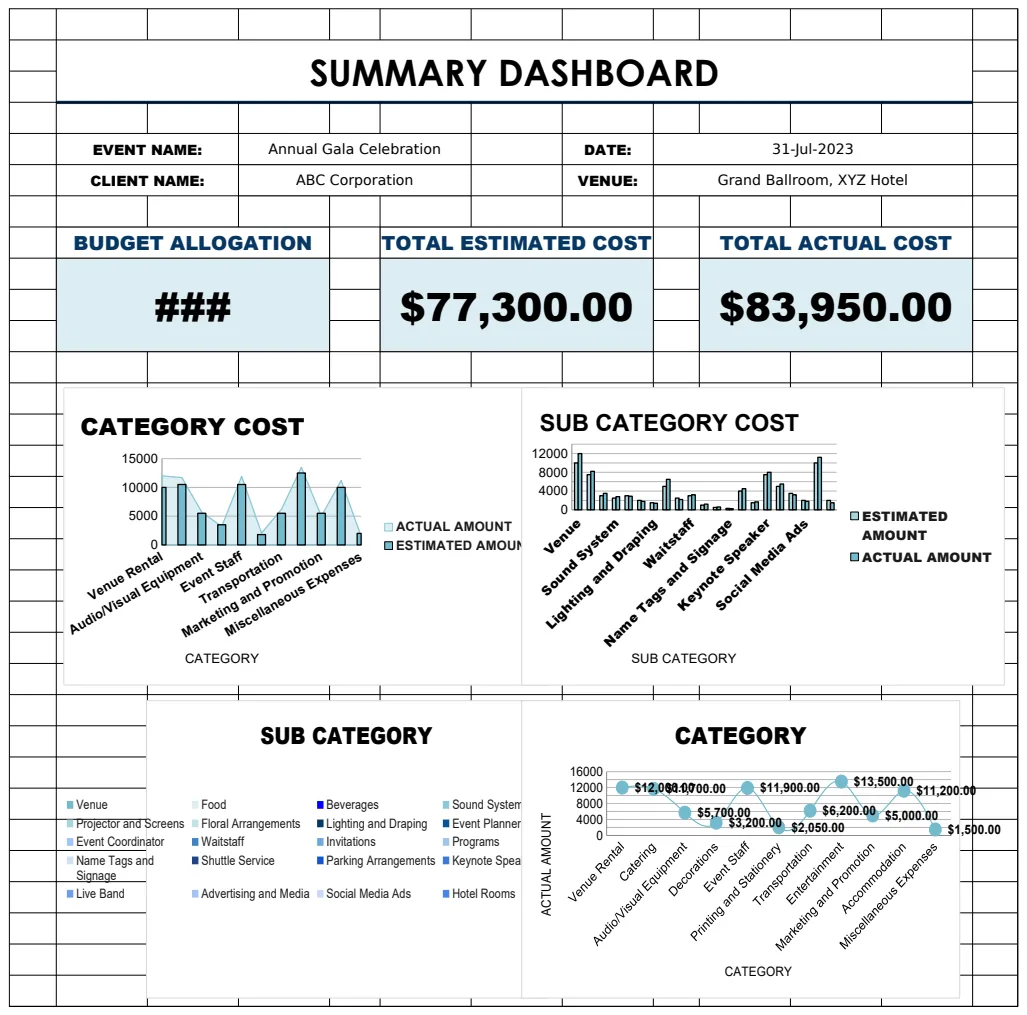
- Summary/Dashboard: This critical section provides an overview. It should automatically calculate:
- Total Projected Income
- Total Projected Expenses
- Projected Profit/Loss
- Total Actual Income
- Total Actual Expenses
- Actual Profit/Loss
- Variance (the difference between projected and actual for each item and overall)
- Notes/Assumptions: A space to document the reasoning behind your estimates.
Setting Up Your Event Budget: A Step-by-Step Example
Let’s walk through setting up a basic event budget using a template. For this example, imagine you’re planning a small conference.
- 01Download and Open Your Template: Access a reliable event budget template Excel free. Let’s assume you’ve downloaded the Event Budget Planner. Open it in Excel.
- 02Input General Event Information: Some templates have a dedicated area for event name, date, location, and primary contact. Fill this in first.
- 03Estimate Income: Navigate to the "Income" or "Revenue" tab/section.
- In cell
B5(assuming this is where "Ticket Sales" is listed), enter your projected revenue from ticket sales. If you anticipate selling 100 tickets at $50 each, you’d enter=100*50or simply5000. - In cell
B6, if you have a sponsorship of $2,000, enter2000. - The template should automatically sum these in a "Total Projected Income" cell, say
B10.
- 04Populate Expense Categories: Go to the "Expenses" tab.
- Venue: In row 15, under "Venue Rental," you might have a projected cost of $1,500. Enter
1500in the "Projected Cost" column for this row. - Catering: In row 25, under "Catering," you have "Food." If you're budgeting $40 per person for 100 attendees, enter
=40*100in the "Projected Cost" column for "Food." - AV: In row 35, under "AV," you might have a line item for "Projector & Screen Rental." Enter your estimated cost, say $300, in the "Projected Cost" column.
- Contingency: Most templates have a contingency line item. If it’s set to 10% of total projected expenses, it will calculate automatically. If not, you might need to manually calculate your total projected expenses (e.g., summing cells
C15:C34) and then multiply by 0.10 and enter that figure in the contingency row.
- 05Review the Summary: Go to the "Summary" or "Dashboard" tab.
- Verify that "Total Projected Expenses" reflects the sum of all your projected costs, including contingency.
- Check the "Projected Profit/Loss" figure. It should be
Total Projected IncomeminusTotal Projected Expenses. Ensure it’s a positive number if you aim for profit.
As the event progresses, you'll fill in the "Actual Cost" columns, and the template will update the "Actual Profit/Loss" and "Variance" figures.
Common Pitfalls to Avoid
Even with a great template, it’s easy to make mistakes. Being aware of these common pitfalls can save you from budget blowouts.
- Forgetting Hidden Costs: Always look for service fees, taxes, gratuities, credit card processing fees, and delivery charges. These can add up significantly. A good template will often prompt you to consider these.
- Underestimating Contingency: Life happens. A speaker cancels, a venue has an issue, or you need extra AV equipment. A contingency fund (typically 10-20% of your total projected expenses) is not optional; it's essential risk management.
- Not Tracking Actuals Diligently: The budget is only useful if you compare your projections to reality. Enter actual costs and income as soon as they occur. Waiting until the end makes the variance analysis almost meaningless.
- Ignoring Income Sources: If you have sponsorships or ticket sales, don't just assume you'll hit your targets. Be realistic in your projections and have backup plans if income falls short.
- Overly Optimistic Projections: It’s tempting to be a bit too cheerful when forecasting. Anchor your estimates to past events, vendor quotes, or thorough research rather than hopeful guesses.
Advanced Budgeting Features to Look For
Beyond the basics, some templates offer features that elevate your financial management. The Corporate Event Cost Analysis Template is a good example of a more detailed offering.
- Multi-Event Tracking: If you manage several events concurrently, a template that allows you to duplicate and manage separate budgets for each is invaluable.
- Scenario Planning: The ability to create different budget scenarios (e.g., "Best Case," "Worst Case," "Most Likely") can help you prepare for various outcomes.
- Visualizations: Charts and graphs that show expense breakdowns by category or profit/loss trends can make the data much easier to understand at a glance.
- Cash Flow Projections: Some advanced templates can help you map out when you expect to spend money and when you expect to receive it, crucial for managing operational cash flow.
- Detailed Sub-Categorization: Templates that allow for multiple levels of sub-categories (e.g., Catering -> Beverages -> Wine -> Red Wine) provide granular control and insight.
When to Consider a Paid Template
While an "event budget template Excel free" can get you started, sometimes the complexity of your event or the need for advanced features warrants a more sophisticated tool. If you find yourself constantly modifying free templates, adding complex formulas, or struggling with limitations, it might be time to explore professional options. A one-time purchase of $9 at OpenWorksheet provides access to our full library of templates, including advanced event budget planners, designed to handle intricate financial tracking for any event size or type. This can save you significant time and reduce the risk of costly errors that might far outweigh the small investment.
What if my event has unusual expenses?
If your event has unique expenses not listed in a template, simply add new rows within the appropriate category. For example, if you need to budget for a specific type of entertainment or a unique promotional item, find the closest category (e.g., "Entertainment" or "Marketing") and add a new line item with its own projected cost. Make sure to update any summary formulas if they aren't set to automatically include new rows.
How do I handle currency differences if my event is international?
For international events, you'll need to decide on a primary currency for your budget and then convert all foreign currency expenses and income into that primary currency. You can do this manually by looking up the current exchange rate when you enter the figures, or you can use Excel's built-in =GOOGLEFINANCE function to pull live exchange rates, though this requires an internet connection and can add complexity. Many advanced templates might offer currency conversion features.
Can I use a template for non-profit events?
Absolutely. While some templates are specifically designed for nonprofits, like the Nonprofit Event Budget Template US, any well-structured event budget template can be adapted. Non-profit events often have different income streams (grants, donations) and expense considerations (volunteer coordination, in-kind donations) that you'll want to ensure are captured accurately in your chosen template.