Master construction job costing with this spreadsheet
Learn to structure cost categories effectively for your construction job costing spreadsheet template.
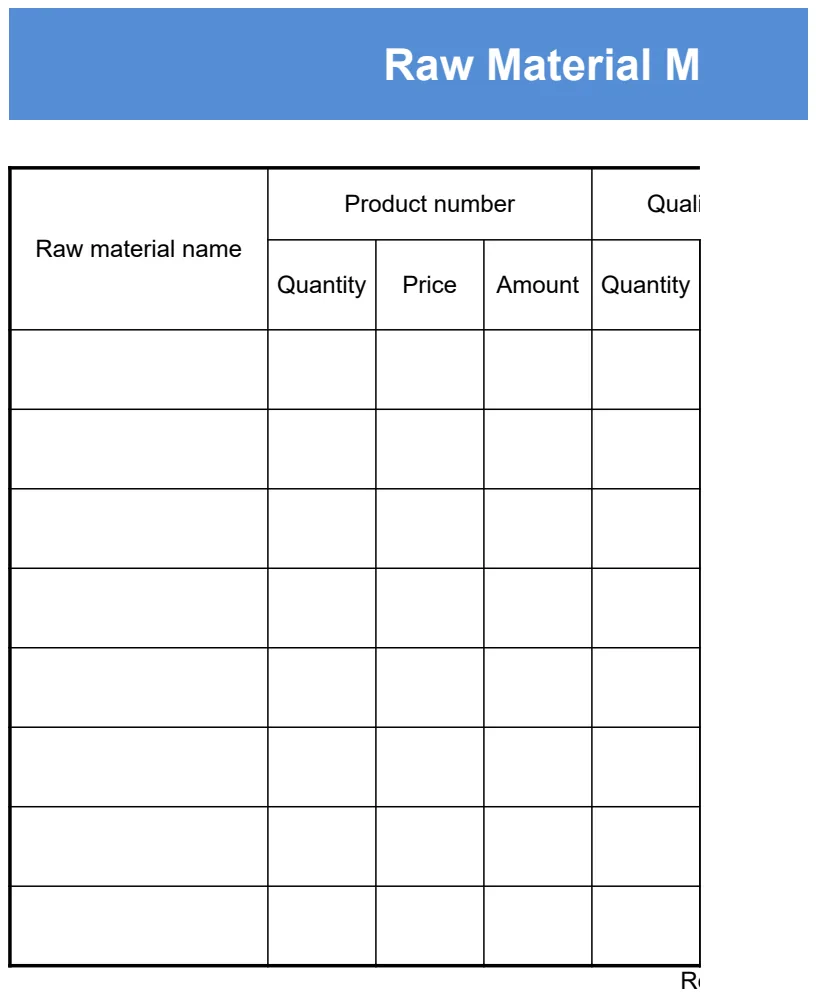
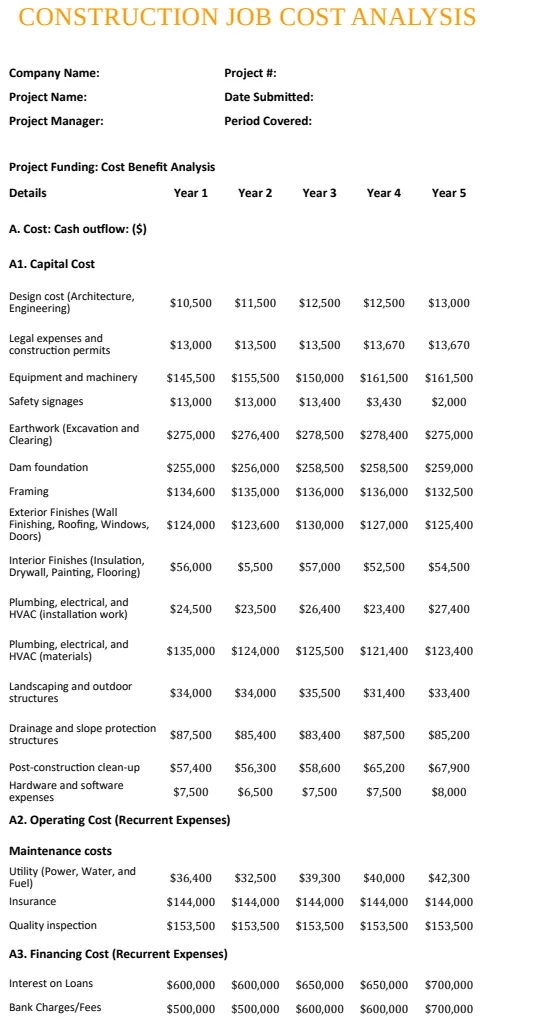
The core decision for an effective job costing spreadsheet template construction is how you structure your cost categories. Most people make the mistake of using overly broad categories, which makes it impossible to pinpoint where money is actually being lost on a project. A well-designed template, like the Construction Job Cost Analysis Template, needs granular detail from day one.
This means separating direct labor from indirect labor, breaking down material costs by type (e.g., lumber, concrete, electrical fittings), and clearly delineating subcontractor expenses versus your own team's work. Without this level of detail, you’re just looking at a lump sum for each job, which offers little actionable insight. You need to be able to see that the drywall installation went over budget by 20% because of unforeseen site conditions, not just that "Labor" was too high.
Setting Up Your Job Costing Sheet
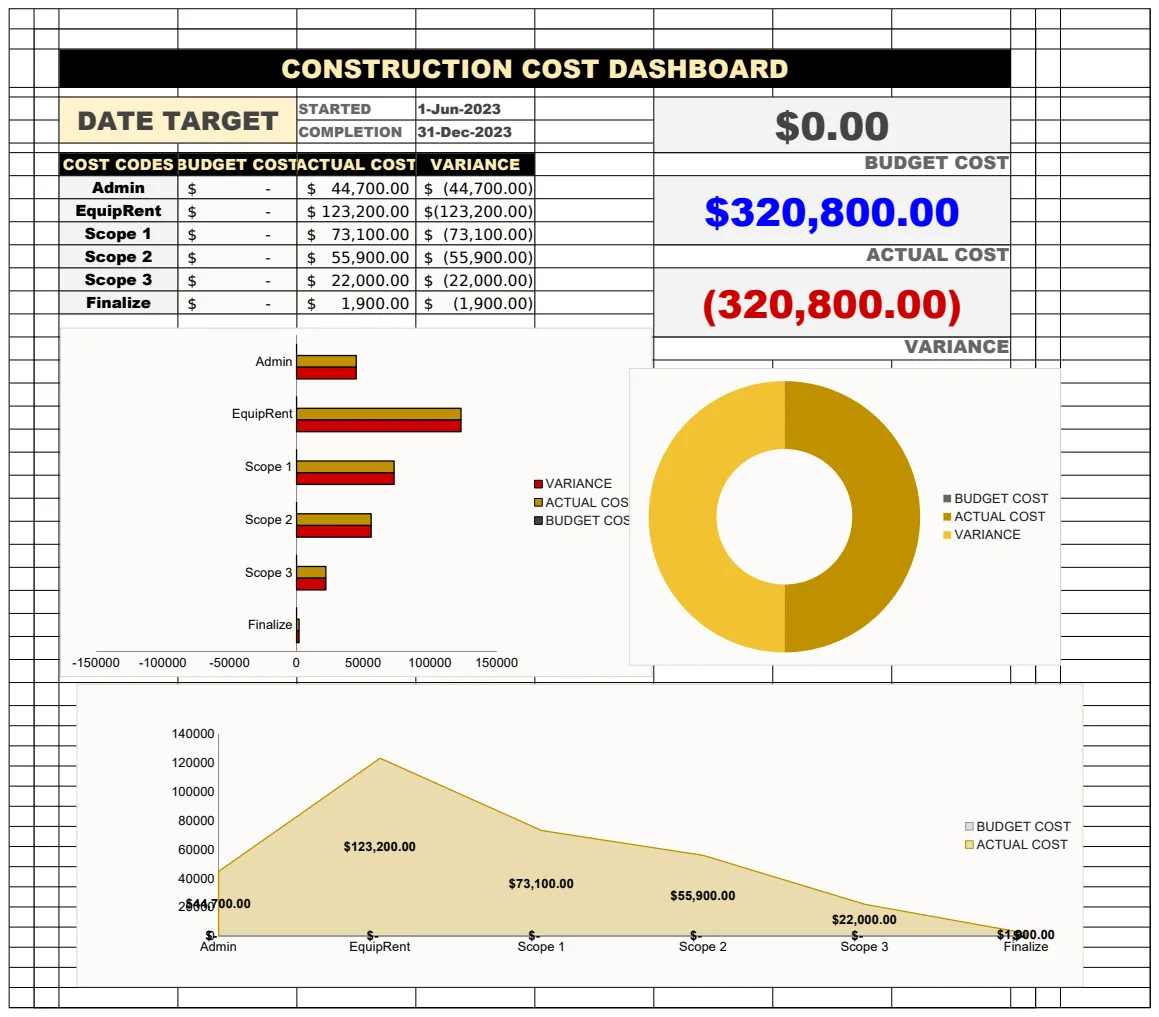
Start with a clear overview. Your main sheet should list each active job, usually with a unique Job ID and Client Name. Across the top, you'll want columns for key financial data. Think about what you need to see at a glance:
- Job ID: A unique identifier for each project.
- Job Name/Description: A brief summary of the work.
- Client Name: Who hired you.
- Original Bid Amount: The contract value.
- Estimated Cost: Your initial budget for the job.
- Actual Cost (YTD): Total expenses incurred so far for this job.
- Actual Cost (Total): Total expenses for the completed job.
- Variance (YTD): The difference between estimated and actual costs year-to-date.
- Variance (Total): The difference between estimated and actual costs for the whole job.
- Profit/Loss (YTD): Profitability so far.
- Profit/Loss (Total): Final profitability.
- Job Status: (e.g., In Progress, Completed, On Hold).
This top-level view gives you a dashboard for all your projects. But the real work happens in the detailed cost breakdown for each individual job.
Detailed Cost Breakdown Structure
This is where granularity is king. For each job, you'll want a separate section or a linked sheet that breaks down every expense. A robust job costing spreadsheet template construction should facilitate this by offering pre-defined cost codes or categories.
Here’s a sample structure for a single job’s detailed breakdown:
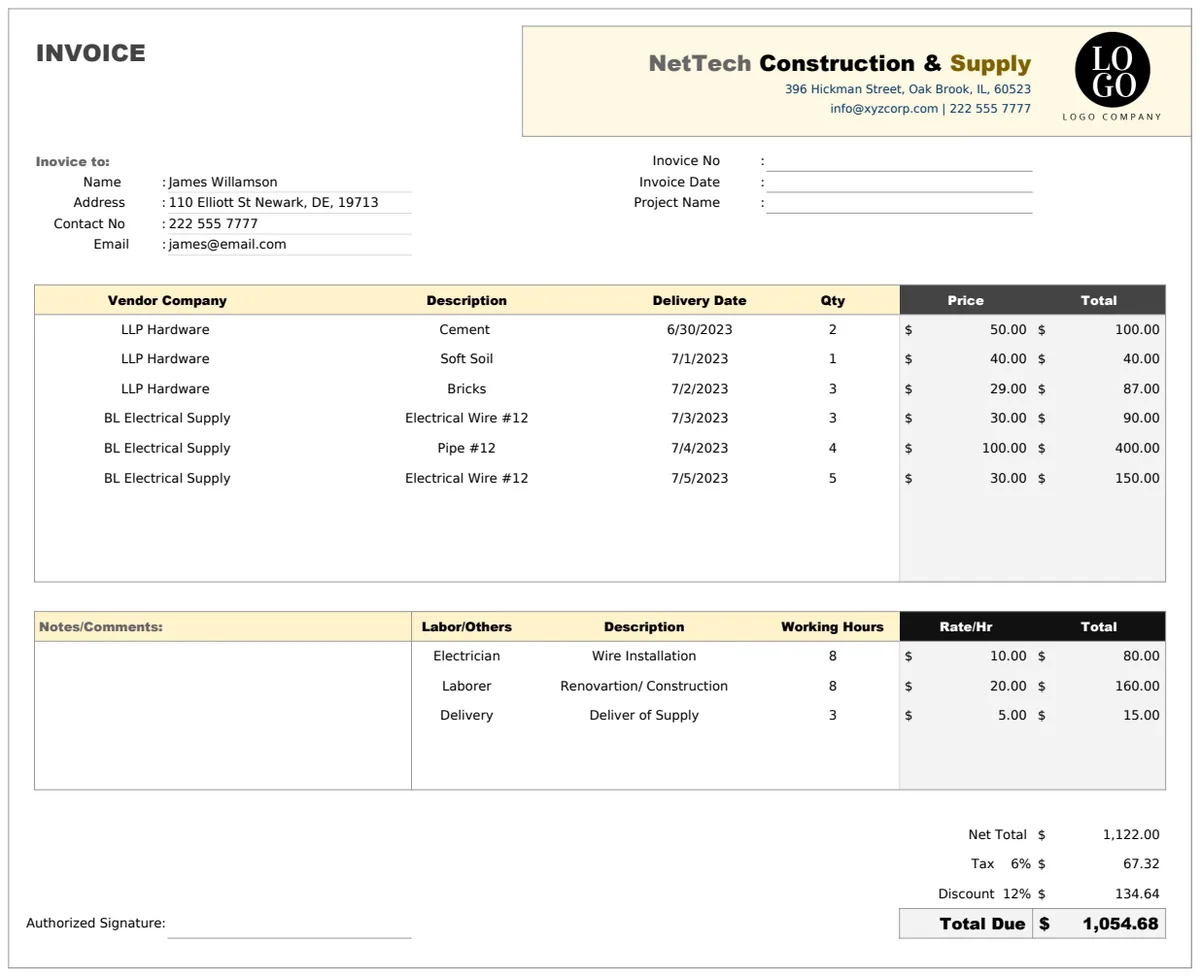
Direct Labor
- Labor Category: (e.g., Carpenter, Electrician, Project Manager, Laborer)
- Employee Name:
- Hours Worked:
- Hourly Rate:
- Total Labor Cost for this Entry: (Hours Worked \* Hourly Rate)
Materials
- Material Type: (e.g., Lumber, Drywall, Concrete, Wiring, Plumbing Fixtures)
- Supplier:
- Quantity:
- Unit Cost:
- Total Material Cost for this Entry: (Quantity \* Unit Cost)
Subcontractors
- Subcontractor Name: (e.g., HVAC Specialist, Roofing Company)
- Service Provided:
- Invoice Amount:
- Payment Date:
Equipment Rental
- Equipment Type: (e.g., Excavator, Scaffolding, Concrete Mixer)
- Rental Duration:
- Daily/Weekly Rate:
- Total Rental Cost:
Other Direct Costs
- Permit Fees:
- Inspection Fees:
- Specialty Tool Purchases:
- Site Cleanup Costs:
You can extend this list based on your specific type of construction. The key is that each line item is as specific as possible.
Implementing Formulas for Analysis
Once your data is structured, formulas bring it to life. You’ll use these extensively to calculate totals, variances, and profitability.
Total Cost per Category: Use the SUM function or SUMIFS if you need to sum costs based on specific criteria (like a particular cost code or date range). For example, to sum all material costs for "Job ID 123," you might use:
=SUMIFS(MaterialCosts!C:C, MaterialCosts!A:A, "Job ID 123", MaterialCosts!B:B, "Material")
Where MaterialCosts!C:C is the column with cost amounts, MaterialCosts!A:A is the Job ID column, and MaterialCosts!B:B is the category column.
Variance Calculation: This is usually a simple subtraction.
- YTD Variance:
=EstimatedCost_YTD - ActualCost_YTD - Total Variance:
=EstimatedCost_Total - ActualCost_Total
A positive variance here means you're under budget; a negative variance means you're over budget.
Profit/Loss:
- YTD Profit/Loss:
=OriginalBidAmount - ActualCost_YTD(or=EstimatedCost_YTD - ActualCost_YTDif you're tracking against your estimate rather than the bid) - Total Profit/Loss:
=OriginalBidAmount - ActualCost_Total
These formulas should be placed in your main overview sheet, pulling data from your detailed job sheets. For a more advanced setup, consider using dynamic arrays or XLOOKUP to pull specific job data into summary tables.
Tracking Labor Costs Effectively
Labor is often the largest expense in construction. Accurate tracking is crucial. Beyond just hours and rates, consider:
- Overtime Pay: Ensure this is clearly distinguished from regular pay, as it often carries a higher rate and needs to be managed.
- Burdened Labor Rates: Factor in payroll taxes, workers' compensation insurance, benefits, and any other costs associated with employing someone. This gives you a true cost per hour, not just the wage.
- Foreman/Supervisor Time: This can sometimes be allocated differently than direct labor, depending on your accounting practices. Is it a direct cost to the job, or an overhead expense?
If managing individual employee hours and rates becomes complex, look for templates designed for detailed job costing, such as the Detailed Construction Cost Template. These often have built-in mechanisms for tracking labor components more precisely.
Managing Material and Subcontractor Expenses
Materials and subcontractors can introduce significant variability.
- Material Markups: If you're marking up materials for a client, ensure your cost tracking clearly separates your cost from the billed amount.
- Change Orders: These are critical. Any change to the original scope of work must be documented, costed, and ideally, have a signed change order from the client before work begins. Track these separately so they don't get lost in the original budget.
- Subcontractor Invoices: Always match invoices to the work performed. Hold back retainage if that's part of your contract. Ensure you have all lien waivers before final payment.
Common Mistakes to Avoid
Many businesses stumble with job costing due to a few recurring errors.
- Inconsistent Categorization: Using different terms for the same expense across jobs makes aggregation impossible.
- Delayed Data Entry: Waiting too long to enter receipts and invoices means data gets lost or forgotten, leading to inaccurate job costs.
- Ignoring Small Costs: A $50 tool rental or a $20 material purchase might seem insignificant, but these add up quickly across multiple projects.
- Not Tracking Non-Billable Time: Time spent by project managers on administrative tasks related to a specific job, but not directly billable to the client, still needs to be accounted for as a job cost.
- Failing to Update Estimates: If initial estimates are wrong, you need to update your projections as you go, not just compare final actuals to a flawed estimate.
A good job costing spreadsheet template construction should help prevent these by providing a structured way to input data and clear fields for every type of expense.
Frequently Asked Questions
How often should I update my job costing spreadsheet?
Ideally, you should update your job costing spreadsheet daily or at least weekly. This ensures that all expenses are captured promptly and that you have the most current financial picture of each project. Delayed updates can lead to missed costs or inaccurate profitability calculations, making it harder to make timely decisions.
What’s the difference between a job costing template and a general budget template?
A general budget template typically tracks overall company expenses and income, often on a monthly or annual basis, without breaking them down by individual project. A job costing spreadsheet template construction, on the other hand, focuses specifically on the revenue and expenses associated with each individual project or "job." This allows for granular analysis of project profitability, variance tracking against bids, and identification of cost overruns on a per-project basis. For comprehensive project expense tracking, consider the Construction Cost Template.
Can I use my accounting software instead of a spreadsheet?
Yes, many accounting software packages have job costing modules. These can be very powerful and automate much of the process. However, spreadsheets offer unparalleled flexibility for customization and detailed analysis, especially for smaller firms or for specific deep-dive analyses that accounting software might not easily support. Sometimes, the best approach is to use your accounting software for data entry and then export data into a custom spreadsheet for more detailed reporting and analysis, especially if you need to track equipment costs specifically, for which the Construction Equipment Cost Analysis template is useful.
How do I handle overhead costs in job costing?
True job costing focuses on direct costs, labor, materials, and expenses directly attributable to a specific job. Overhead costs (like office rent, utilities, administrative salaries not tied to a specific project) are typically managed separately through your company's general budget. However, some businesses allocate a portion of overhead to each job, often as a percentage of direct labor costs or total direct costs. If you choose to do this, ensure your allocation method is consistent and clearly documented.