Your free Excel contractor bid template, simplified
Find a comprehensive yet adaptable contractor bid template Excel free that goes beyond basic cost listing.
The most common pitfall with free contractor bid templates in Excel is oversimplification, leading to underbidding or missing crucial cost factors. Often, these templates are too generic, failing to account for the specific nuances of a project or the overhead costs that keep a business afloat. You're looking for a contractor bid template Excel free, and finding one that's both comprehensive and adaptable is key to winning profitable jobs.
A good bid template should go beyond just listing materials and labor. It needs to integrate your business's actual costs, project-specific details, and a clear profit margin. Without this, you're essentially guessing, which is a dangerous game in the construction industry. We’ll walk through building a robust bid that protects your bottom line and presents a professional image to clients.
Beyond Basic Line Items: What a Real Bid Needs
Many free templates offer a simple list: Item, Description, Quantity, Unit Cost, Total. While this is a start, it’s insufficient. A proper bid must account for:
- Direct Costs: Materials, labor (broken down by trade or task), equipment rental, subcontractor fees.
- Indirect Costs (Overhead): Insurance, vehicle costs, office rent, utilities, software subscriptions, administrative salaries, marketing. These are costs of doing business, not tied to a single job, but they must be recovered.
- Contingency: An allowance for unforeseen issues. This could be a percentage of direct costs or a fixed amount, depending on project complexity and risk.
- Profit: The margin that allows your business to grow and reinvest.
Without these components, your "free" template can quickly lead to financial loss.
Structuring Your Excel Bid Template
Let’s build a practical structure. Imagine you have a sheet named "Bid Details".
Column A: Category This groups your costs. Examples: "Materials," "Labor," "Subcontractors," "Equipment," "Overhead Allocation," "Contingency," "Profit."
Column B: Item/Description Be specific. Instead of "Lumber," use "2x4x8 Studs" or "Plywood Sheathing (3/4")." For labor, "Framing Labor" or "Plumbing Installation."
Column C: Quantity The number of units for materials or hours for labor.
Column D: Unit Cost The cost per unit of material, per hour for labor, or per day for equipment. This should ideally pull from a master cost list for consistency.
Column E: Total Cost This is a simple formula: =C2*D2 (assuming Quantity is in C2 and Unit Cost is in D2).
Column F: Notes/Supplier Add details like the specific supplier, product code, or the name of the subcontractor.
Incorporating Overhead and Profit
This is where many free templates fall short. You need a separate section or a dedicated tab to calculate your overhead rate.
Overhead Calculation Tab: List all your annual indirect expenses. Sum them up. Then, estimate your total annual direct labor costs (or total direct job costs). Your overhead rate is (Total Annual Overhead / Total Annual Direct Costs) * 100%. For example, if your annual overhead is $50,000 and your total direct job costs across all projects are $200,000, your overhead rate is 25%.
Applying Overhead in Your Bid: On your "Bid Details" sheet, you can add a row for "Overhead Allocation." The formula here would be =SUMIFS(E:E, A:A, "Materials")*OverheadRate + SUMIFS(E:E, A:A, "Labor")*OverheadRate + ... and so on, for all direct cost categories. Alternatively, a simpler approach is to add a percentage to the subtotal of all direct costs. If your overhead rate is 25%, and your direct costs sum to $10,000, you'd add $2,500 for overhead.
Profit: After summing direct costs and allocated overhead, determine your desired profit margin. This is often a percentage of the total cost (direct + overhead). If you aim for a 15% profit, and your total cost is $12,500, your profit is $12,500 * 0.15 = $1,875.
Your final bid total is Direct Costs + Overhead Allocation + Profit.
Automating with Formulas and Data Validation
To make your contractor bid template Excel free to use and efficient:
- 01Master Cost Sheet: Create a separate sheet called "Cost Data." List all your common materials, labor rates, and subcontractor prices here.
- Columns: Item Name, Unit (e.g., LF, SF, Hour, Each), Unit Cost.
- Use
=VLOOKUPor=XLOOKUPon your "Bid Details" sheet to pull unit costs automatically when you type an item name. For example, if you type "2x4x8 Studs" in cell B2 of "Bid Details," a formula in D2 could be=XLOOKUP(B2, 'Cost Data'!A:A, 'Cost Data'!C:C, "Not Found").
- 02Data Validation: For the "Category" column (Column A), use Data Validation to create a dropdown list of your predefined categories (Materials, Labor, etc.). This ensures consistency and makes summing easier.
- 03Conditional Formatting: Highlight rows where the "Total Cost" exceeds a certain budget, or use it to visually separate cost categories.
Sample Formula Breakdown for a Bid Summary
On a separate "Summary" tab, you can pull everything together.
- Total Direct Costs:
=SUMIF(A:A, "Materials", E:E) + SUMIF(A:A, "Labor", E:E) + SUMIF(A:A, "Subcontractors", E:E) + SUMIF(A:A, "Equipment", E:E)(adjust categories as needed). - Overhead:
=TotalDirectCosts * OverheadRate(whereOverheadRateis a named cell or a cell reference containing your calculated overhead percentage). - Subtotal (Direct + Overhead):
=TotalDirectCosts + Overhead - Contingency:
=Subtotal * ContingencyPercentage(e.g., 5% or 10%). - Profit:
=Subtotal * ProfitPercentage(e.g., 15% or 20%). - Grand Total Bid Price:
=Subtotal + Contingency + Profit
This structure provides a clear, auditable trail of how your bid price was calculated.
Common Mistakes to Avoid
- Forgetting Overhead: This is the most frequent error. Treating every dollar spent on a job as directly billable is a fast track to insolvency.
- Vague Descriptions: "Plumbing supplies" or "Electrical work" doesn't tell the client what they're paying for, and it makes it hard for you to track costs accurately.
- Not Accounting for Taxes and Fees: Sales tax on materials, permit fees, or other local charges can add up.
- Underestimating Labor Time: Be realistic about how long tasks actually take, including setup, cleanup, and potential delays.
- Ignoring Site Conditions: A bid for a basement remodel needs to account for potential dust, confined spaces, and protective measures, which might not be needed for a simple deck build.
Professional Touches and Next Steps
A professional bid isn't just about numbers; it's also about presentation. Include:
- Company Letterhead: If you're printing.
- Project Details: Address, scope of work summary, start/completion dates.
- Client Information: Name, contact.
- Terms and Conditions: Payment schedule, scope limitations, warranty information.
- Validity Period: How long the bid is good for.
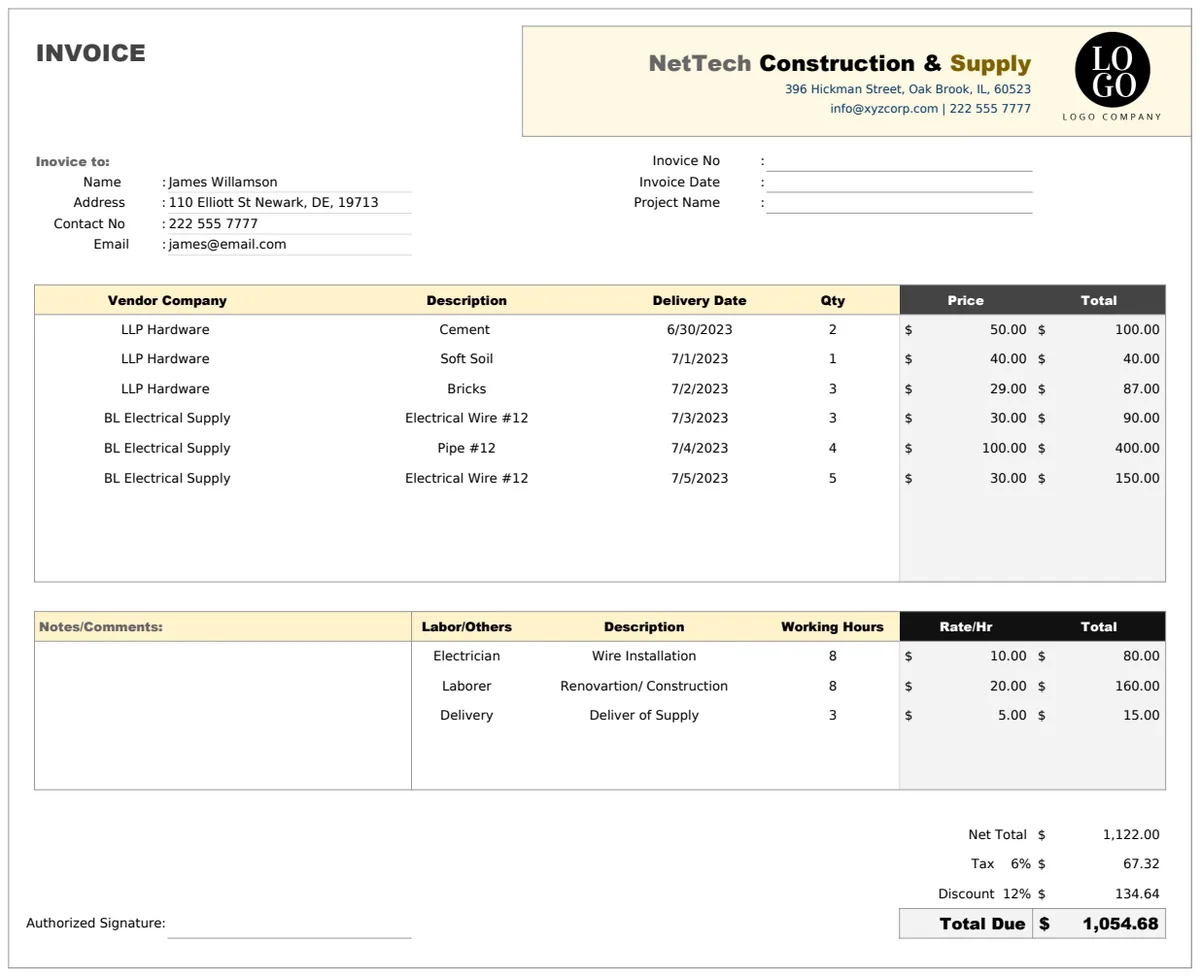
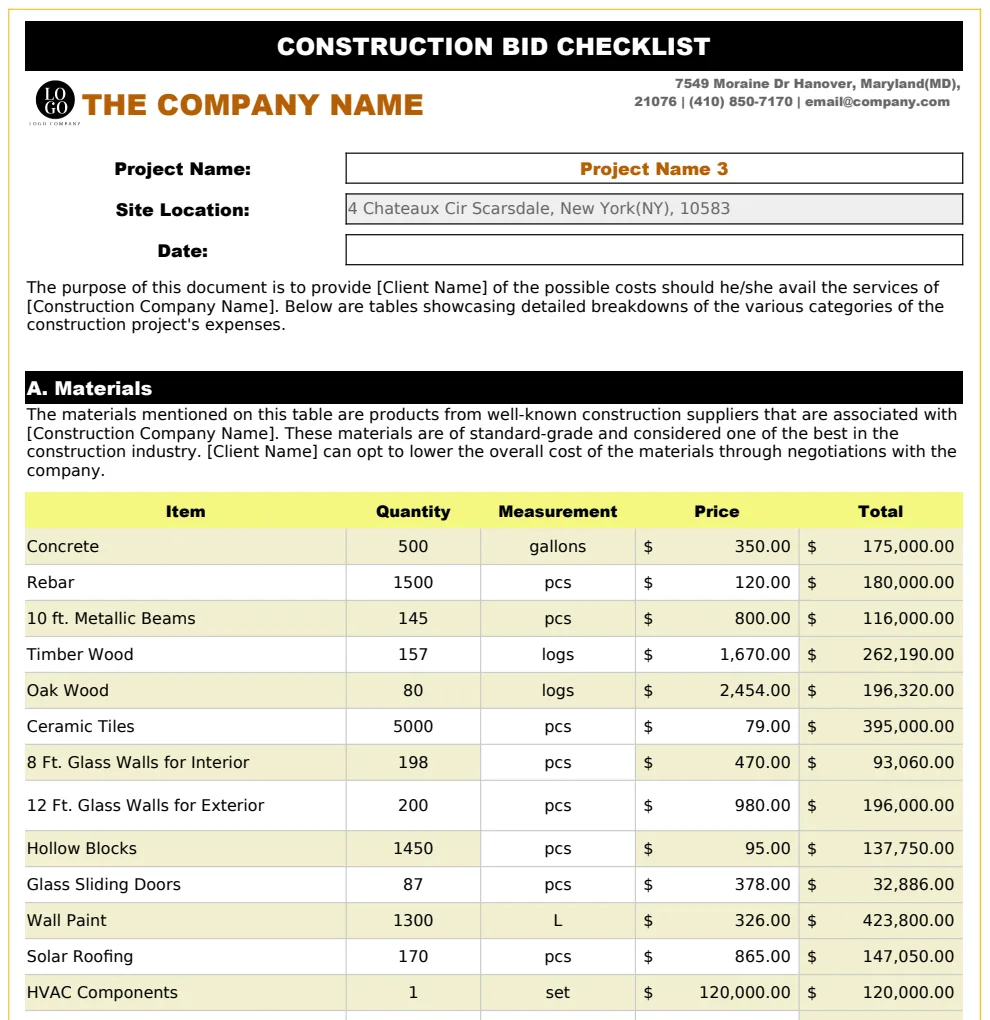
If your current system feels too manual, consider a dedicated template. For instance, a Construction Bid Form Template can automate many of these calculations and present a polished, itemized bid. Similarly, if you're managing multiple bids, a Construction Bid Checklist Template helps keep track of potential clients and project statuses.
What if my overhead rate changes?
If your overhead costs fluctuate significantly, you’ll need to recalculate your overhead rate at least annually. Update the "Cost Data" tab and ensure your "Summary" tab references the correct rate. For highly variable projects, you might also adjust the "Contingency" percentage based on project risk.
How do I determine a fair profit margin?
This depends on your industry, your local market, the project's complexity, and your business goals. A common range for construction might be 10-20%, but it’s crucial to research what’s standard in your area and what margin is necessary for your business to thrive, not just survive.
Can I use this for different types of jobs, like plumbing?
Absolutely. The core principles of direct costs, overhead, contingency, and profit apply universally. You would simply adjust the "Item/Description" and "Category" columns to reflect plumbing-specific materials (pipes, fittings, fixtures) and labor (installation, repair, diagnostics). A specialized template like the Plumbing Bid Proposal Template might already have these categories pre-built.
What if a client asks for a bid request?
When clients need to solicit bids, they often use a Bid Request Form Template. This form outlines the project scope, requirements, and evaluation criteria, providing you with the necessary information to create an accurate and competitive bid. It helps ensure all contractors are bidding on the same scope of work.