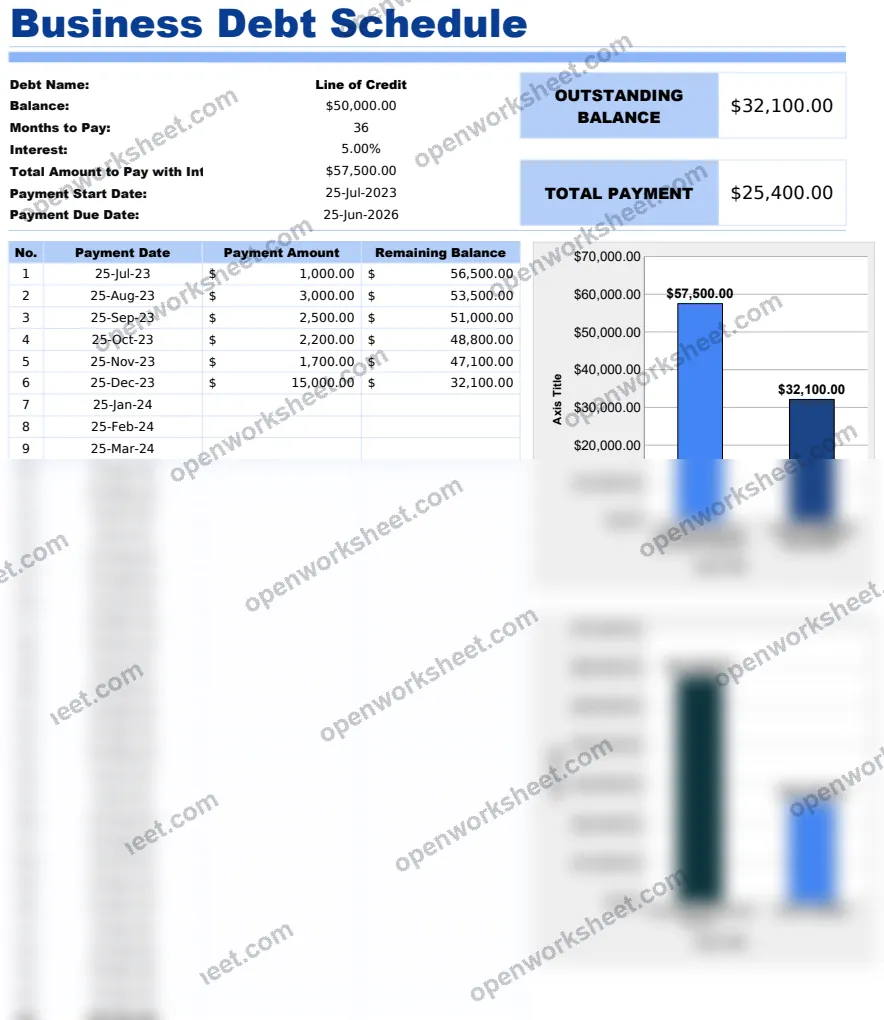
Business Debt Schedule Template
Track and manage multiple business debts with automated payment schedules, interest calculations, and visual debt overview.
A comprehensive business debt management template that helps you organize and monitor all outstanding business debts in one place. The template includes a main Business Debt Schedule sheet that tracks debt names, outstanding balances, and payment information. It features a Payment Data sheet for entering loan details including principal amounts, interest rates, term lengths, and payment start dates. Formulas automatically calculate payment schedules and interest, while a Chart Helper sheet provides data for visual debt tracking. Includes built-in instructions for easy setup and use. Perfect for business owners who need to monitor multiple loans, lines of credit, or other business obligations.
What's inside
- Automated payment schedule calculations
- VLOOKUP formulas for data retrieval
- Interest rate tracking
- Principal amount monitoring
- Multiple debt entries
- Chart helper for visualization
- EDATE functions for payment date calculations
- Conditional formatting with IF statements
- Summary calculations with SUM and MAX/MIN functions
Download this template
.xlsx · 4 sheets · includes charts
$9/monthDownload up to 10 templates a month from a library of thousands. Cancel anytime.
- 10 downloads every month
- Cancel anytime
- 14-day refund
More in Accounting & Bookkeeping
 Accounting & Bookkeeping
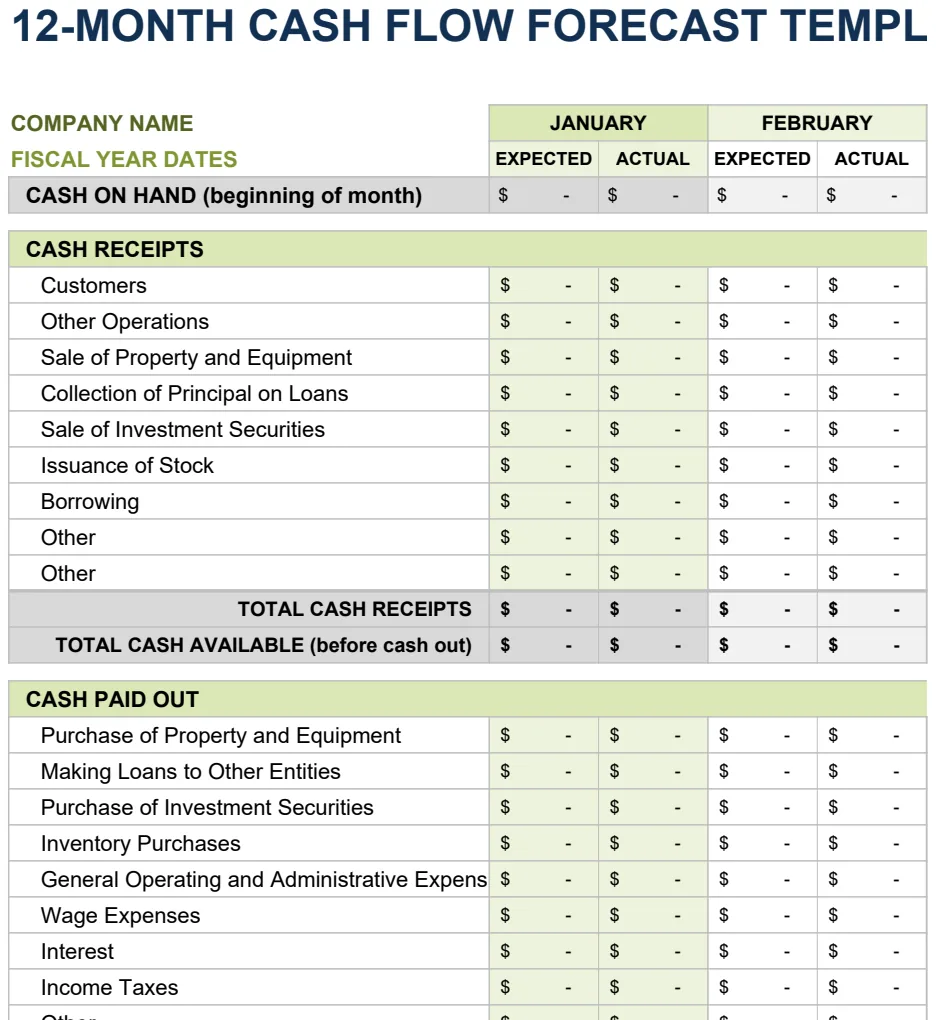
12 Month Cash Flow Forecast
Project monthly cash inflows and outflows to manage liquidity and plan for operating expenses.
- 12-month rolling forecast with expected vs. actual columns
- Month-by-month cash inflow and outflow tracking
- Automatic SUM calculations for cash position
 Accounting & Bookkeeping
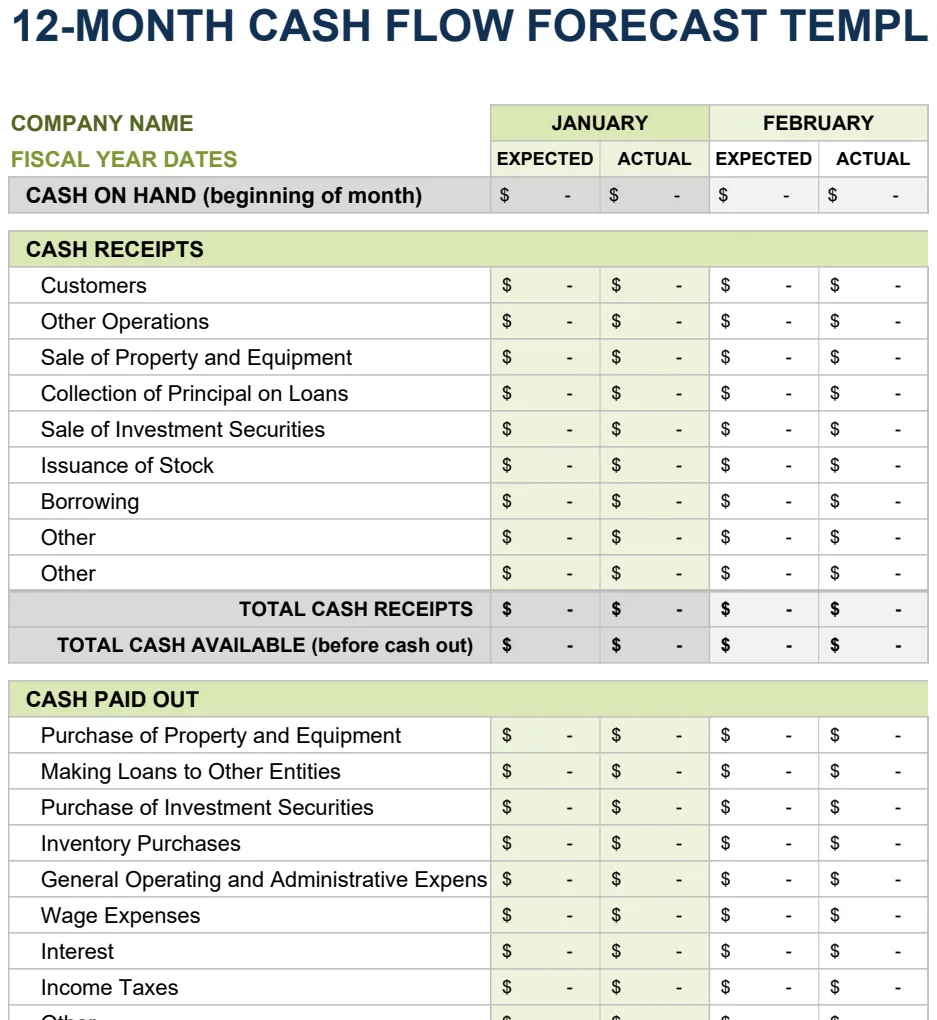
12 Month Cash Flow Forecast
Project monthly cash inflows and outflows to manage liquidity and financial planning.
- 12-month rolling projection with expected vs actual columns
- Monthly period comparison structure
- Automated SUM formulas for period totals
 Accounting & Bookkeeping
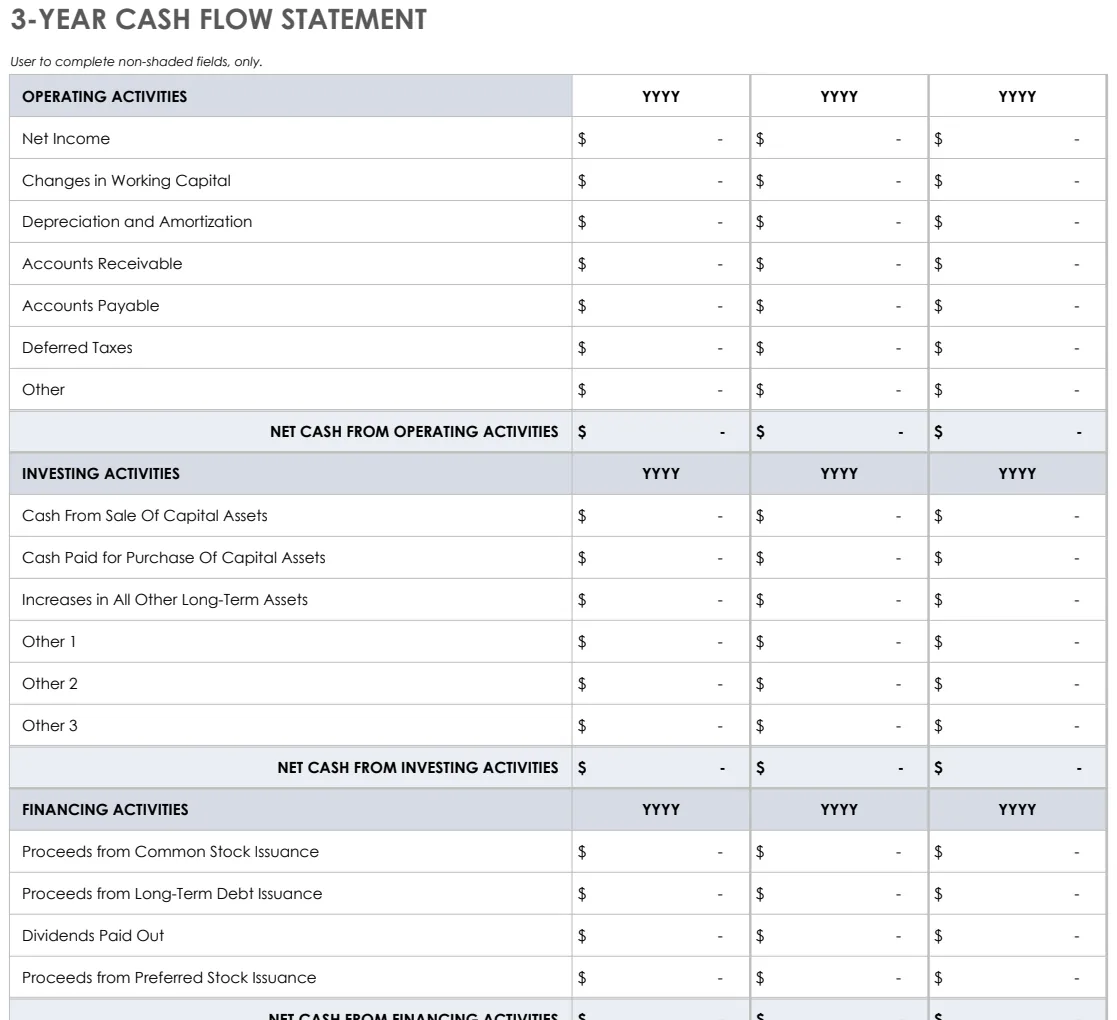
3 Year Cash Flow Statement
Track operating, investing, and financing cash flows across three years with pre-built formulas.
- Three statement formats (3-year, yearly, 12-month)
- Pre-built SUM formulas for automatic calculations
- Color-coded input areas for easy data entry
 Accounting & Bookkeeping
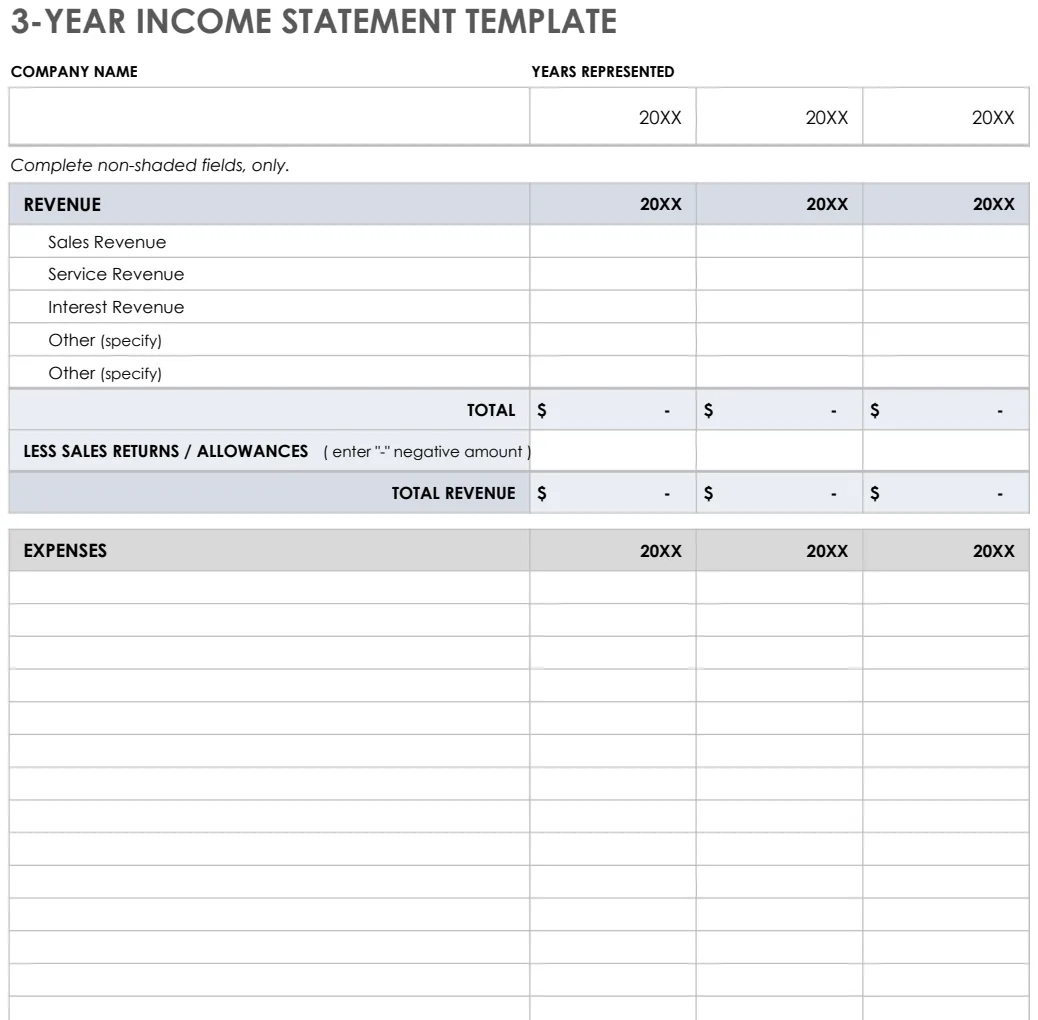
3 Year Income Statement
Track revenue, expenses, and net income across three years to analyze financial trends and performance.
- Pre-formatted rows for revenue and expense categories
- Automatic SUM formulas for totals and subtotals
- Three-year side-by-side comparison columns