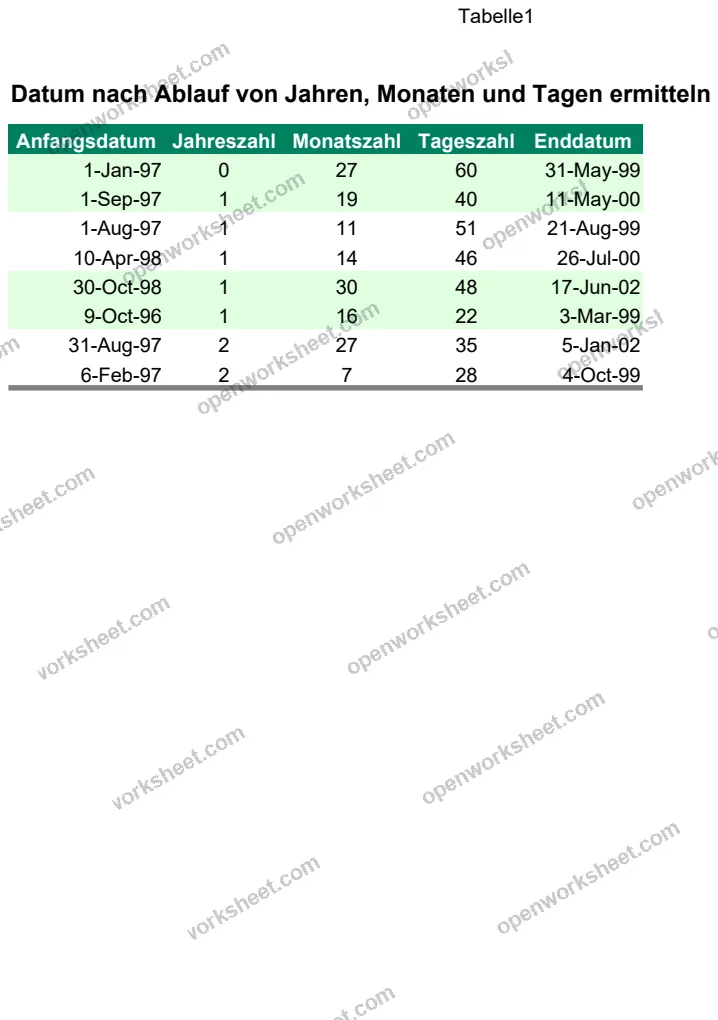
Date Calculator: Add Years, Months, and Days
Calculate future dates by adding years, months, and days to a start date automatically.
This template calculates end dates by adding specified years, months, and days to a starting date. It uses DATE, YEAR, MONTH, and DAY functions to handle date arithmetic accurately. Perfect for project planning, contract expiration tracking, loan maturity dates, or any scenario where you need to determine when something will occur based on a time offset from today or another reference date.
What's inside
- Automatic date calculation using DATE function
- Separate inputs for years, months, and days
- Uses core date functions (YEAR, MONTH, DAY) for accuracy
- Simple three-column input structure
- Formula-based (no manual date entry needed)
Download this and everything else
.xlsx · 1 sheet
$29$9once for thousands of templates. No subscription.
- Limited-time offer, normally $29
- One payment, no subscription
- 14-day refund
More in Calendars & Scheduling
 Calendars & Scheduling
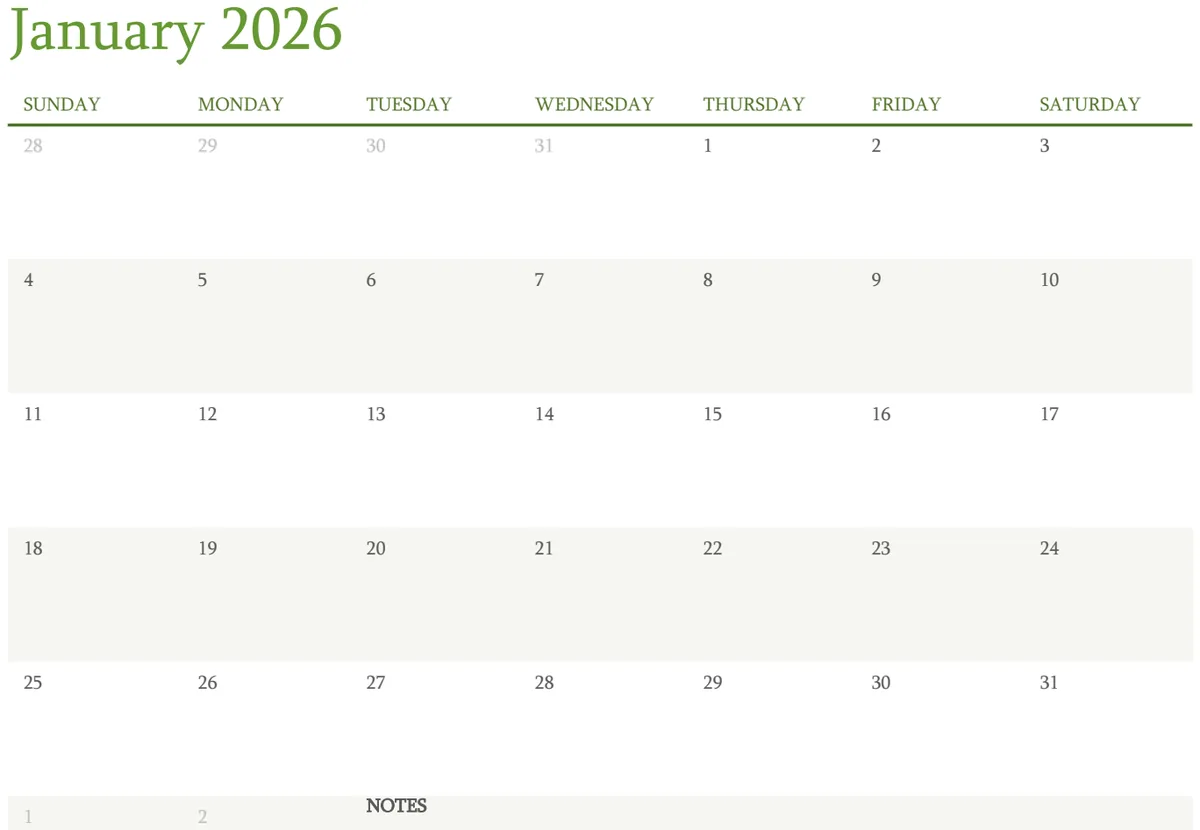
12 Month Calendar
Complete yearly calendar with customizable week start and day labels for planning and scheduling.
- 12 separate month sheets
- Customizable week start (Sunday/Monday)
- Dynamic day-of-week labels
 Calendars & Scheduling
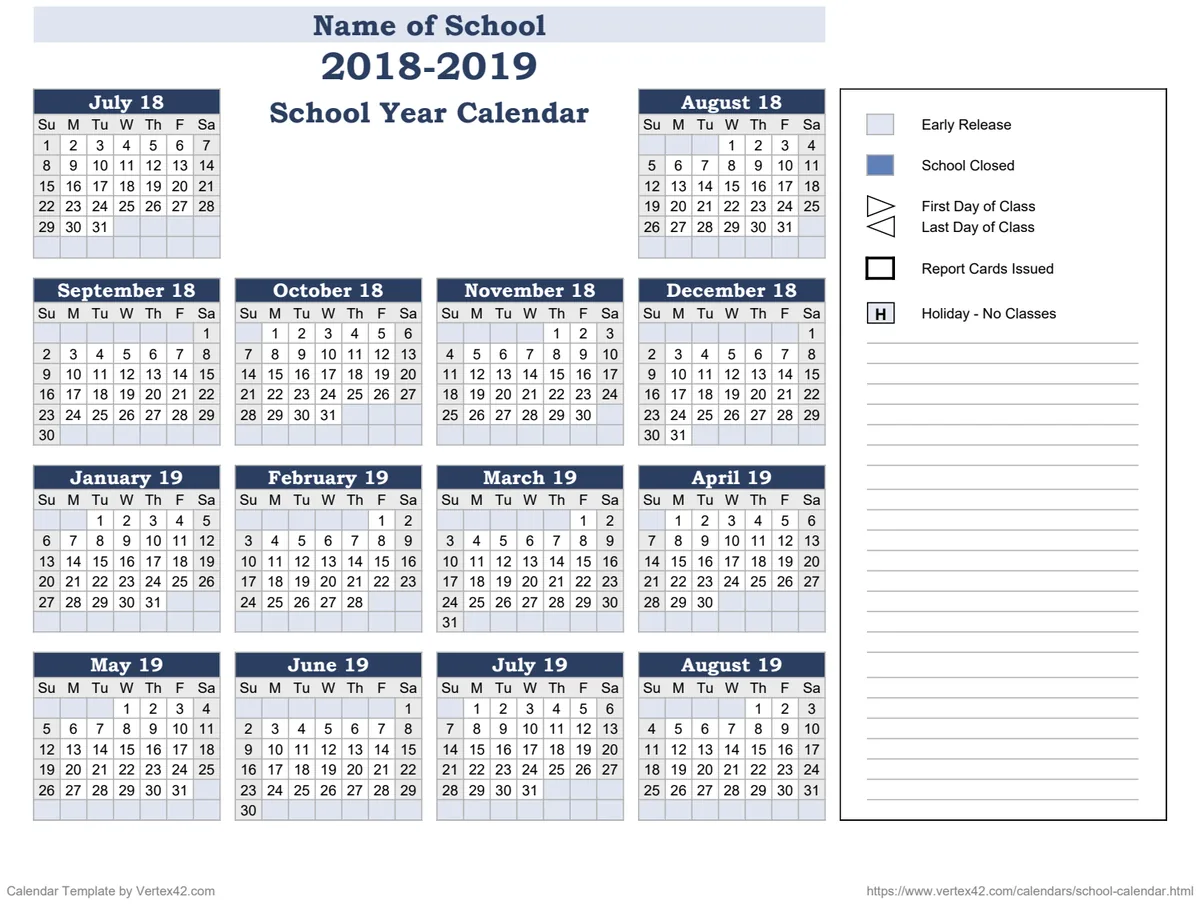
14-Month School Year Calendar
Plan the full school year across 14 months with automatic date calculations and day-of-week formatting.
- Automatic date calculation based on selected year
- Day-of-week display for each date
- 14-month layout for full academic year coverage
 Calendars & Scheduling
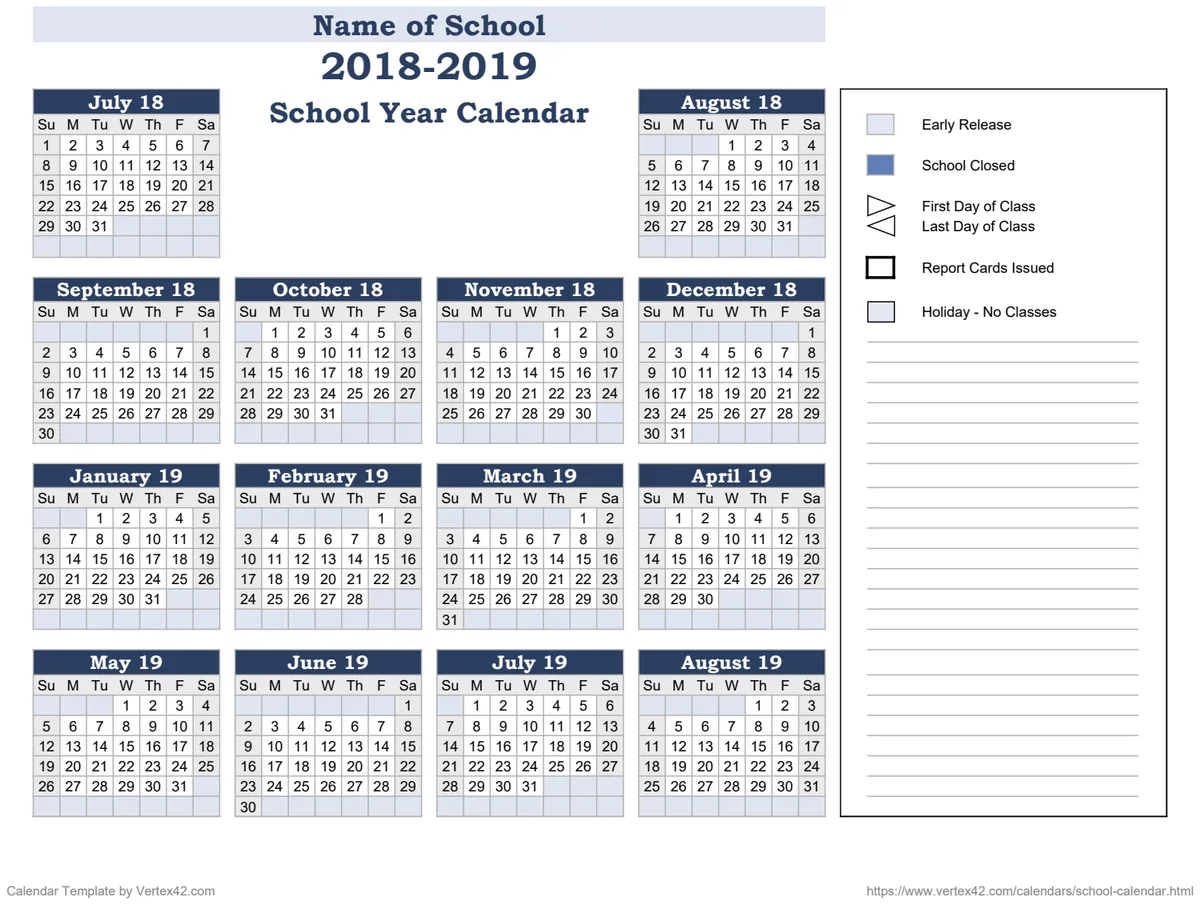
14-Month School Year Calendar Template
Track the complete school year with a 14-month calendar view including holidays and key dates.
- 14-month calendar layout
- Automatic date and weekday calculation
- School name and year fields
 Calendars & Scheduling
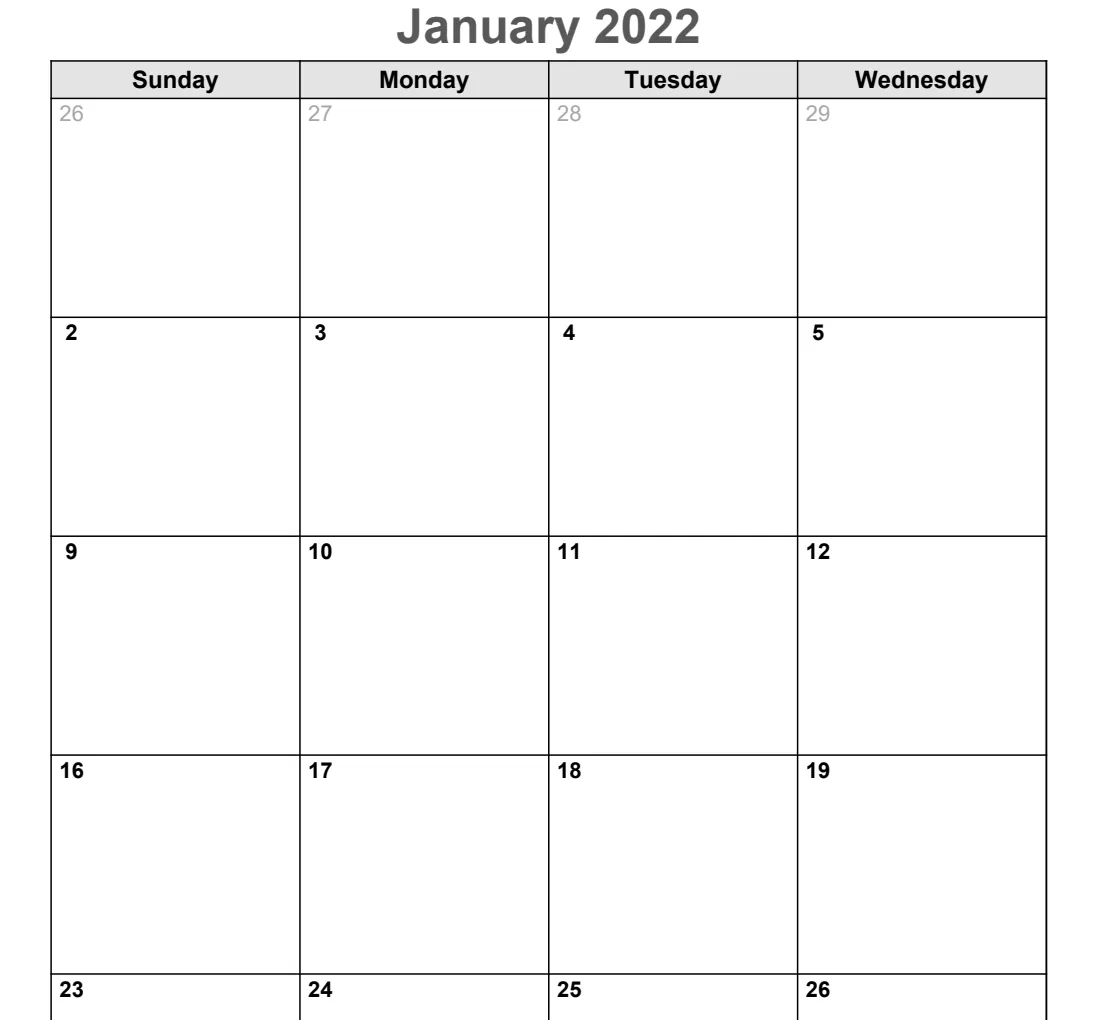
2 Page Monthly Planner
Plan your month with a two-page layout showing dates, days, and key events at a glance.
- Auto-calculated dates using DATE formula
- Day-of-week organization via WEEKDAY function
- Year and month customization fields