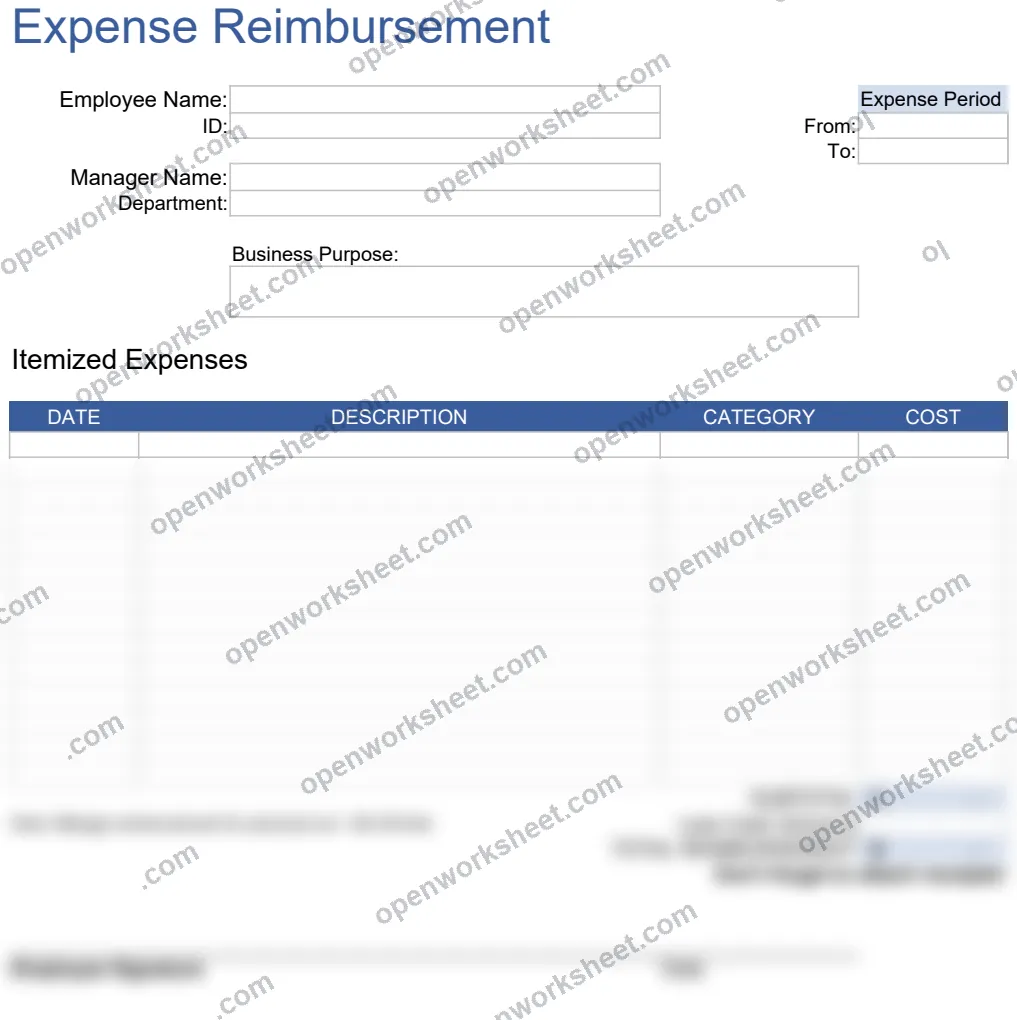
Expense Reimbursement Form
Track and submit employee expenses by category with automatic totaling for quick reimbursement processing.
This expense reimbursement form lets employees document and categorize all business expenses during a specified period. It includes customizable expense categories, employee identification fields, and automatic sum calculations to total reimbursable amounts. Perfect for businesses that need to process employee expense claims efficiently and maintain clear records of what was spent and why.
What's inside
- Customizable expense categories dropdown
- Employee name and ID tracking
- Expense period date range fields
- Automatic expense total calculation
- Category-based expense organization
Download this and everything else
.xlsx · 2 sheets
$29$9once for thousands of templates. No subscription.
- Limited-time offer, normally $29
- One payment, no subscription
- 14-day refund
More in Budgeting & Expense Management
 Budgeting & Expense Management
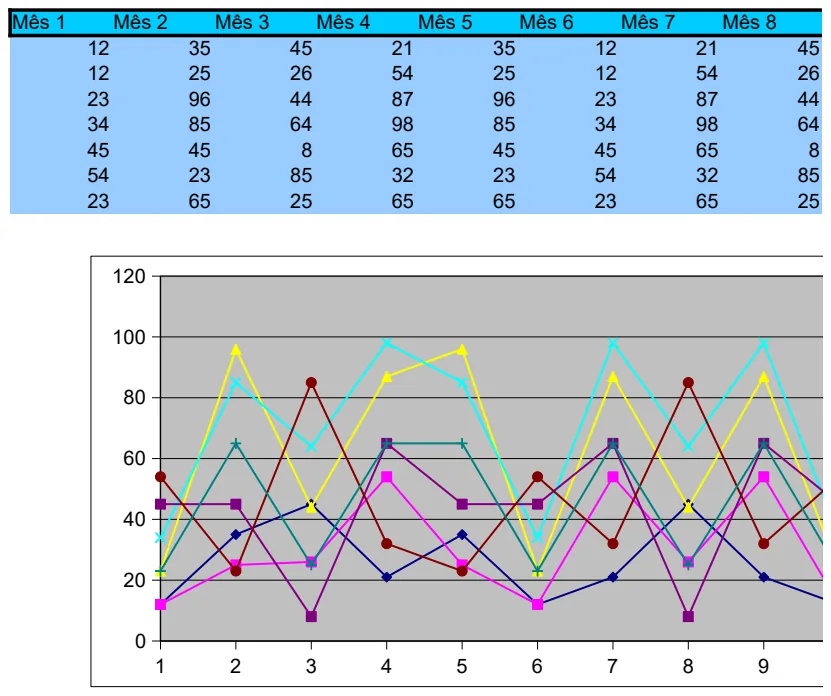
12-Month Financial Planning Template
Track financial data across all 12 months with built-in charts to visualize trends and performance.
- 12-month column structure
- Pre-built charts for trend visualization
- Monthly data entry fields
 Budgeting & Expense Management
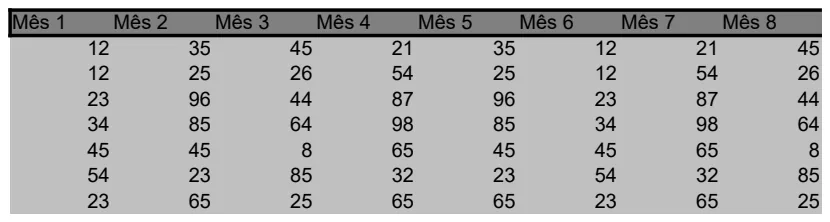
12-Month Yearly Budget Tracker
Plan and monitor monthly budgets across a full year with automatic average calculations.
- 12 monthly columns (Mês 1-12)
- Automatic AVERAGE calculations
- Simple row-based data entry
 Budgeting & Expense Management
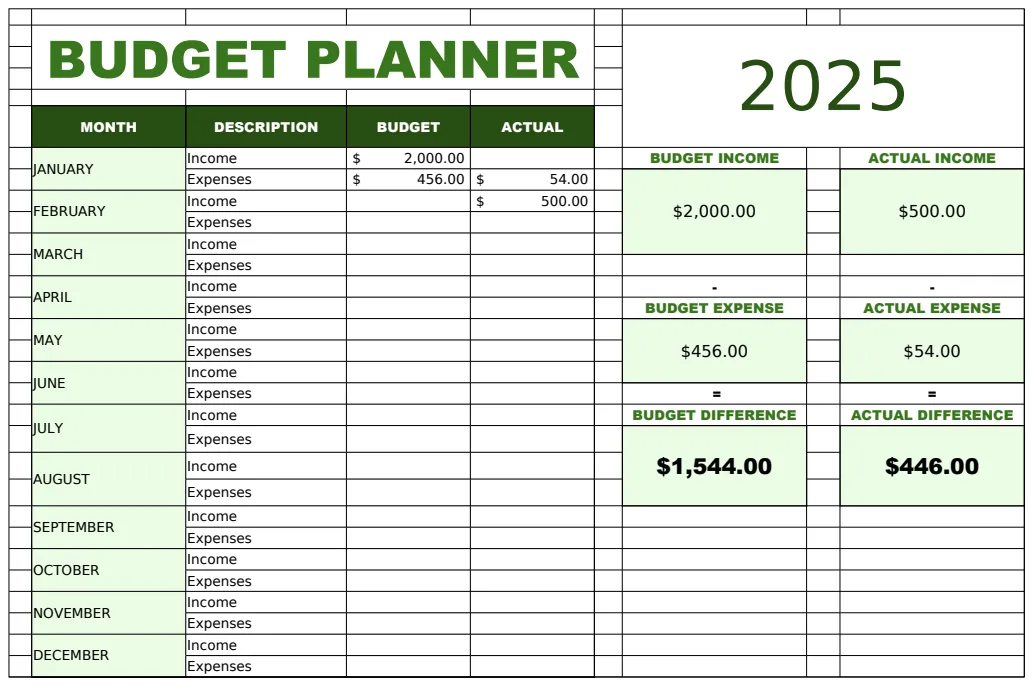
2025 Budget Planner Template
A monthly budget planning spreadsheet for tracking income and expenses across the year 2025.
- Monthly breakdown by category
- Budget vs. actual comparison columns
- Income and expense tracking
 Budgeting & Expense Management
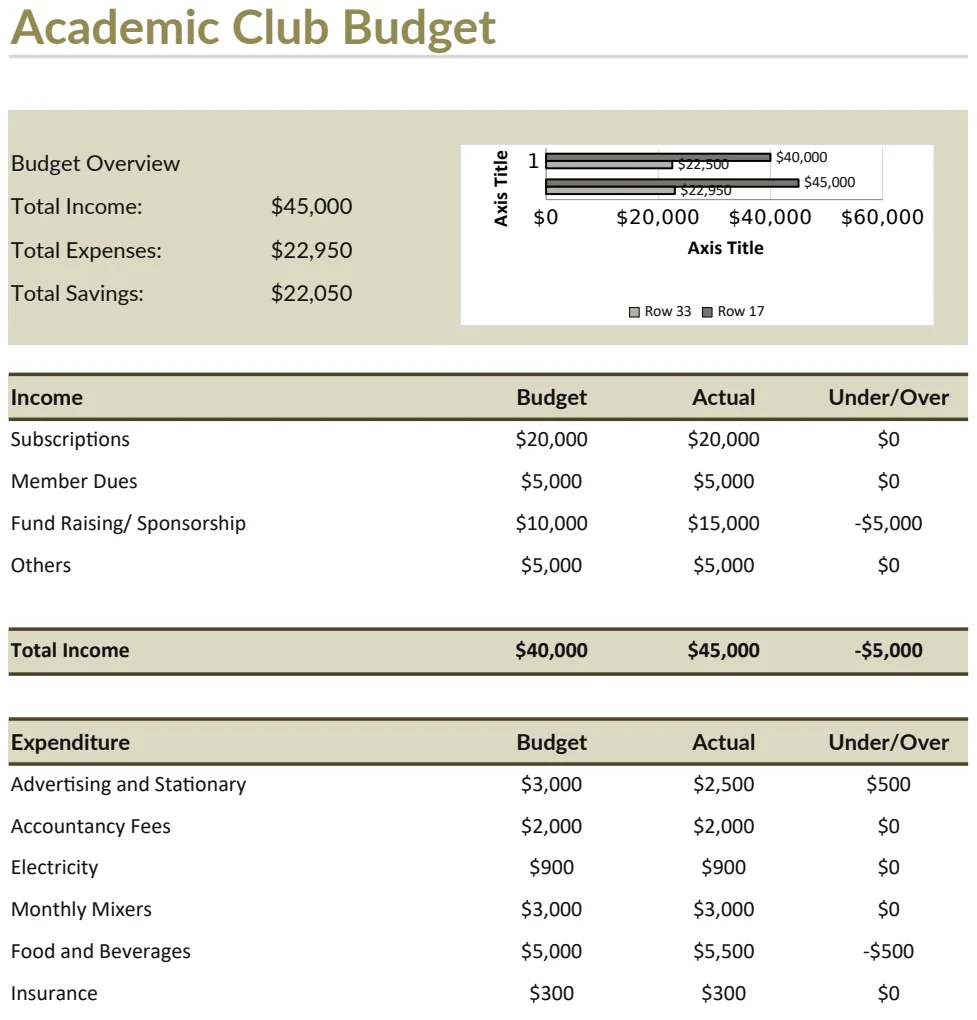
Academic Club Budget Template
Plan and track academic club finances with income and expense overview.
- Automatic income total calculation
- Budget vs actual tracking
- Expense categorization by activity type