
HR, Scheduling & Payroll Suite
Employees, shift rosters, timesheets, leave, payroll and printable payslips in one Excel workbook, all feeding a live people dashboard.
HR, Scheduling & Payroll Suite runs the people side of a small business from one Excel workbook. Keep your employee records, plan the weekly roster, log hours, manage leave and run monthly payroll, and the dashboard pulls it together: headcount, new hires, turnover, average tenure, pending leave, gross and net payroll, employer cost, year-to-date cost and overtime, plus a department breakdown, an alerts panel, a 12-month payroll table and a list of who is out in the next 14 days.
The Employees tab works out probation end dates, tenure, effective hourly rate and leave balance for each person, and raises alerts for contracts ending, probation ending and negative leave balances. The Schedule tab is a weekly roster: pick a shift code from a dropdown and it totals hours, counts how many people cover each shift every day, and turns a cell red when someone is booked during their approved leave. The Timesheet splits clock-in and clock-out times into regular hours and overtime on its own.
Leave counts working days only, skipping weekends and the public holidays you list. Annual leave can accrue monthly or be granted upfront, with carry-over, and the Leave Balances tab fills itself in. Weekend days are configurable, including Friday and Saturday or Thursday and Friday weekends.
Payroll takes one row per employee per month and calculates base pay, overtime, deductions for unpaid leave, gross pay, employee and employer contributions, progressive income tax, net pay and total cost to the company. Duplicate rows are flagged before they can double a payment. Pick an employee and a month on the Payslip tab to get a printable payslip.
Tax brackets, contribution rates and the overtime rule are set by you on the Settings tab. The sample figures are for illustration only and are not the official rates of any country, so enter the rules that apply to your business and check them with your accountant or local authority.
Over 59,000 formulas sit in locked cells, so a stray keystroke cannot break a calculation. Protection has no password, so you can unprotect any tab to customise it. Sample data from an example company is included so you can see every tab working before you add your own. Built for Microsoft Excel (desktop or Excel for the web) and contains no macros.
What's inside
- 10 connected tabs, from a quick-start guide to Settings
- People dashboard with 10 KPIs and 2 charts
- Department breakdown, alerts panel and who is out in the next 14 days
- Employee records with tenure, probation and contract alerts
- Weekly shift roster with coverage counts per shift
- Leave clash detection on the roster
- Timesheet that splits regular hours and overtime
- Leave in working days, skipping weekends and holidays
- Monthly accrual or upfront leave, with carry-over
- Payroll with contributions, progressive tax and net pay
- Duplicate payroll row check
- Printable payslip for any employee and month
- Configurable weekend days, tax brackets and shift codes
- Over 59,000 locked formulas, no macros
Download this template
.xlsx · 10 sheets · includes charts
$9/monthDownload up to 10 templates a month from a library of thousands. Cancel anytime.
- 10 downloads every month
- Cancel anytime
- 14-day refund policy
More in Human Resources
 Human Resources
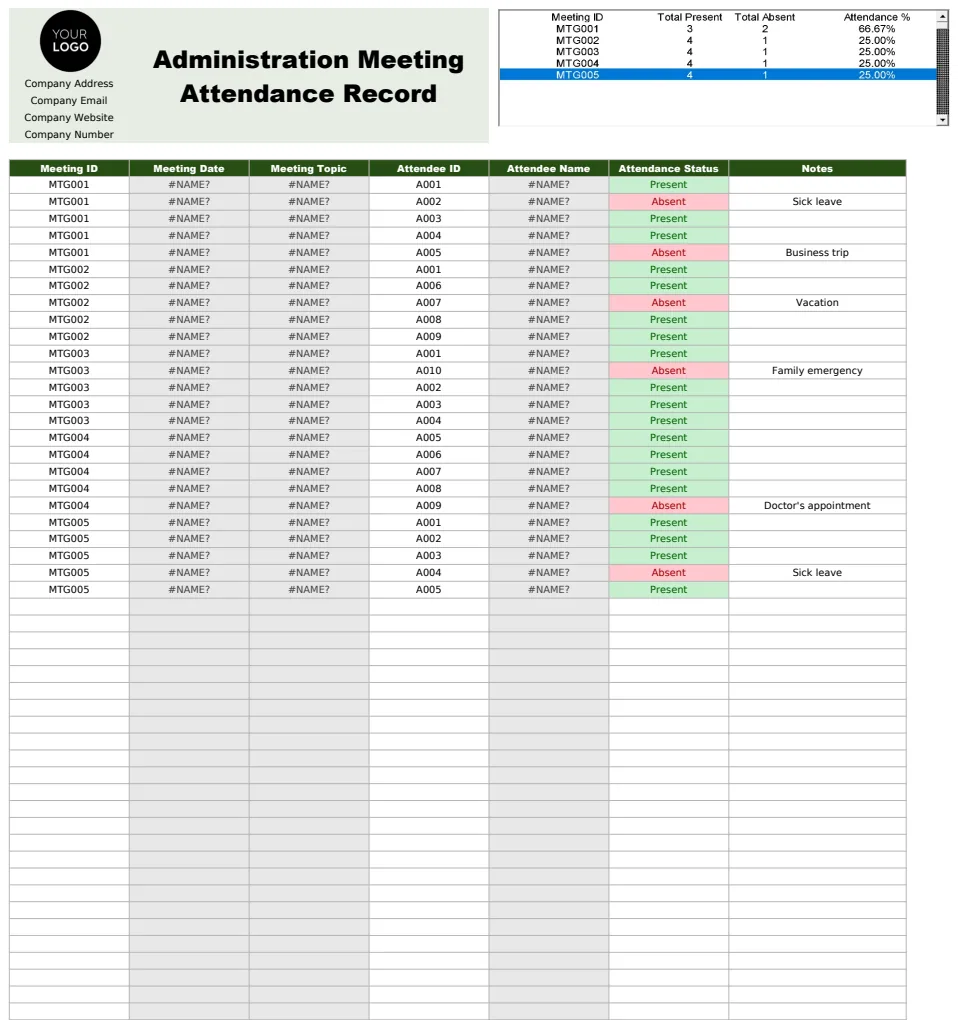
Administration Meeting Attendance Record Template
Track attendance for administrative meetings with automated calculations for present/absent counts and attendance percentages.
- Automated attendance calculation formulas
- Meeting details tracking (date, time, topic)
- Attendee information database
 Human Resources
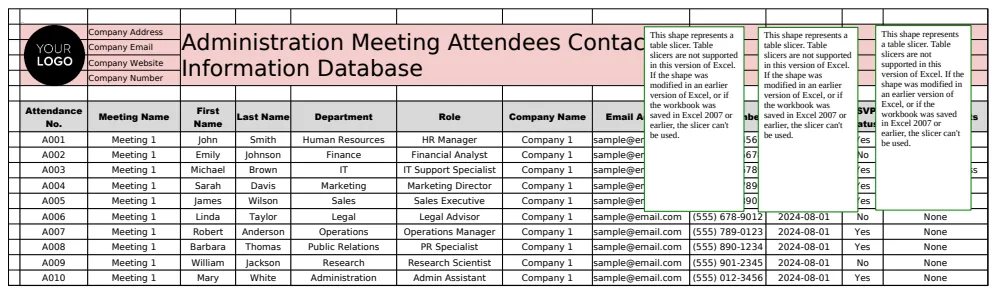
Administration Meeting Attendees Contact Information Database Template
Organize and manage contact information for administration meeting attendees with attendance tracking and HR setup features.
- Attendee contact information sheet with company details
- Attendance form for meeting-specific tracking
- Setup sheet for HR departments and roles
 Human Resources
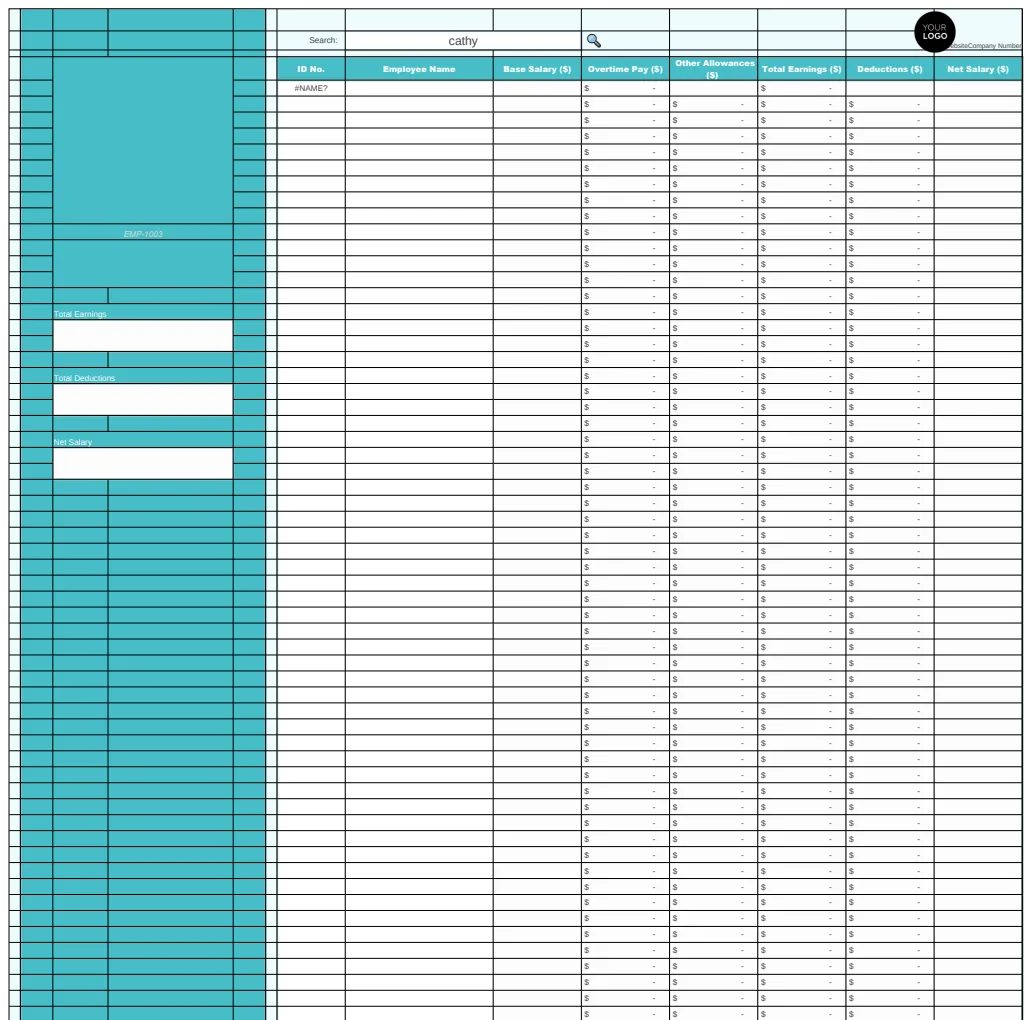
Administration Payroll Calculator Template
A comprehensive payroll management template for calculating employee compensation, tracking timesheets, and managing company payroll administration.
- Employee information database with ID, name, position, and gender
- Timesheet logging with hours worked and hourly rates
- Company information section with address, email, website, and number
 Human Resources
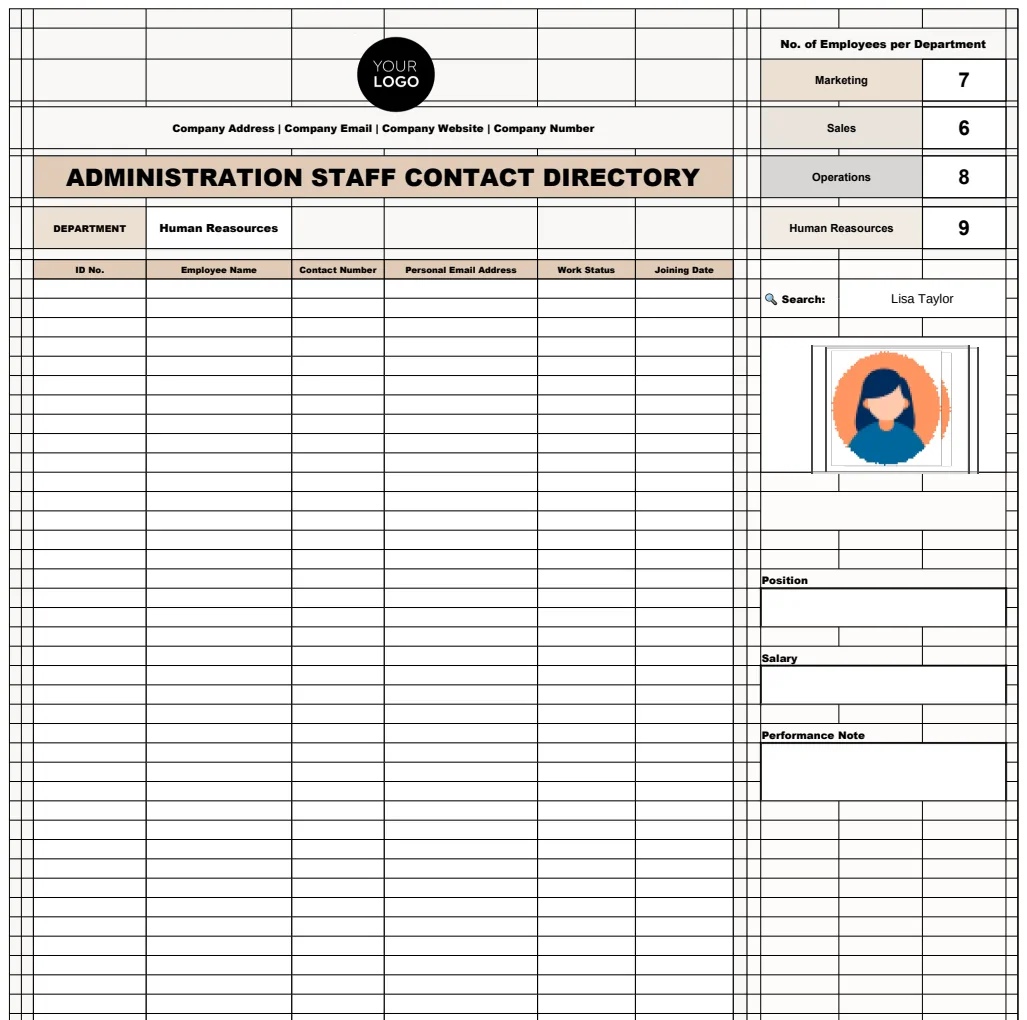
Administration Staff Contact Directory Template
Organized employee directory with contact information, departmental breakdown, and staff details across multiple sheets.
- Multi-sheet organization (Contact Directory, Staff Info, Setup)
- Automatic employee ID generation using ROW and TEXT functions
- Department-wise employee count tracking