
Inventory List with Highlighting
Track inventory items with automatic highlighting for items needing reorder.
This template helps you maintain a complete inventory list with item IDs, descriptions, and unit prices. It features conditional highlighting that automatically flags items marked for reordering, making it easy to spot what needs replenishment at a glance. Perfect for small businesses, retail operations, or warehouse managers who need a simple way to monitor stock levels and prioritize purchasing.
What's inside
- Automatic highlighting for items to reorder
- Inventory ID tracking
- Item descriptions and unit prices
- IFERROR error handling
- Color-coded visual flags
Download this and everything else
.xlsx · 2 sheets
$29$9once for thousands of templates. No subscription.
- Limited-time offer, normally $29
- One payment, no subscription
- 14-day refund
More in Inventory & Operations
 Inventory & Operations
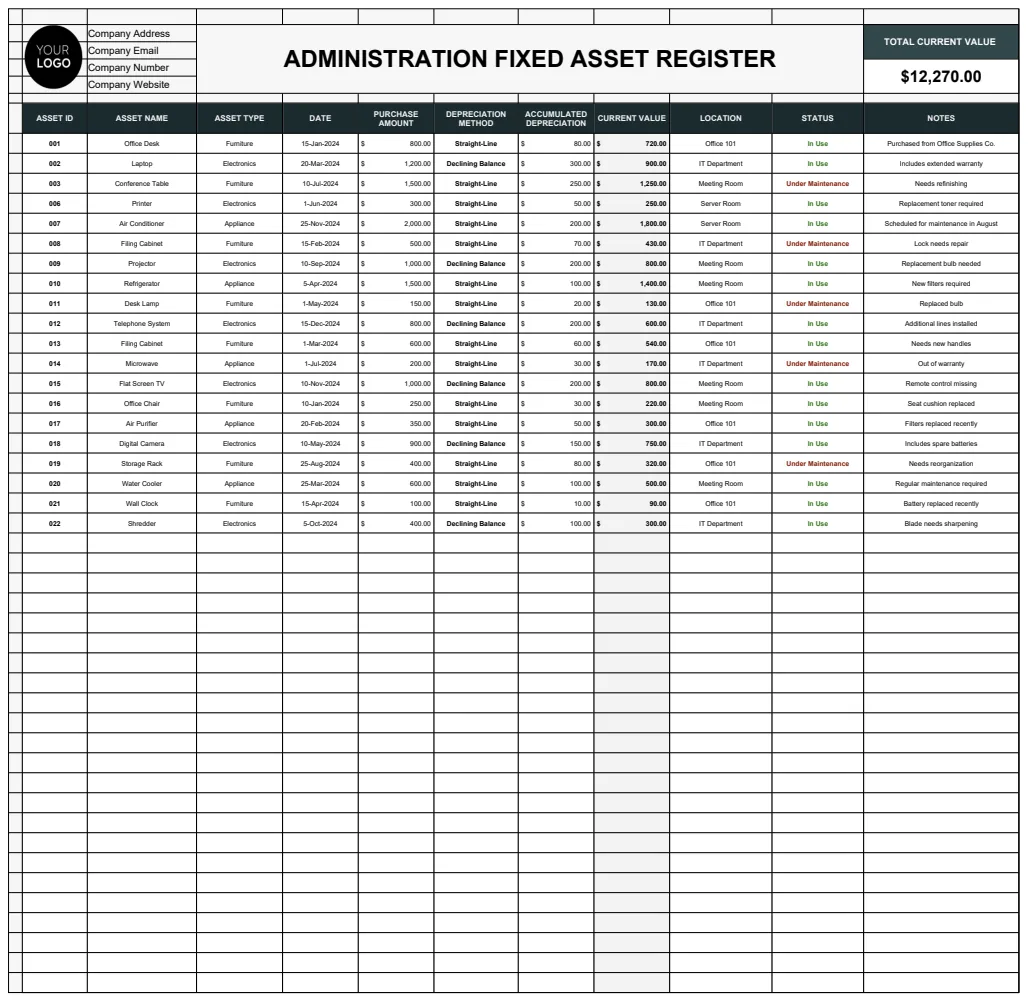
Administration Fixed Asset Register Template
Track and manage company fixed assets with depreciation calculations and current valuations.
- Depreciation calculation (Straight-Line and Declining Balance methods)
- Asset status tracking (In Use, Under Maintenance, Disposed)
- Multiple asset type categories
 Inventory & Operations
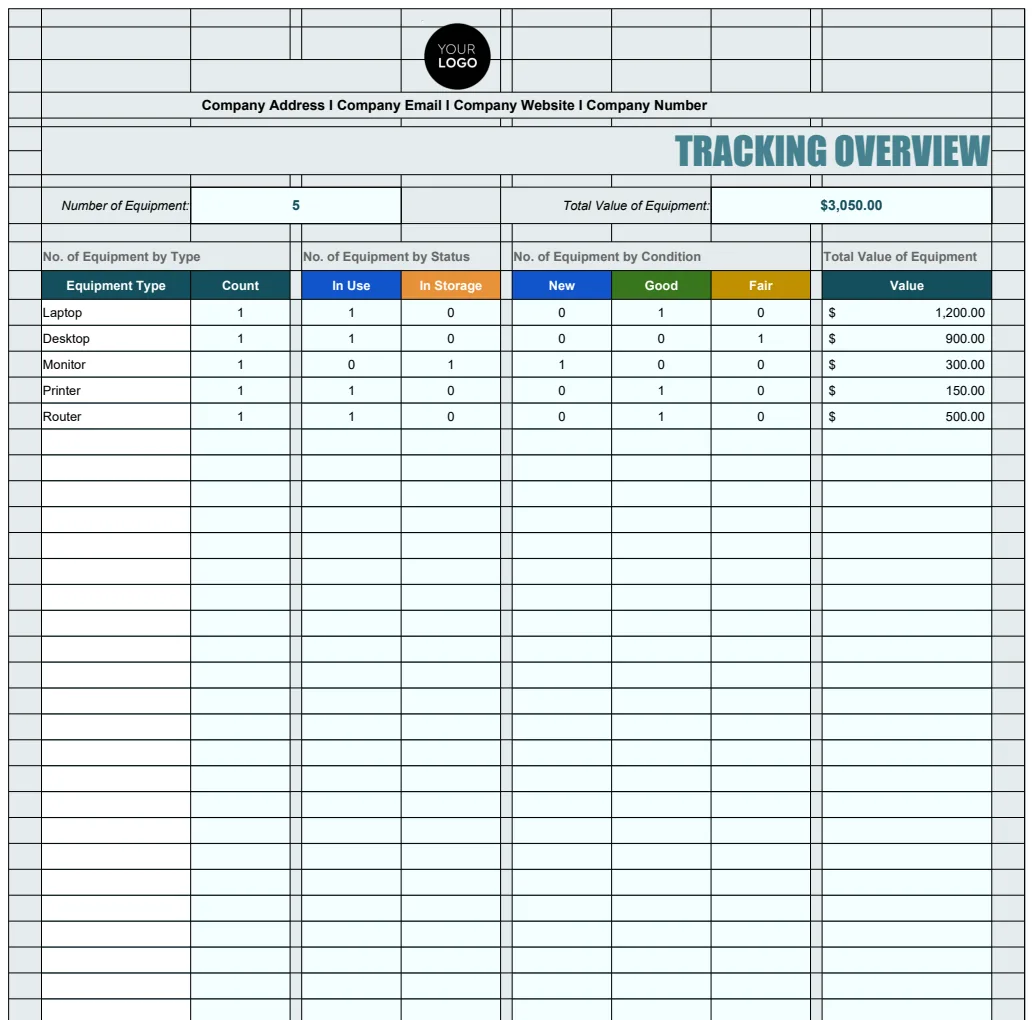
Administration IT Equipment Tracking Template
Comprehensive IT equipment inventory management system with tracking of assets, warranty dates, assignment details, and equipment status.
- Overview dashboard with equipment count summary
- Automated equipment numbering with formula-based IDs
- Warranty expiry date tracking
 Inventory & Operations
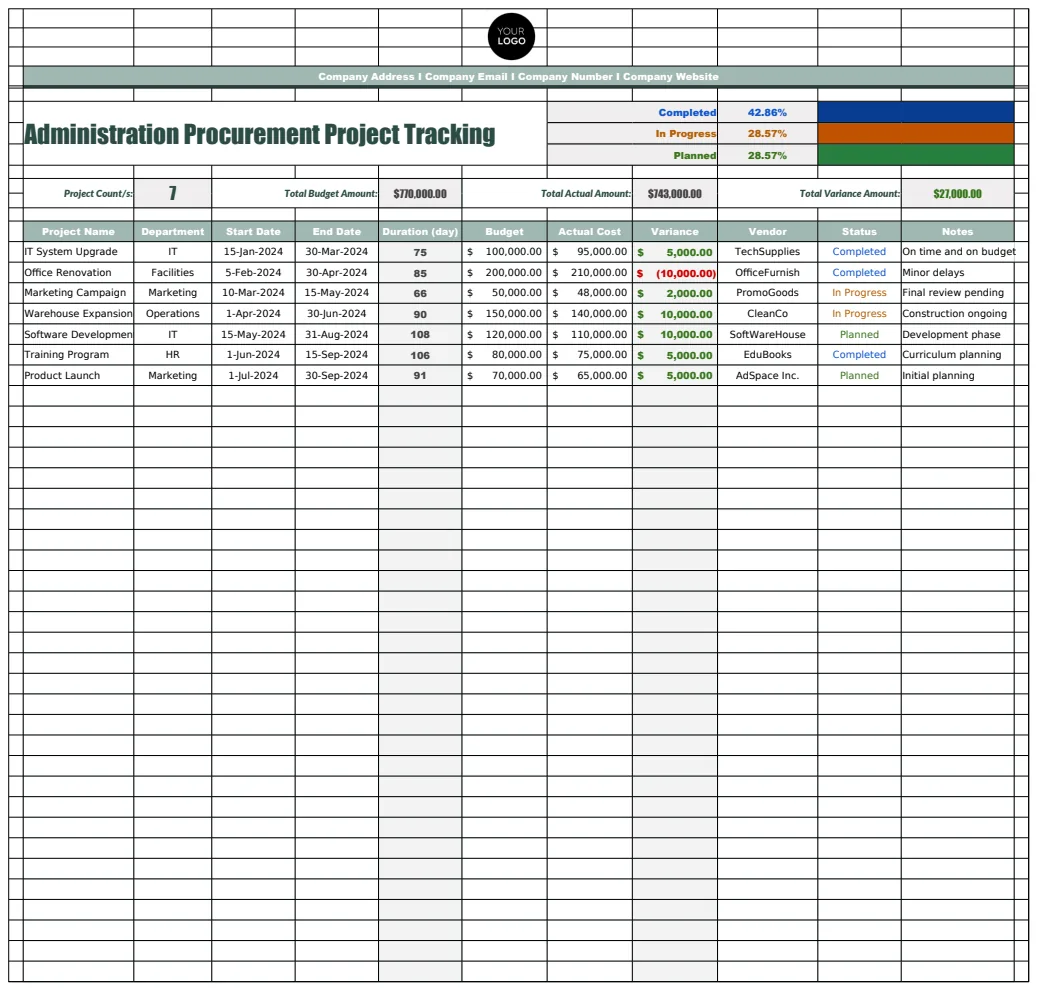
Administration Procurement Project Tracking Template
A comprehensive procurement management system that tracks vendors, projects, and company information for streamlined administration and procurement oversight.
- Vendor database with contact information
- Project status tracking (Completed, In Progress)
- Company information management
 Inventory & Operations
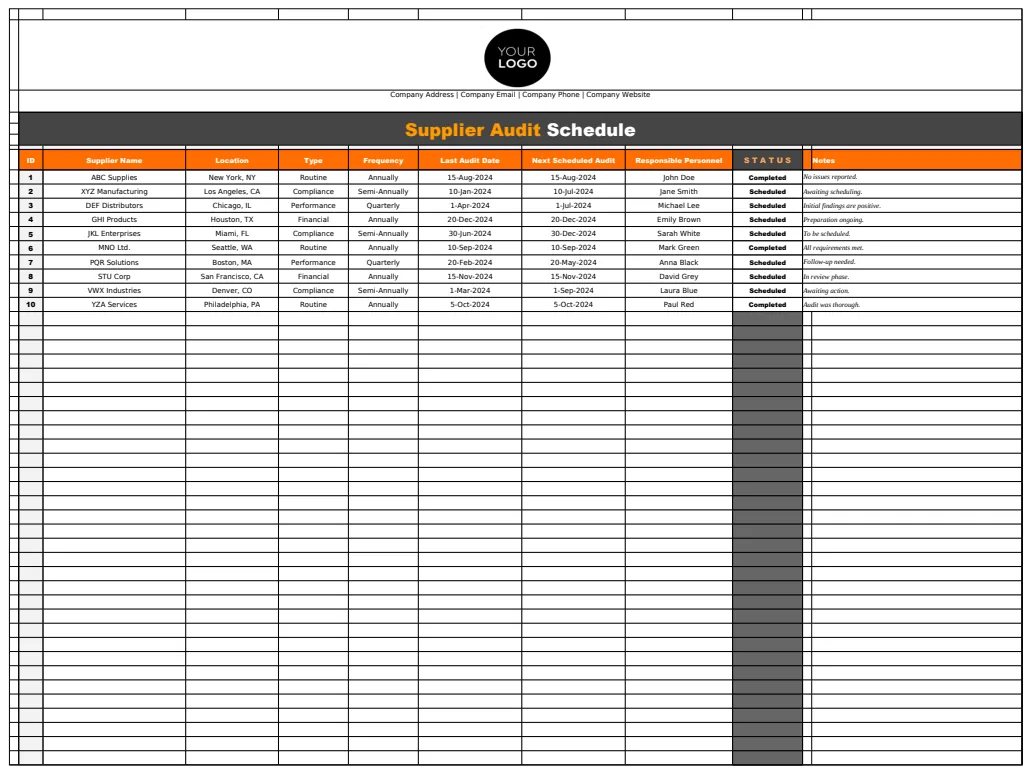
Administration Supplier Audit Schedule Template
A comprehensive supplier audit scheduling template to manage supplier evaluations, track audit types, and maintain supplier contact information.
- Multi-sheet organization for schedules, supplier lists, and audit definitions
- Supplier contact database with responsible person tracking
- Audit frequency and type tracking