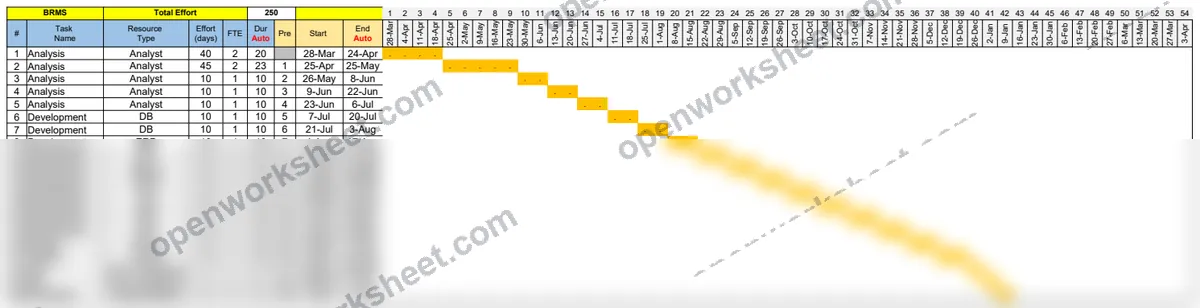
Project Duration Calculator
Auto-calculate task duration by dividing effort by FTE, with resource tracking and holiday adjustments.
This template calculates project task durations automatically by dividing total effort (days) by Full-Time Equivalent (FTE) allocation. It tracks resource types, effort hours, and adjusts for public holidays using WORKDAY functions to ensure accurate scheduling.
Perfect for project managers and resource planners who need to convert effort estimates into realistic timelines. Eliminates manual duration calculations and provides visibility into resource utilization across multiple parallel tasks.
What's inside
- Automatic duration calculation (Effort ÷ FTE)
- Resource type and analyst assignment tracking
- Public holiday database integration
- WORKDAY-based calendar adjustments
- Multi-task effort summation
- Effort vs. FTE ratio analysis
Download this and everything else
.xlsx · 2 sheets
$29$9once for thousands of templates. No subscription.
- Limited-time offer, normally $29
- One payment, no subscription
- 14-day refund
More in Project Management
 Project Management
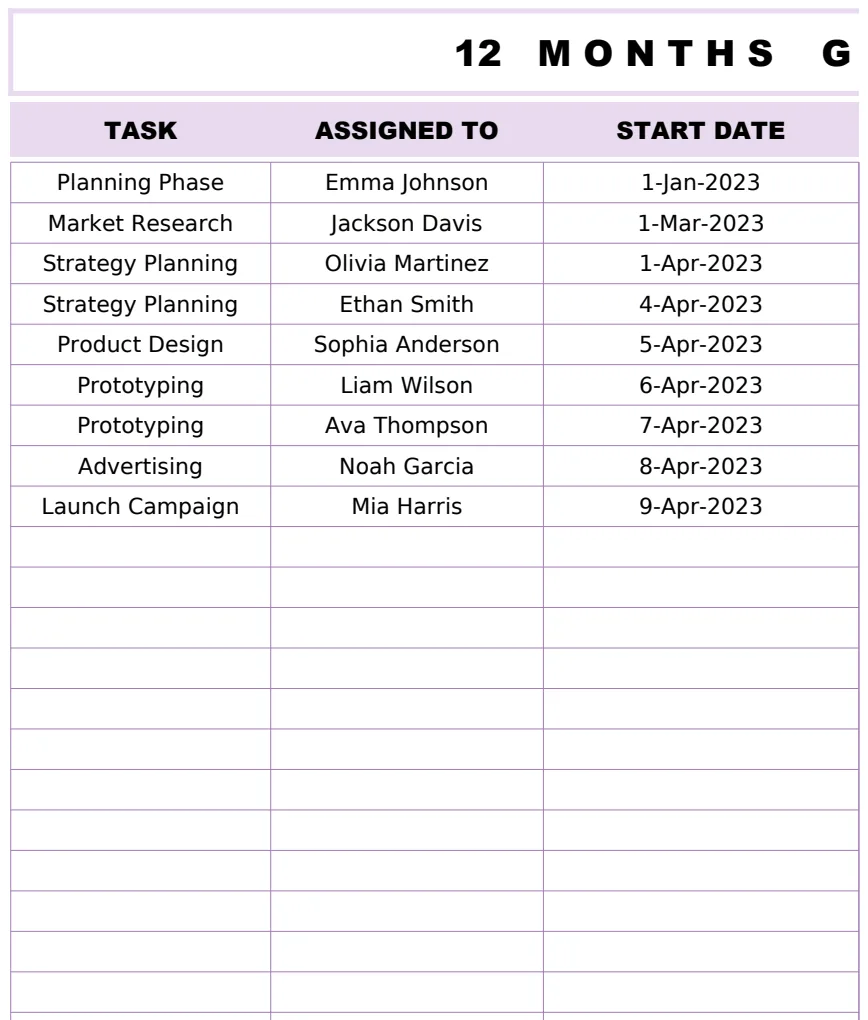
12 Months Gantt Chart Template
A professional 12-month project timeline visualization with task tracking, assignments, and duration calculations using Gantt chart methodology.
- Automatic duration calculation between start and end dates
- 12-month visual timeline representation
- Task assignment tracking
 Project Management
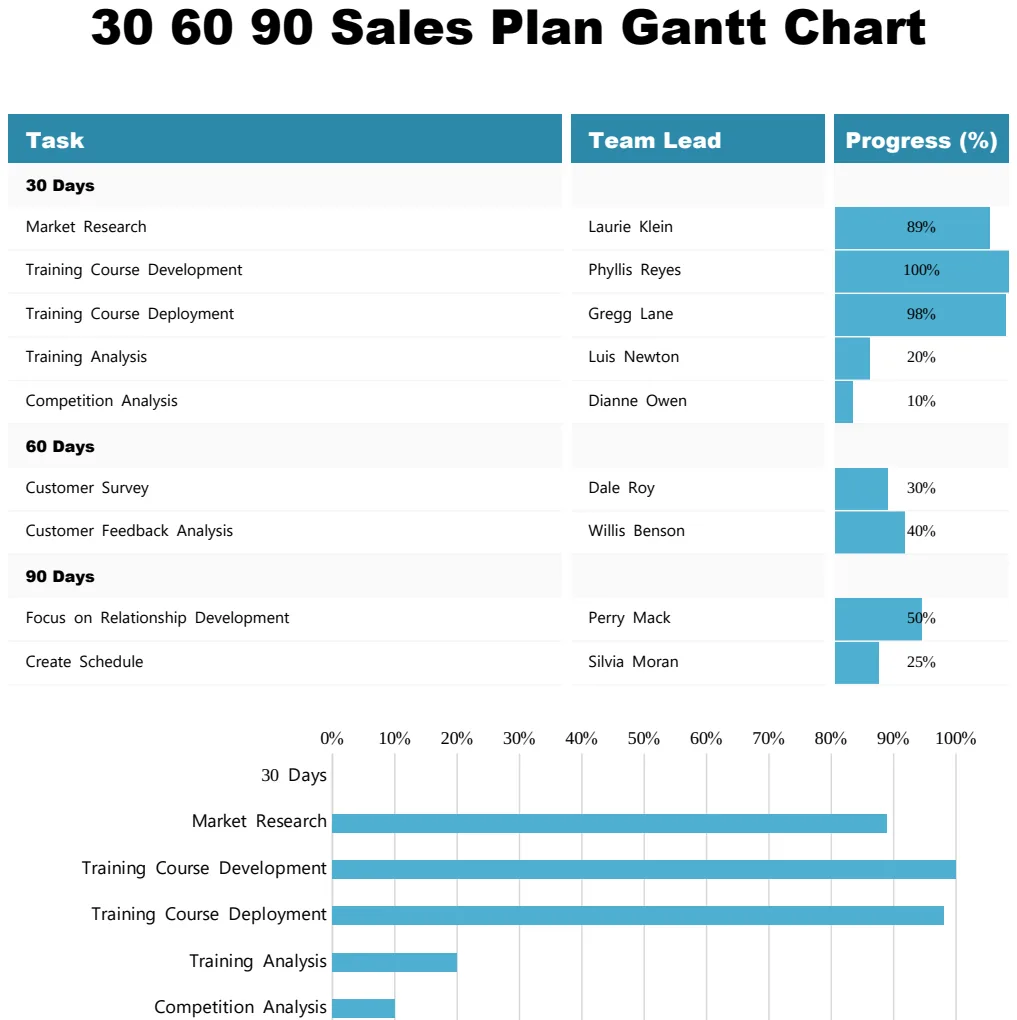
30 60 90 Sales Plan Gantt Chart
Visualize your 90-day sales plan with a Gantt chart showing tasks, team leads, and progress milestones.
- Task-by-task breakdown across 30, 60, and 90-day phases
- Team lead assignment per task
- Visual progress percentage tracking
 Project Management
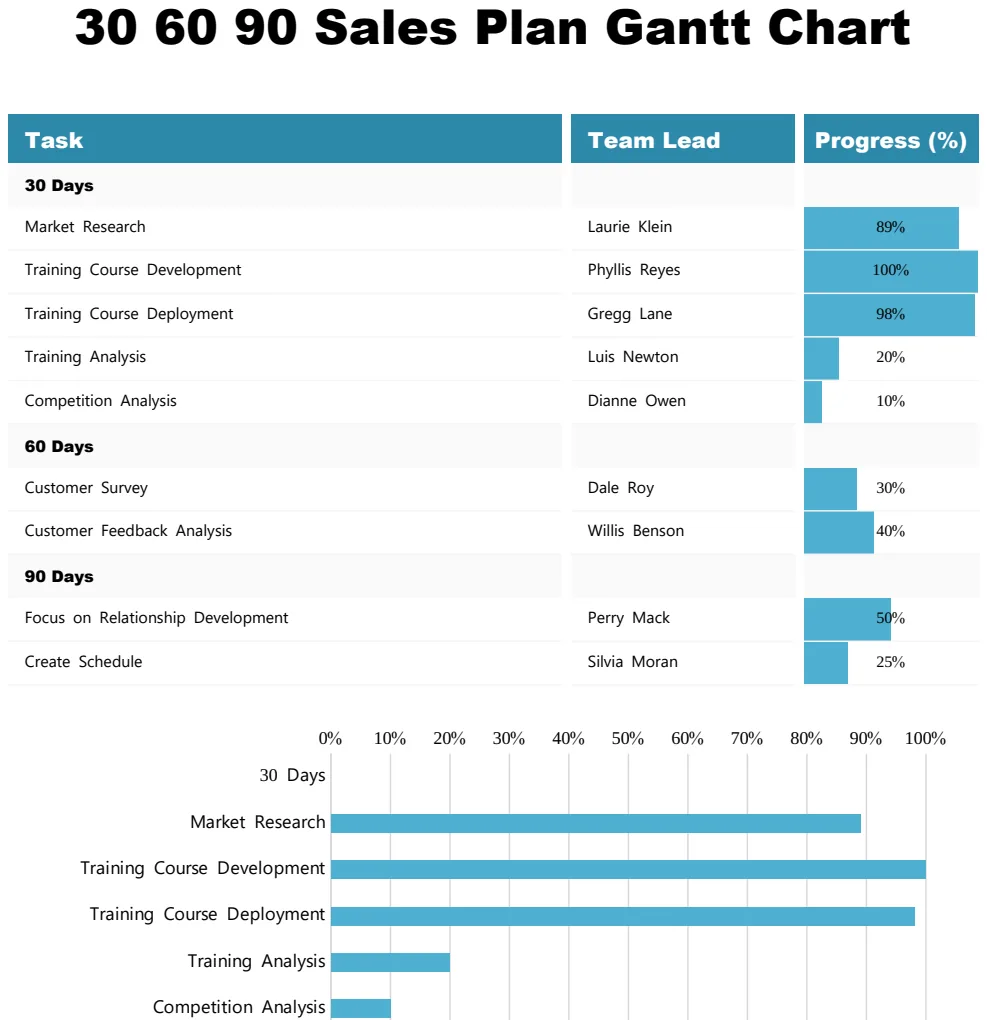
30 60 90 Sales Plan Gantt Chart
Track sales goals and milestones across 30, 60, and 90-day periods with visual progress tracking.
- Gantt timeline visualization
- Progress percentage tracking by task
- Team lead assignment column
 Project Management
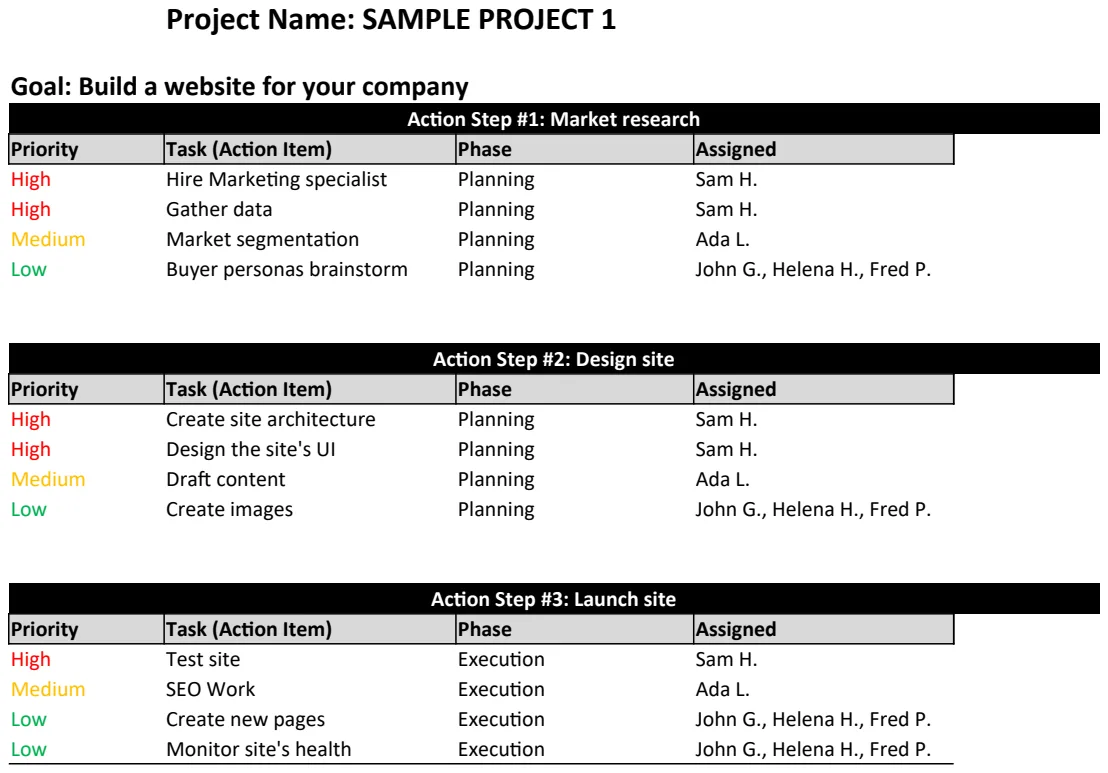
Action Plan Template
Structure project goals into actionable steps with timelines and ownership to drive execution.
- Project name and goal fields
- Action step numbering and description
- Timeline assignment per step