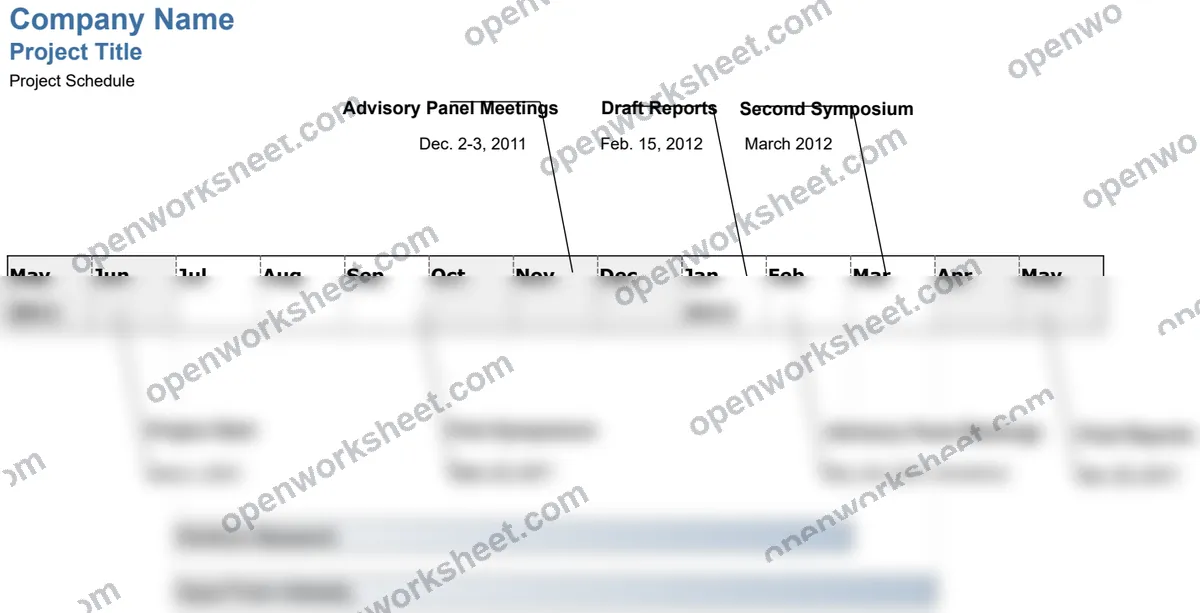
Project Timeline
Visual project schedule template using Excel drawing tools to map milestones, phases, and deadlines on a timeline.
This template helps you plan and communicate project schedules by displaying tasks, milestones, and phases on a visual timeline. It uses Excel's native drawing and formatting tools to create a professional timeline view without requiring add-ins. Perfect for project managers, team leads, and stakeholders who need a clear, at-a-glance view of project progress and key dates.
What's inside
- Visual timeline with drawing tools and formatting
- Automatic date calculations using formulas
- Customizable phases and milestone markers
- Example templates with multiple layout options
- Date-based scheduling columns
Download this and everything else
.xlsx · 2 sheets
$29$9once for thousands of templates. No subscription.
- Limited-time offer, normally $29
- One payment, no subscription
- 14-day refund
More in Project Management
 Project Management
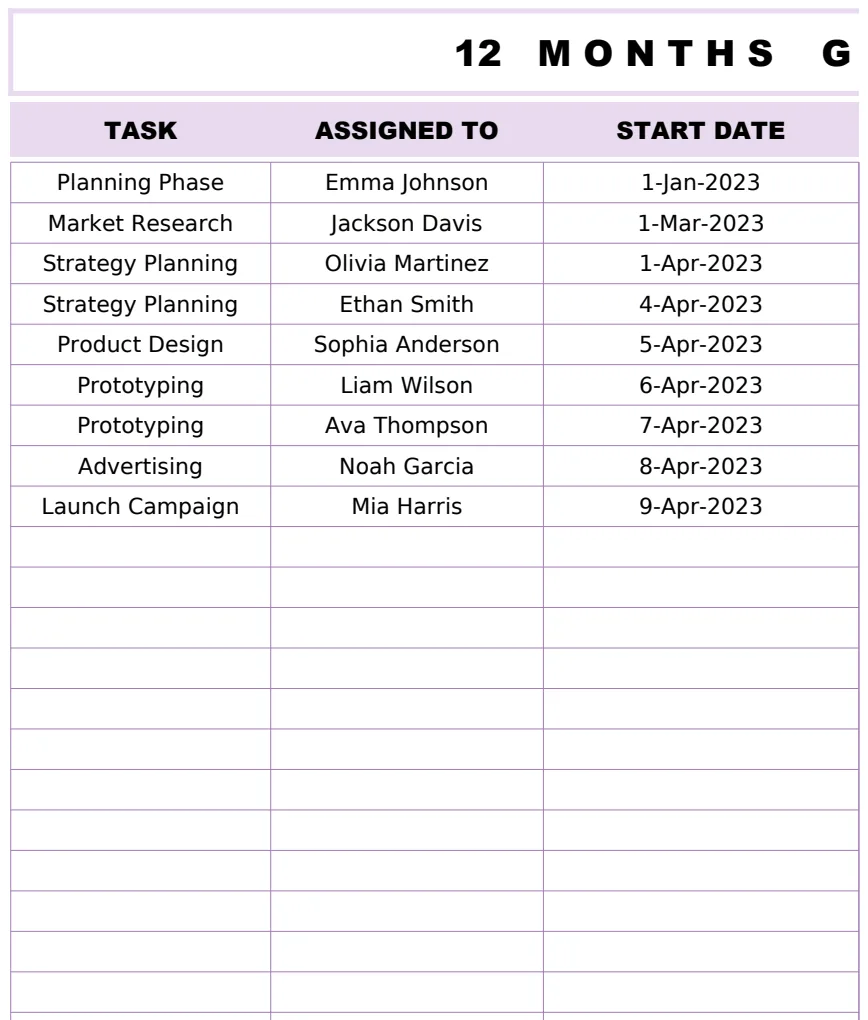
12 Months Gantt Chart Template
A professional 12-month project timeline visualization with task tracking, assignments, and duration calculations using Gantt chart methodology.
- Automatic duration calculation between start and end dates
- 12-month visual timeline representation
- Task assignment tracking
 Project Management
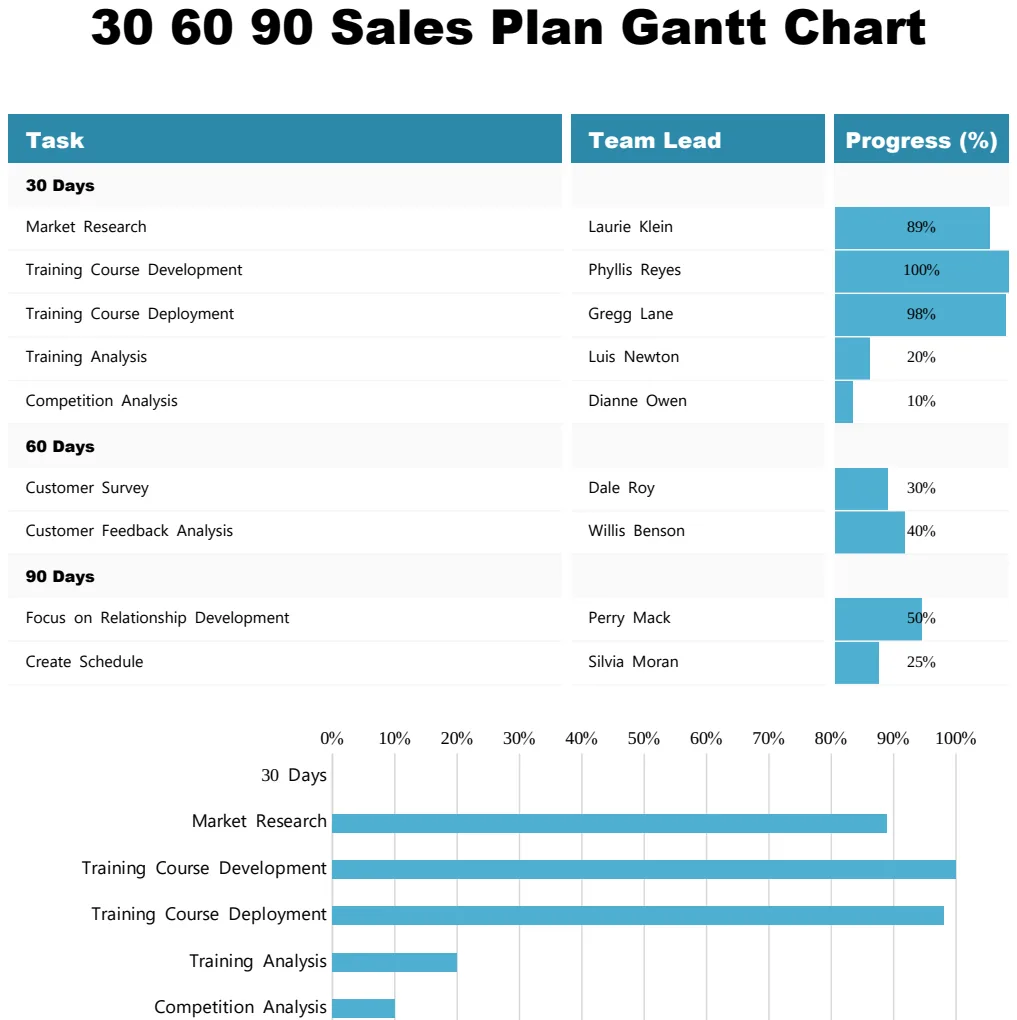
30 60 90 Sales Plan Gantt Chart
Visualize your 90-day sales plan with a Gantt chart showing tasks, team leads, and progress milestones.
- Task-by-task breakdown across 30, 60, and 90-day phases
- Team lead assignment per task
- Visual progress percentage tracking
 Project Management
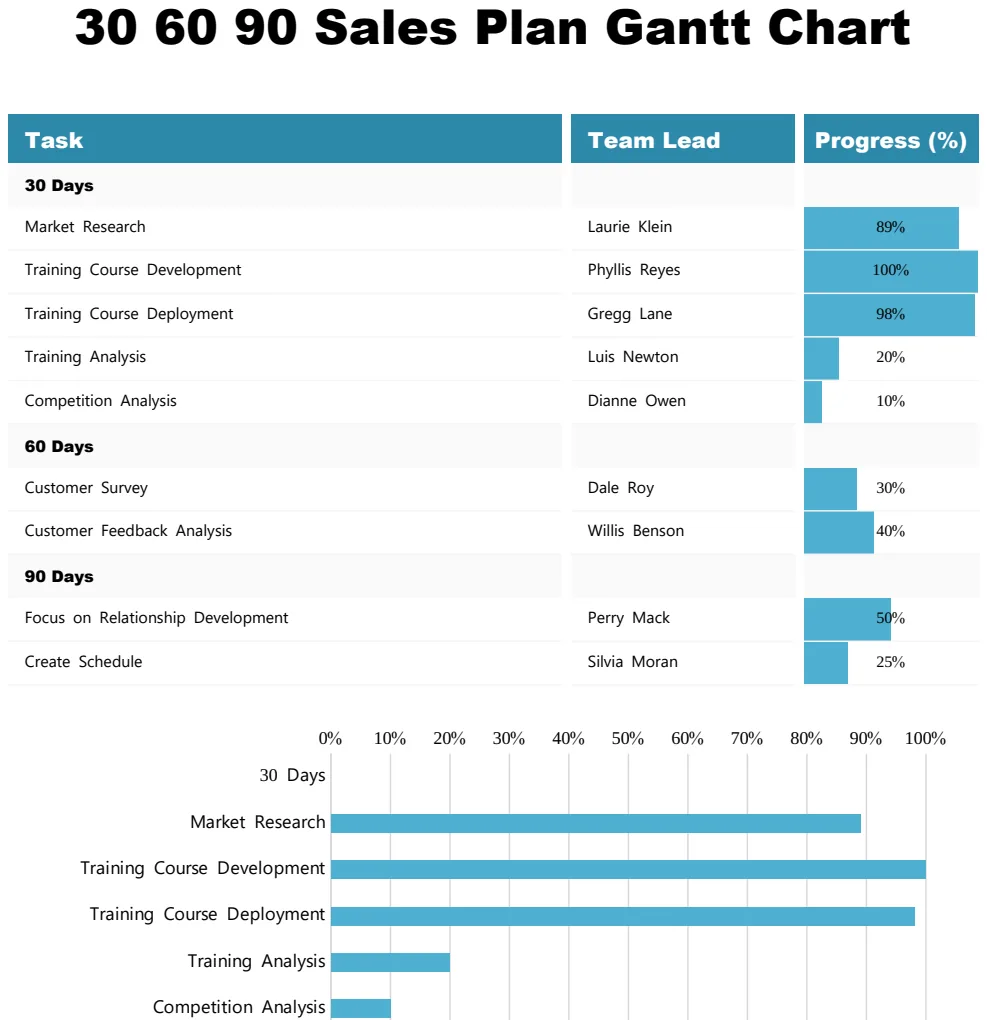
30 60 90 Sales Plan Gantt Chart
Track sales goals and milestones across 30, 60, and 90-day periods with visual progress tracking.
- Gantt timeline visualization
- Progress percentage tracking by task
- Team lead assignment column
 Project Management
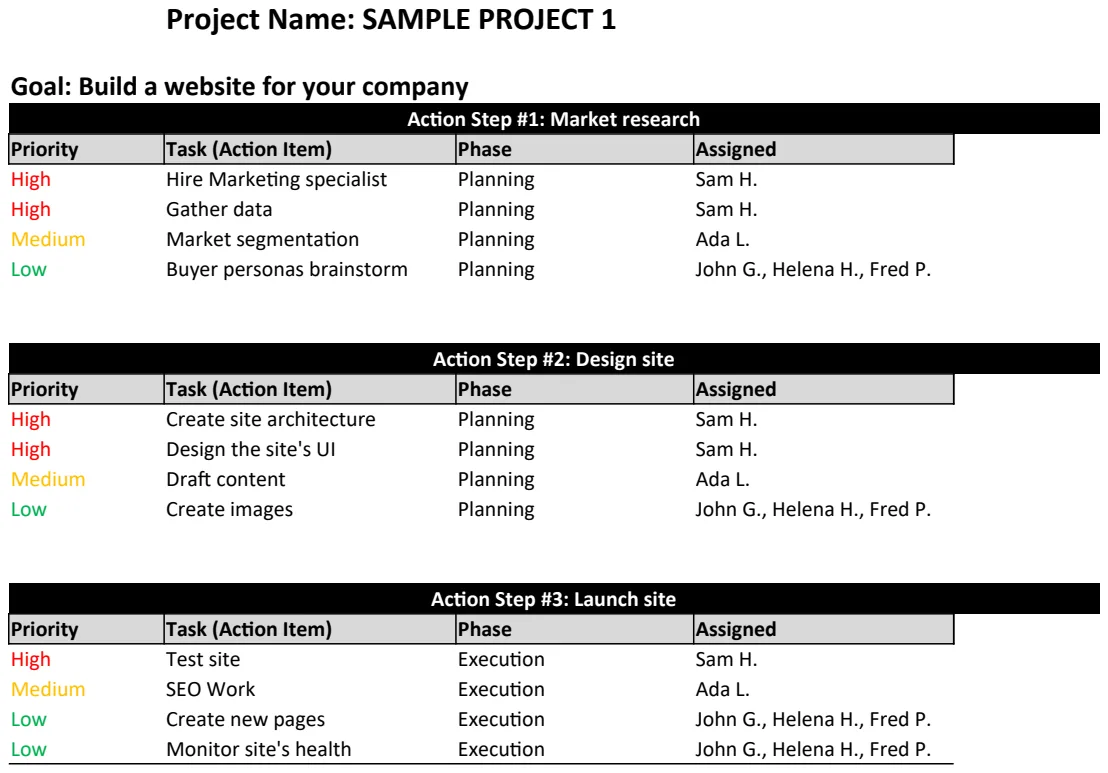
Action Plan Template
Structure project goals into actionable steps with timelines and ownership to drive execution.
- Project name and goal fields
- Action step numbering and description
- Timeline assignment per step