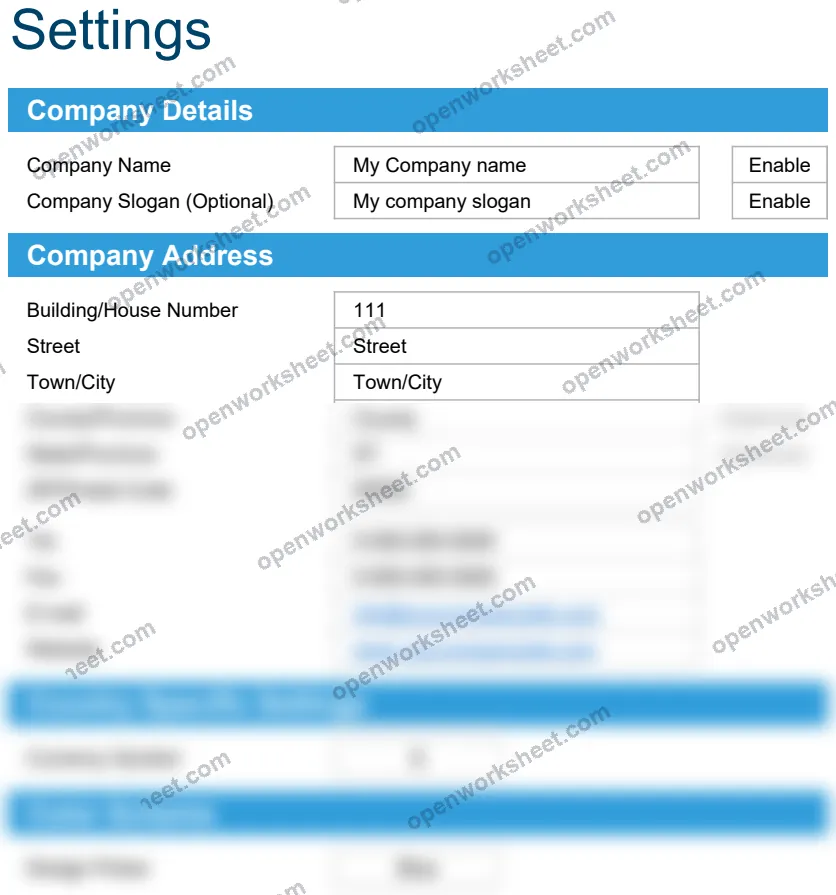
Weekly Timesheet with Breaks
Track daily hours worked with break deductions across weekly and biweekly periods.
This template helps employees and managers accurately record work hours while accounting for breaks taken each day. It includes both weekly and biweekly tracking options with time formats in decimal and hh:mm notation, automatically calculating net hours worked. The Settings sheet lets you customize company details and display preferences, making it adaptable for different organizations and payroll processes.
What's inside
- Weekly and biweekly timesheet layouts
- Multiple time format options (decimal and hh:mm)
- Automatic break deduction calculations
- Customizable company details via Settings
- Visual charts for time data analysis
- Formula-based calculations using IF and SUM functions
Download this and everything else
.xlsx · 6 sheets · includes charts
$29$9once for thousands of templates. No subscription.
- Limited-time offer, normally $29
- One payment, no subscription
- 14-day refund
More in Time Tracking
 Time Tracking
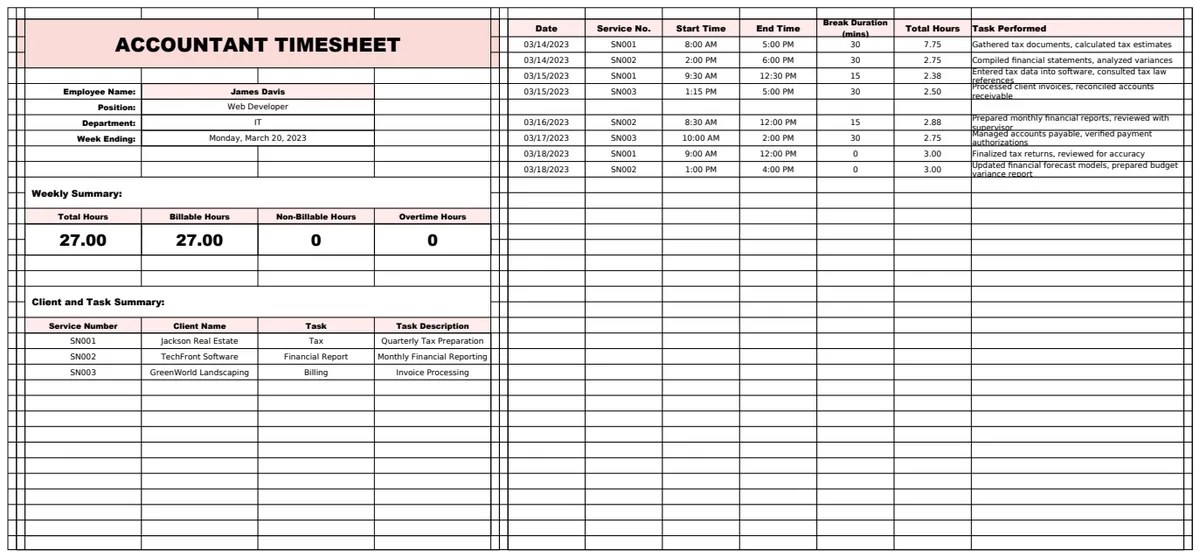
Accountant Timesheet Template
A comprehensive timesheet management system for accountants tracking billable hours, client services, and employee compensation.
- Multi-sheet workbook structure
- Automatic hour calculation
- Client service cross-reference
 Time Tracking
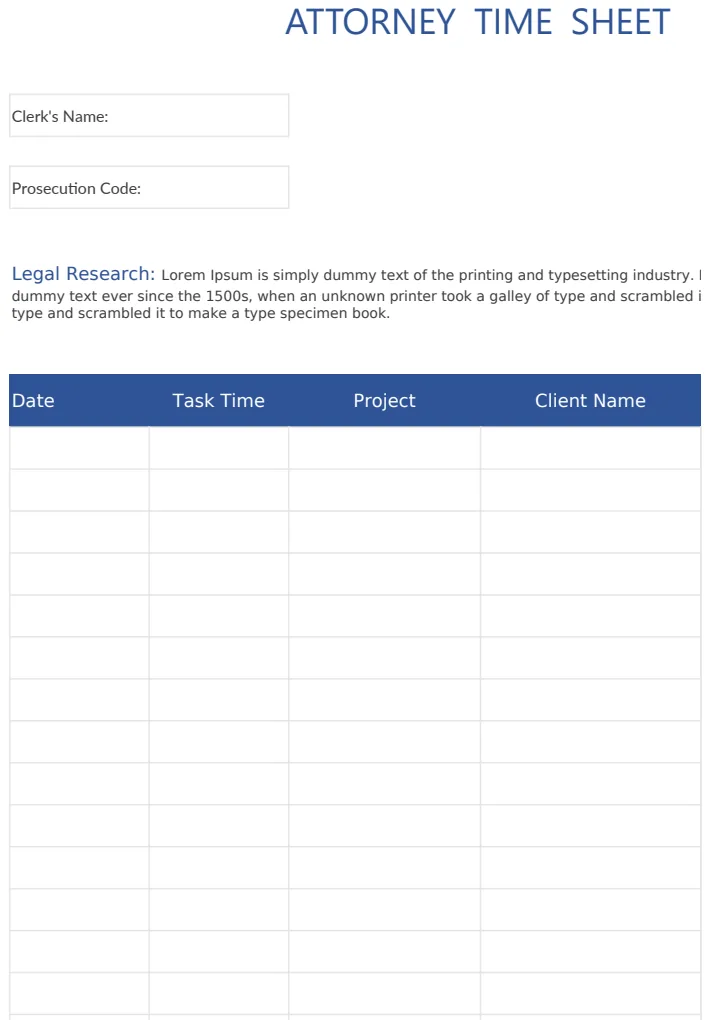
Attorney Time Sheet
Legal professional time tracking sheet for recording billable hours by case and activity type.
- Clerk and supervisor name fields
- Prosecution and defense case codes
- Activity type categorization
 Time Tracking
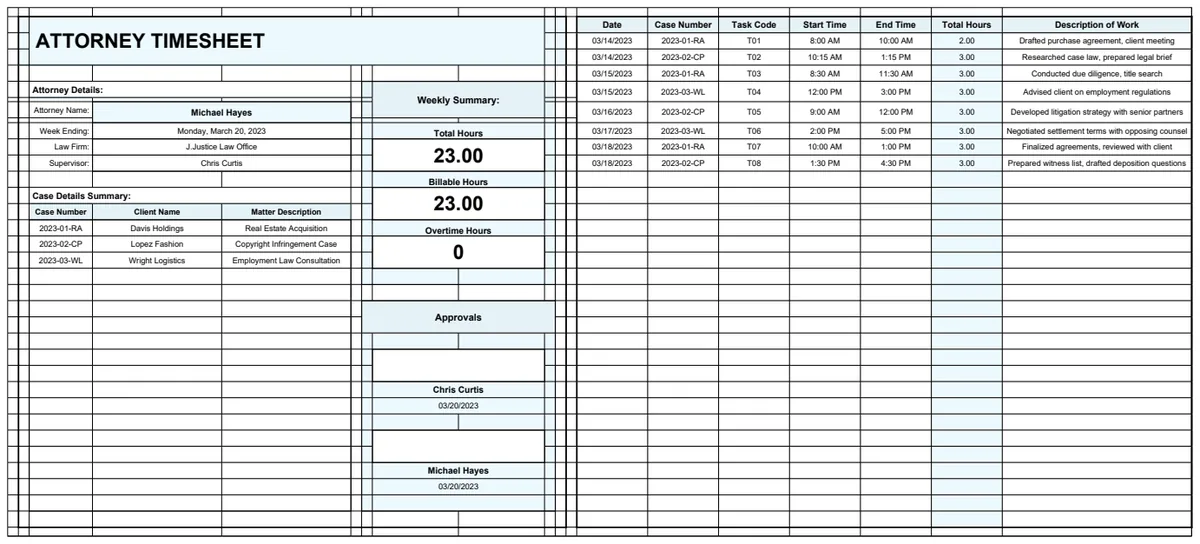
Attorney Timesheet Template
Professional timesheet for tracking billable hours by attorney, case, and task code with automatic time calculations.
- Attorney details management sheet
- Case information lookup table
- Task code reference system
 Time Tracking
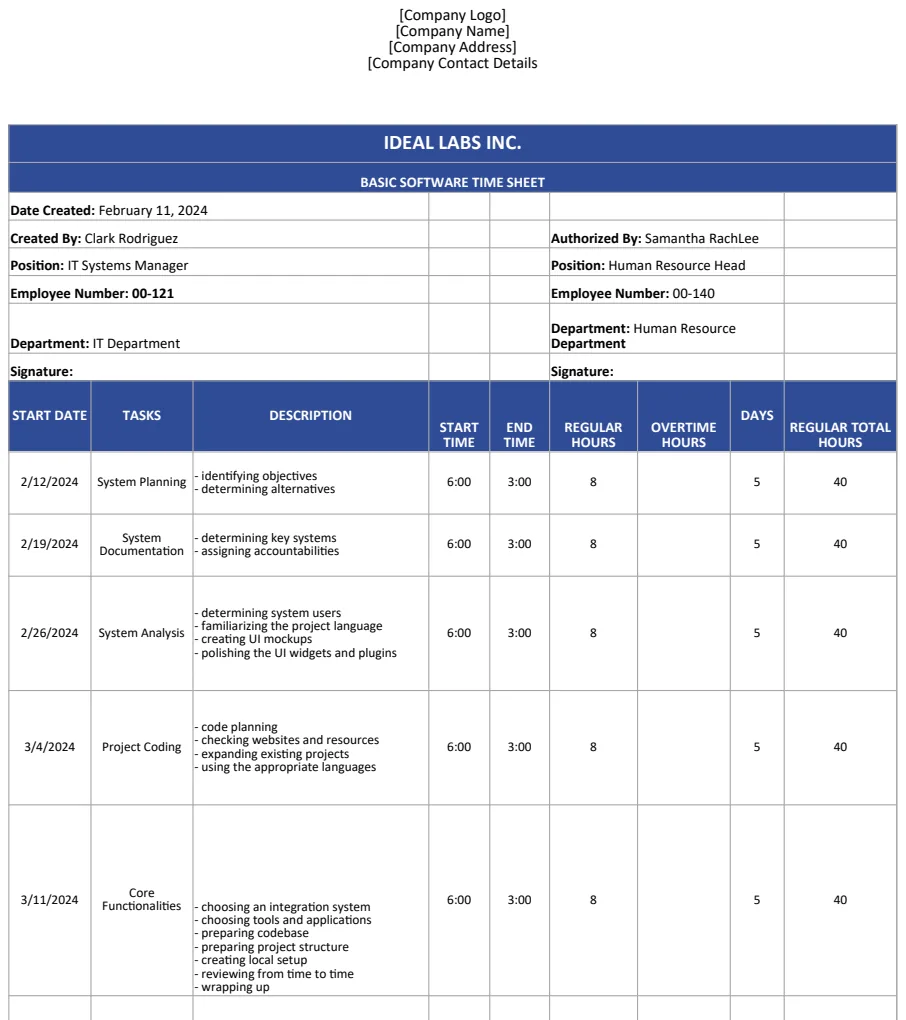
Basic Software Time Sheet Template US
A US-format timesheet template for tracking employee work hours with company branding sections and basic time entry fields.
- Company branding section
- Time entry fields
- US format compliance