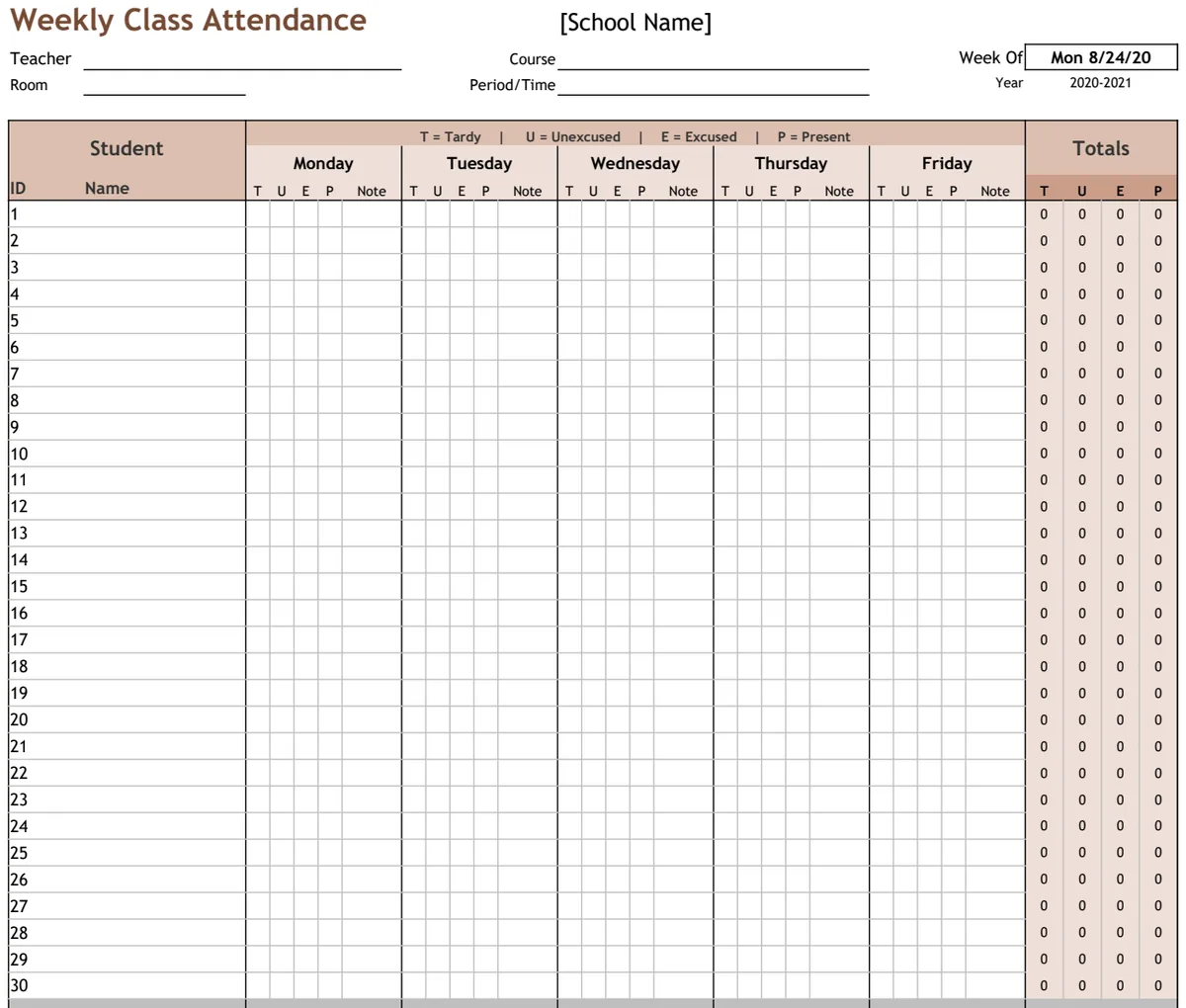
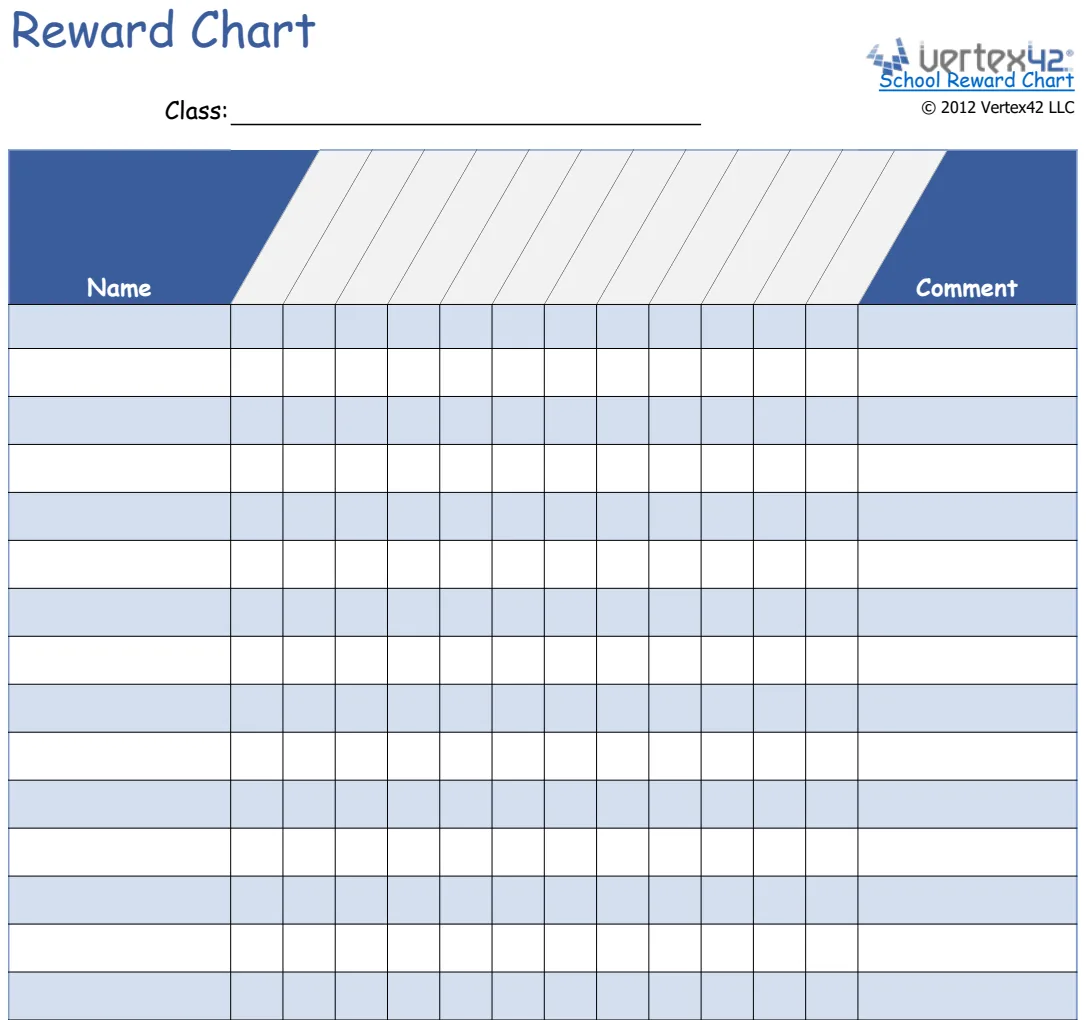
A Google Sheets study schedule that keeps you on track
Learn how to create a dynamic study schedule template in Google Sheets that adapts to your busy academic life.
The most common failure of a study schedule template in Google Sheets is that it becomes a static document, quickly ignored when life inevitably throws unexpected assignments or social events into the mix. This happens because most templates don't build in flexibility or a system for updating when plans change. A truly effective study schedule template Google Sheets user can adapt to their dynamic academic life requires more than just a grid; it needs a built-in mechanism for review and adjustment.
To combat this, consider a template that allows for easy modification and encourages regular review. Think of it less as a rigid prison and more as a living document that guides your efforts. The goal is to create a framework that supports your learning goals while remaining realistic about your time and energy.
Designing Your Flexible Study Schedule
When setting up your study schedule, the most crucial element is realism. Over-scheduling is the fastest way to abandon your plan. Instead of blocking out every hour, build in buffer time for unexpected tasks, breaks, and even spontaneous activities. A good starting point is to map out your fixed commitments first: classes, work, family obligations, and essential personal time.
Once those are in place, you can begin allocating study blocks. Consider the difficulty of the subject matter. A challenging math problem set might require a longer, more focused block than reviewing flashcards for a history quiz. Varying the length and timing of your study sessions can also help prevent burnout. For instance, tackling a complex topic in the morning when your focus is sharpest, and using the afternoon for lighter review or essay planning.
Key Components of an Effective Schedule
A robust study schedule template Google Sheets user can implement should include several core components. These aren't just about listing tasks, but about structuring your time effectively.
- Subject/Course Column: Clearly identify which subject each study block is for.
- Task/Topic Column: Be specific about what you will study within that subject. Instead of "Math Study," write "Math: Chapter 3 Practice Problems" or "History: Reviewing Lecture Notes on the French Revolution."
- Date & Time Blocks: Assign specific days and times for each study session. Be realistic about how long each task will take.
- Duration: Note the planned length of the study session. This helps in time management.
- Location (Optional): If you study in different places (library, home, cafe), noting this can help you prepare.
- Priority Level: Assign a priority (e.g., High, Medium, Low) to tasks, especially when you have competing demands.
- Status: Track progress. Options could include "Not Started," "In Progress," "Completed," or "Rescheduled." This is key for flexibility.
- Notes/Resources: A space to jot down specific materials needed (textbook page, online resource link) or brief notes on what was covered.
Using Formulas for Smarter Scheduling
Google Sheets offers powerful formulas that can transform a basic schedule into an intelligent planning tool. You don't need to be a spreadsheet wizard to implement these.
One useful formula is =SUMIFS() to track total study time allocated per subject. For example, if your study sessions are listed with a "Subject" in column A and "Duration" (in hours) in column B, you could use a formula like:
=SUMIFS(B2:B50, A2:A50, "Math")
This would sum all durations for study sessions where the subject is "Math." You can then create a summary section on your sheet to see how your time is distributed.
Another helpful function is conditional formatting. You can set rules to visually highlight overdue tasks or sessions that are coming up soon. For instance, highlight rows where the "Status" column reads "Not Started" and the "Date" is in the past. This immediately draws your attention to what needs immediate action.
Structuring Your Weekly and Daily View
A common pitfall is creating a schedule that's too granular for daily use. While detailed planning is good, looking at a week-long grid can be overwhelming. Consider a two-tiered approach.
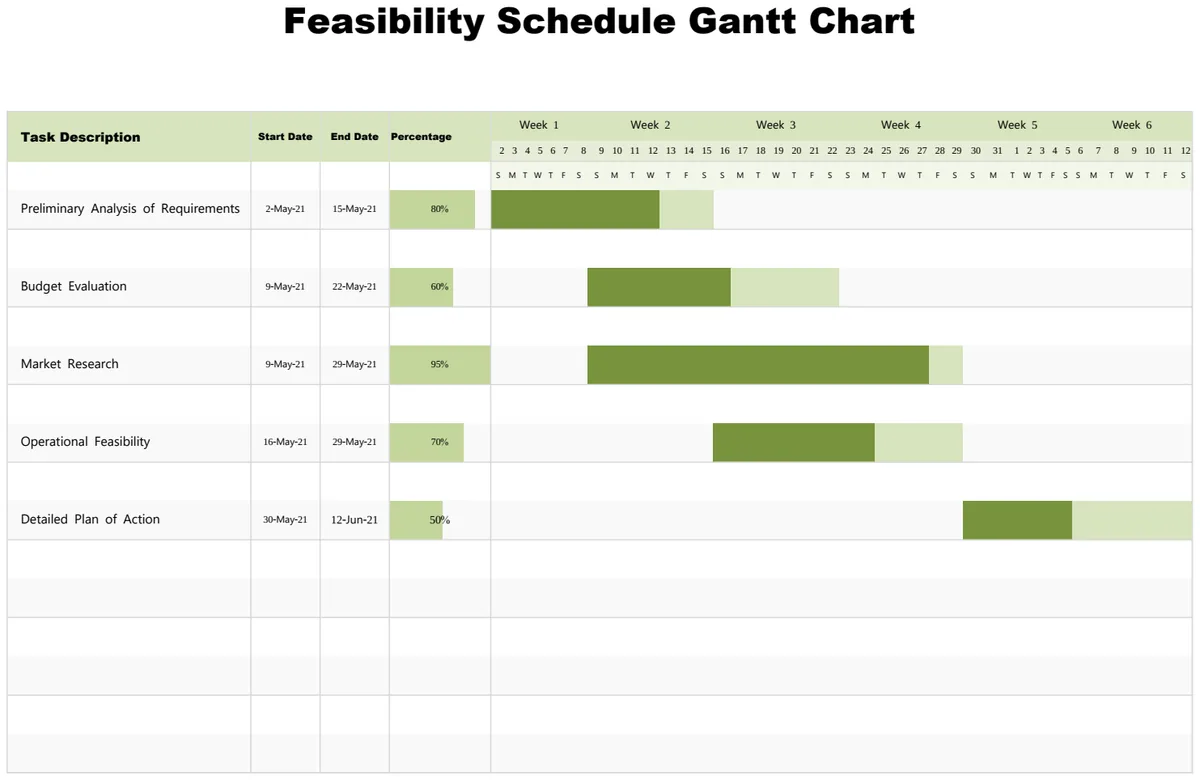
First, have a Weekly Overview. This sheet might list blocks of time for each day and the primary subject or task for that block. It provides the big picture. Think of this as your master plan. For visualizing longer-term academic projects, a tool like the Feasibility Schedule Gantt Chart can be helpful for mapping out major assignment deadlines and milestones.
Second, create a Daily To-Do List that pulls from your weekly overview. This list should be updated each morning or the night before. It should include specific tasks, estimated times, and a clear "done" checkbox. This makes your schedule actionable. The Student Assignment Planner Excel Template offers a good model for breaking down assignments into manageable steps.
Building in Review and Adjustment
Your study schedule is not set in stone. Life happens. A crucial part of any effective study schedule is a built-in review process.
Daily Check-in: At the end of each day, take five minutes to review what you accomplished. Did you stick to your schedule? If not, why? What needs to be moved to tomorrow? Mark tasks as complete.
Weekly Review: Dedicate 20-30 minutes each weekend to review the past week. How effective was your schedule? Did you allocate enough time for certain subjects? Were your time estimates accurate? Use this time to adjust the upcoming week's schedule based on your findings, new assignments, or upcoming tests. This iterative process is what makes a schedule sustainable.
Common Mistakes to Avoid
Several common mistakes can derail even the best-intentioned study schedule. Being aware of these can help you build a more resilient plan.
- Over-optimism: Assuming you'll have more energy or free time than you realistically do.
- Lack of Specificity: Vague tasks like "Study for Biology" are easy to procrastinate on. Break them down.
- No Buffer Time: Not accounting for travel, unexpected errands, or simply needing a mental break.
- Ignoring Your Schedule: Creating a schedule and then never looking at it again. It needs to be a living document.
- Not Reviewing and Adjusting: Failing to adapt the schedule when circumstances change or when you realize your initial plan wasn't working.
- Perfectionism: Getting bogged down trying to create the "perfect" schedule instead of just starting with a functional one. A Student Planner by Weekday can help organize your week visually, making it easier to spot gaps and conflicts.
What if I have multiple classes with overlapping material?
If you have subjects that build on each other, like Calculus I and II, or different historical periods, your schedule needs to reflect that progression. Ensure that your study blocks for foundational topics occur before you begin tackling more advanced material. You might also schedule brief review sessions for earlier concepts before diving into new, related topics. Consider using the Period Schedule template to map out your class times clearly, which can help identify when you have dedicated study periods available for these overlapping subjects.
How do I account for unexpected assignments or deadlines?
When a new assignment or urgent task pops up, the key is to integrate it logically, not just tack it on. Look at your existing schedule for the day or week. Can you shift a less critical study block or shorten a planned session to accommodate the new priority? Use the "Status" column in your template to mark tasks as "Rescheduled" and then update the time and date for that task. Avoid the temptation to simply add more hours to your day; instead, reallocate your existing time.
Can I use this for more than just academic study?
Absolutely. The principles behind a flexible study schedule apply to any area where you need to manage your time effectively for recurring tasks. This could include professional development, personal projects, creative endeavors, or even managing household chores. The core idea is to break down larger goals into manageable time blocks and to build in a system for review and adaptation.
How often should I update my schedule?
For most students, a daily quick check-in (5 minutes) and a weekly review (20-30 minutes) is ideal. The daily check-in ensures you're on track for the immediate day and addresses any immediate needs. The weekly review allows for broader adjustments, looking at upcoming deadlines, exam schedules, and your overall progress. Consistency in this review process is more important than the exact timing.