Fixing your social media calendar's hidden flaw
A common oversight in social media calendars is the absence of a dedicated column for Post Objective. Fix this flaw and organize your content effectively.
A common oversight in social media calendars is the absence of a dedicated column for "Post Objective." Without this, it's easy to fill your schedule with content that looks good but doesn't actually move the needle on your business goals, whether that's driving website traffic, generating leads, or increasing brand awareness. You're likely searching for a social media calendar template Excel free because you need a structured way to organize your posting schedule without upfront costs. A well-designed template can transform your scattered ideas into a cohesive strategy.
This need for organization is precisely why so many businesses and individuals turn to spreadsheets for their social media planning. While platforms offer scheduling tools, a central calendar provides a bird's-eye view of your content pipeline, allowing for better strategic alignment and timely adjustments. The right template can save you hours each week, preventing missed opportunities and ensuring a consistent brand voice across all your channels.
Essential Columns for Your Social Media Calendar
Beyond the basic date and time, a robust social media calendar needs specific columns to be truly effective. Think about what information you absolutely need at a glance to manage your content.
- Date: The day the post is scheduled to go live.
- Time: The specific time of day for publishing.
- Platform: Which social network (e.g., Instagram, Facebook, LinkedIn, X, TikTok).
- Content Type: (e.g., Image, Video, Link, Story, Reel, Text-only).
- Post Objective: (Crucial!) What do you want this post to achieve? (e.g., Engagement, Traffic, Lead Gen, Brand Awareness, Sales).
- Headline/Caption: The primary text for your post.
- Visuals: A description or link to the image/video asset.
- Link: The URL to be shared, if applicable.
- Call to Action (CTA): What do you want the audience to do? (e.g., "Learn More," "Shop Now," "Comment Below," "Sign Up").
- Status: (e.g., Draft, Scheduled, Published, Needs Approval, Rejected).
- Notes/Campaign: Any relevant campaign or additional context.
- Key Metrics (Post-Publish): A place to log performance data like Likes, Shares, Comments, Clicks, Reach.
Having these columns readily available in your spreadsheet makes it easy to scan your entire content plan and identify any gaps or redundancies.
Structuring Your Excel Social Media Calendar
When building your own social media calendar template Excel free, consider how you want to visualize your content. A simple list view is functional, but a more visual approach can be incredibly helpful for strategic planning.
For many, a monthly view is ideal. You can achieve this by having a sheet for each month, or by using formulas to pull data into a calendar-like layout.
Setting Up a Monthly View
- 01Create a "Master" Sheet: This sheet will contain all your raw data. Use the essential columns listed above. Fill this sheet with all your planned posts, even if they're for months in the future.
- 02Create Individual Month Sheets: For each month (e.g., "January," "February"), create a new sheet.
- 03Layout the Calendar Grid: On each month's sheet, set up a grid that resembles a calendar. You’ll typically have 5 or 6 rows for weeks and 7 columns for days of the week.
- 04Use Formulas to Populate: This is where the magic happens. You can use formulas like
INDEXandMATCHorFILTER(in newer Excel versions) to pull posts scheduled for that specific month and day from your "Master" sheet into the corresponding cells on the monthly calendar grid. You might display just the headline or a brief summary. - 05Conditional Formatting: Apply conditional formatting to highlight certain types of posts (e.g., by platform, by objective) or to visually indicate status (e.g., red for "Needs Approval," green for "Published").
This setup allows you to see your entire month's content at a glance while keeping your detailed planning data organized on the master sheet.
Leveraging Formulas for Efficiency
Even with a basic social media calendar template Excel free, formulas can significantly enhance its utility. Beyond pulling data into a calendar view, you can automate other tasks.
- Counting Posts Per Platform: Use
COUNTIFSto see how many posts you have planned for each platform in a given period. For example,=COUNTIFS(Master!$C:$C, "Instagram", Master!$A:$A, ">="&A1, Master!$A:$A, "<="&B1)could count Instagram posts between date A1 and B1. - Tracking Status Distribution: A
PIVOTTABLEis excellent for summarizing your content status. You can easily see how many posts are "Draft," "Scheduled," etc., across all platforms or specific to a month. - Calculating Posts Per Week: If you're not using a visual calendar, you can use formulas to count posts within a specific week range to ensure you're hitting your desired posting frequency.
- Highlighting Missing Information: Use conditional formatting based on formulas to flag rows where essential columns (like "Caption" or "Visuals") are empty for posts that are already past their draft stage.
These formulas help you maintain oversight and ensure your content calendar is not just populated but strategically sound.
Mistakes to Avoid with Your Social Media Calendar
Even the best templates can be undermined by common errors. Being aware of these pitfalls can save you a lot of future headaches.
- Forgetting the "Why": As mentioned, not defining the objective for each post is a cardinal sin. Content without purpose is just noise.
- Over-scheduling: Trying to post on every platform, every day, can lead to burnout and diluted quality. Focus on where your audience is and what you can realistically maintain.
- Ignoring Visuals: Especially for platforms like Instagram and TikTok, the visual element is paramount. Failing to plan or prepare visuals in advance will cause delays.
- Lack of Flexibility: Social media is dynamic. Your calendar should be a guide, not a rigid prison. Be prepared to adjust based on current events, trends, or performance data.
- Not Reviewing Performance: A calendar is a planning tool, but its success is measured by results. Regularly review what worked and what didn't, and feed that data back into your planning process.
Exploring Ready-Made Templates
While you can certainly build a robust social media calendar from scratch in Excel, sometimes a pre-built solution that's already optimized can save significant time. There are many options available that go beyond a basic spreadsheet.
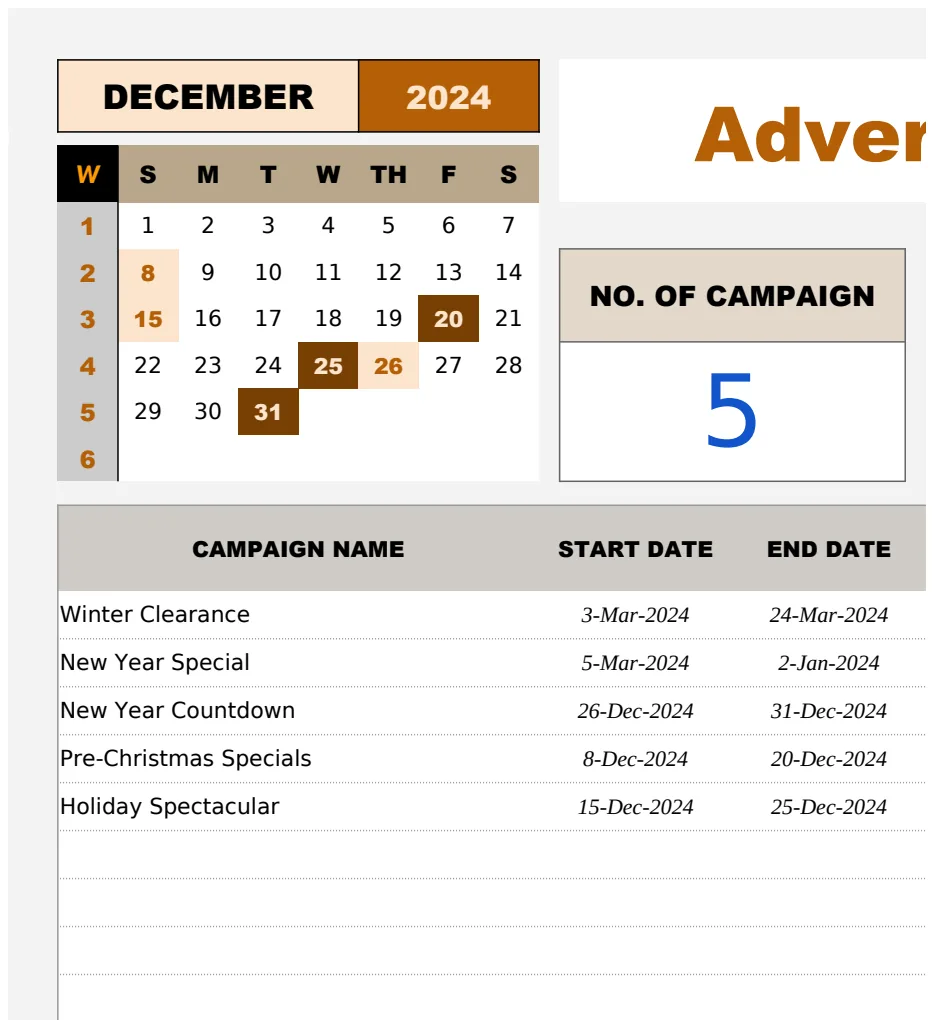
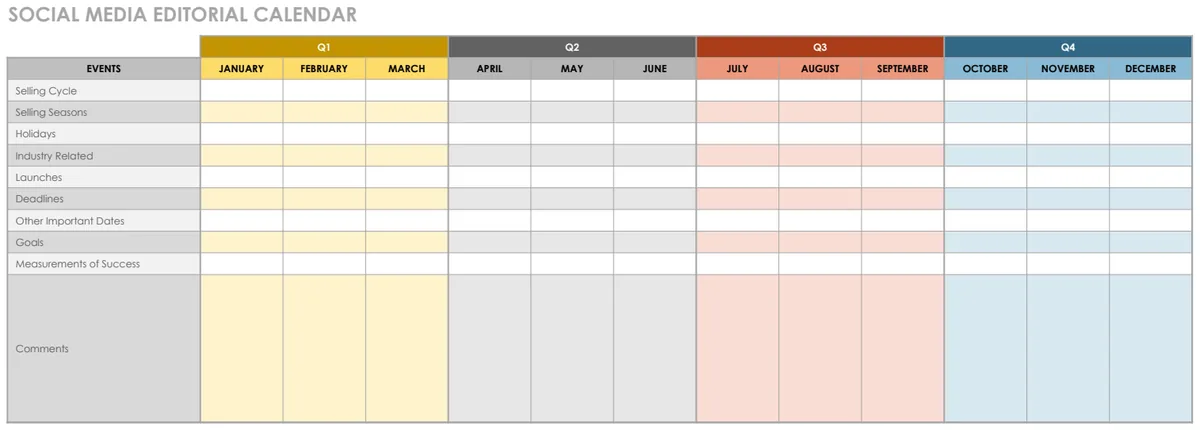
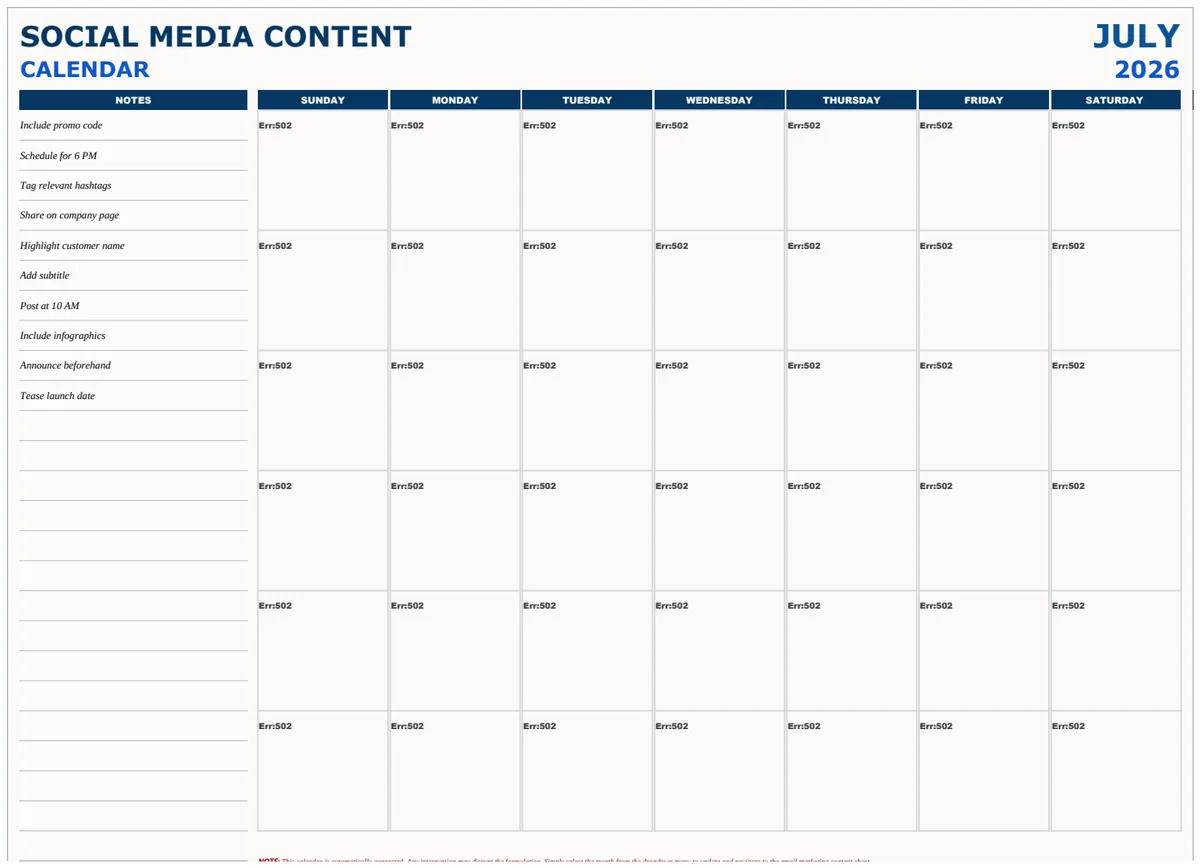
For a comprehensive approach that includes detailed content descriptions and calls to action, consider the Advertising Social Media Content Calendar Template. If you prefer a more visual, calendar-style layout to plan your content across platforms, the Social Media Planning Calendar offers an intuitive interface. For a structured weekly view that helps organize posts across platforms, the Social Media Calendar is a great choice. If you need to manage content and track responsibilities over a longer period, like a full year, the Social Media Editorial Calendar is designed for that purpose. These templates can be a powerful starting point for any marketing team. Many of these professional templates are available through subscription services, with some offering unlimited downloads for a one-time fee.
Frequently Asked Questions
Can I use Google Sheets instead of Excel?
Absolutely. Most Excel templates can be easily adapted to Google Sheets. The core functionality, formulas, and formatting principles are very similar. You can upload an .xlsx file to Google Drive, and it will usually convert seamlessly into a Google Sheet.
How often should I update my social media calendar?
This depends on your posting frequency and strategy. For a daily posting schedule, you might update it weekly or bi-weekly to plan upcoming content and review performance. For less frequent posting, a monthly review might suffice. The key is to regularly look ahead and adjust as needed.
What if I have a lot of content ideas but not enough time to post them all?
This is a common challenge. Prioritize your content based on your "Post Objective" column. Focus on high-impact ideas that align with your current marketing goals. You can also batch content creation for efficiency or consider repurposing successful content in different formats or on different platforms.
How do I track social media metrics within my calendar?
You can add new columns to your template for key metrics like Likes, Shares, Comments, Clicks, and Reach. After a post is published, manually enter the data from your social media analytics into these columns. Over time, you can use this data to inform future content decisions, perhaps even using AVERAGEIFS formulas to see which types of posts perform best.