Can I finally stick to a budget with a free spreadsheet?

Learn how to use a free monthly budget spreadsheet template to track spending and achieve your financial goals.
Conditional formatting on the "Actual Spending" column can immediately flag overspending relative to your budget. For instance, setting a rule to turn a cell red if the actual amount exceeds the budgeted amount by even 1% provides a visual alert before you dig into numbers. This immediate feedback is crucial when you're looking for a free monthly budget spreadsheet template that works.
Many people jump straight into listing expenses without first setting clear financial goals. A good budget isn't just about tracking what you spend; it's about directing your money toward what matters. Before you even think about columns for rent or groceries, define what you want to achieve this month, this quarter, or this year. Are you saving for a down payment? Paying down debt? Building an emergency fund? Having these targets in mind will shape how you categorize and track your spending.
Setting Up Your Budget Columns
When building your own budget spreadsheet or adapting a template, consider these essential columns. A basic structure will include:
- Category: Broad areas like Housing, Transportation, Food, Utilities, Debt Payments, Savings, Entertainment, Personal Care, Miscellaneous.
- Budgeted Amount: The amount you plan to spend or allocate for each category per month.
- Actual Spending: The real amount you spend in that category each month. This is where your tracking happens.
- Difference: The result of Budgeted Amount minus Actual Spending. A positive number means you're under budget; a negative number means you're over.
- Notes/Details: A space to jot down specifics, like "Groceries - Supermarket X" or "Utilities - Electricity bill higher due to AC".
For more advanced tracking, you might add:
- Previous Month Actual: To see spending trends.
- Year-to-Date Actual: To understand annual spending patterns.
- Savings Goal Contribution: If a category is specifically for saving towards a larger goal.
Choosing Between a Template and Building Your Own
The debate between using a pre-built template and creating your own spreadsheet from scratch is common. For those needing a free monthly budget spreadsheet template quickly, a template is often the most efficient route. You can download and start populating it immediately.
Templates provide a structured framework, ensuring you don't miss key areas. For instance, a well-designed household budget template can guide you through income sources, fixed expenses, variable expenses, and savings allocations. It saves you the initial setup time and often includes pre-built formulas for calculating differences and totals.
However, building your own spreadsheet offers ultimate customization. If your financial situation is unique, or you have very specific tracking needs (like multiple investment accounts or freelance income streams), building from scratch allows you to tailor every column and formula precisely to your situation.
Where to Find and Use Templates
When searching for a free monthly budget spreadsheet template, look for options that are adaptable. Some templates are overly simplistic, while others are so complex they become overwhelming. The sweet spot is a template that offers clear categories and easy data entry.
If you're managing household finances, a template like the Household Monthly Budget Spreadsheet Template can be a great starting point. It's designed to cover common income and expense categories for families. For more personal, granular tracking, the Personal Monthly Budget template focuses on month-by-month comparisons of budgeted versus actual spending, which is excellent for identifying spending habits.
Even if you find a template, don't be afraid to modify it. Add or remove categories, adjust formulas, and change formatting to suit your preferences. The goal is to create a tool that you'll actually use.
Essential Formulas for Your Budget
Regardless of whether you use a template or build from scratch, certain formulas are indispensable for a functional budget.
- SUM Function: To calculate total income and total expenses for the month. For example,
=SUM(B2:B10)would sum all values in cells B2 through B10, assuming this range represents your income figures. - Difference Calculation: As mentioned,
=[Budgeted Amount Cell] - [Actual Spending Cell]is critical. If your budgeted amount is in column B and actual spending in column C for row 5, the formula would be=B5-C5. - SUMIFS Function: This is incredibly powerful for detailed analysis. You can use it to sum actual spending for a specific category. For instance, to sum all "Groceries" expenses from a detailed transaction log (where the category is in column A and the amount in column B), you'd use
=SUMIFS(B:B, A:A, "Groceries"). This is far more robust than manually summing or using a simple SUM function across many rows. - Conditional Formatting Formulas: As touched upon earlier, these aren't calculations in a cell but rules applied to cells. A common rule might be "Format cells where value is less than 0" (for the Difference column) to highlight overspending in red.
Common Mistakes to Avoid
People often make predictable errors when setting up or using their budgets, which can derail their financial progress.
- Unrealistic Budgeting: Setting budgets that are too tight or based on wishful thinking rather than actual past spending. If you consistently spend $500 on groceries, budgeting $200 is unlikely to work without a drastic lifestyle change.
- Not Tracking Consistently: The biggest pitfall. A budget is useless if you don't diligently record your spending. This means updating your spreadsheet weekly, or even daily, especially for variable expenses.
- Ignoring Small Expenses: The "latte factor" is real. Those small, daily purchases add up significantly over a month. Failing to track them means your budget will never balance.
- Forgetting Irregular Expenses: Annual insurance premiums, holiday gifts, or car maintenance don't occur monthly. You need to either budget a small amount each month towards these or have a separate sinking fund for them.
- Overcomplicating It: Trying to track every single penny with excessive detail can lead to burnout. Focus on the main categories that have the biggest impact on your finances.
Advanced Budgeting Techniques
Once you've mastered the basics, you might explore more sophisticated budgeting methods or spreadsheet features.
Envelope System in a Spreadsheet
The traditional cash envelope system can be replicated digitally. You allocate specific amounts to "virtual envelopes" (your budget categories). As you spend, you deduct from the relevant envelope. If an envelope is empty, you can't spend more from that category until the next month or until you reallocate funds from another category. This forces discipline.
Zero-Based Budgeting
This popular method requires every dollar of income to be assigned a job. Your total budgeted expenses plus savings must equal your total income. The formula becomes Income - Expenses - Savings = 0. This ensures you're intentional with all your money. A template designed for this will have clear sections for "Money Out" that must balance against "Money In."
Rollover Budgets
For variable expenses like groceries or entertainment, sometimes you spend less than budgeted one month and more the next. A rollover budget allows the remaining balance from one month's budget to carry over to the next. If you budgeted $500 for groceries and spent $450, you'd have $50 to roll over, meaning your grocery budget for the next month would effectively be $550. This requires a slightly more complex setup, often with columns for "Previous Month Balance" and "Current Month Rollover."
Frequently Asked Questions
Can I use a free monthly budget spreadsheet template for variable income?
Yes, but it requires flexibility. Instead of budgeting a fixed income amount, you'll budget based on your average income or your lowest expected income. Then, when you receive income, you allocate it according to your budget priorities. If your income fluctuates, you might need to adjust your spending categories mid-month or rely more heavily on your savings for months with lower income.
How often should I update my budget spreadsheet?
Ideally, you should update your actual spending daily or at least every few days. This prevents the task from becoming overwhelming and ensures accuracy. Reviewing your overall budget performance (comparing budgeted vs. actual) should happen at least weekly, with a more thorough review at the end of each month to prepare for the next.
What if my actual spending always exceeds my budget?
This is a common challenge. First, ensure your tracking is accurate. Are you capturing every expense? Second, review your budget for realism. Are your budgeted amounts achievable based on your past spending habits? If they are realistic, you may need to identify areas where you can genuinely cut back. Look at discretionary spending first, dining out, entertainment, subscriptions. Sometimes, a small change in habits can make a big difference.
Are there specific templates for different financial goals?
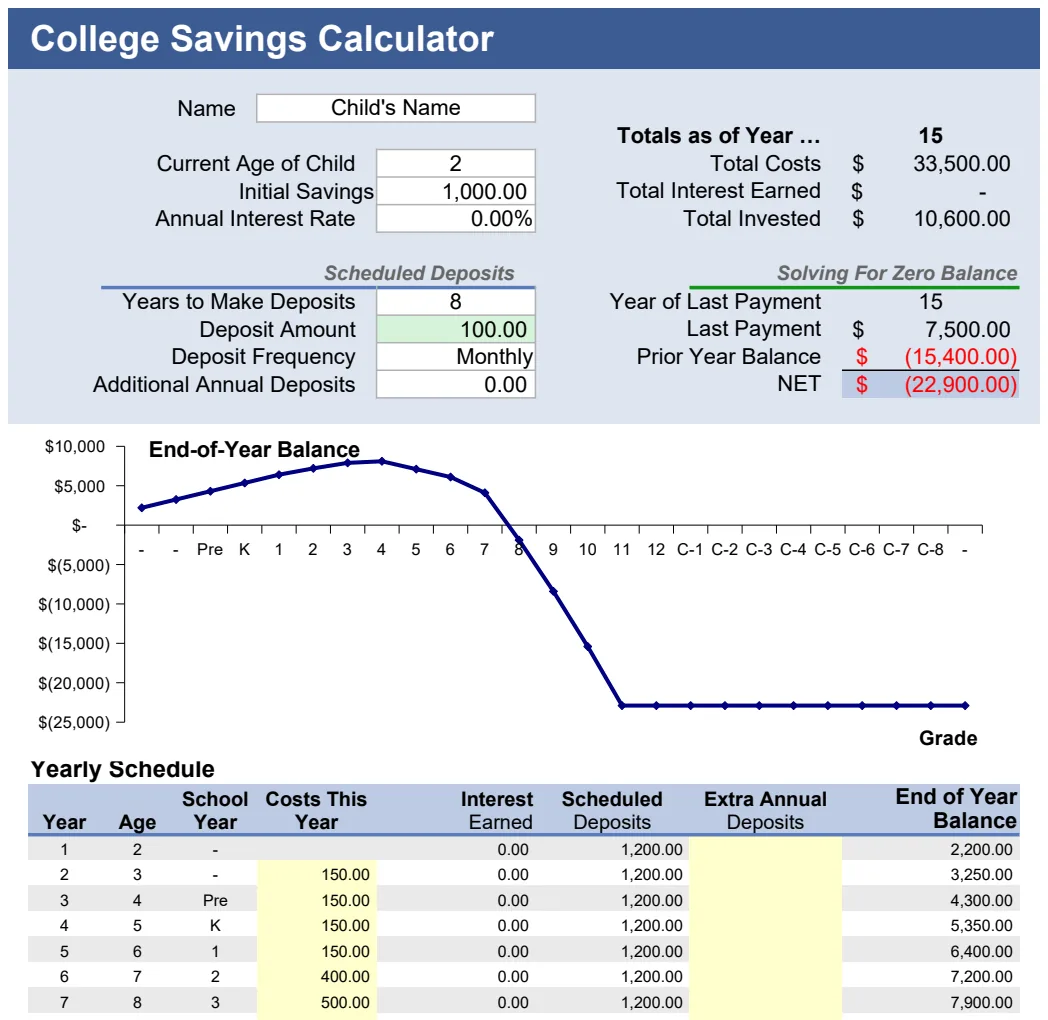
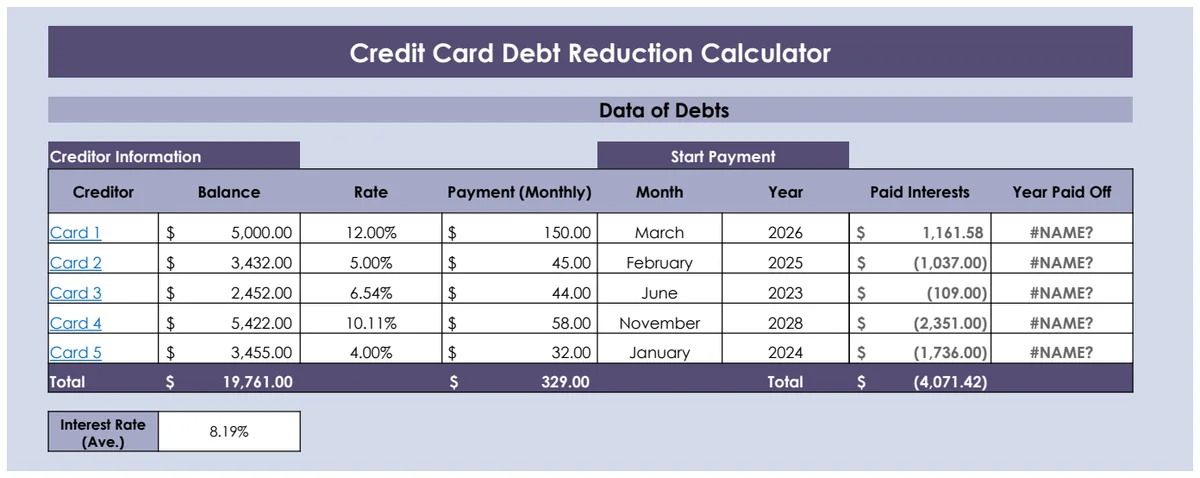
Yes, beyond general monthly budgets, you can find templates designed for specific goals. For example, some templates are geared towards debt reduction, helping you track payoff progress, while others are focused on savings goals like a down payment or retirement. You can often adapt a general monthly budget template for these purposes by creating dedicated savings or debt payment categories and tracking them closely.