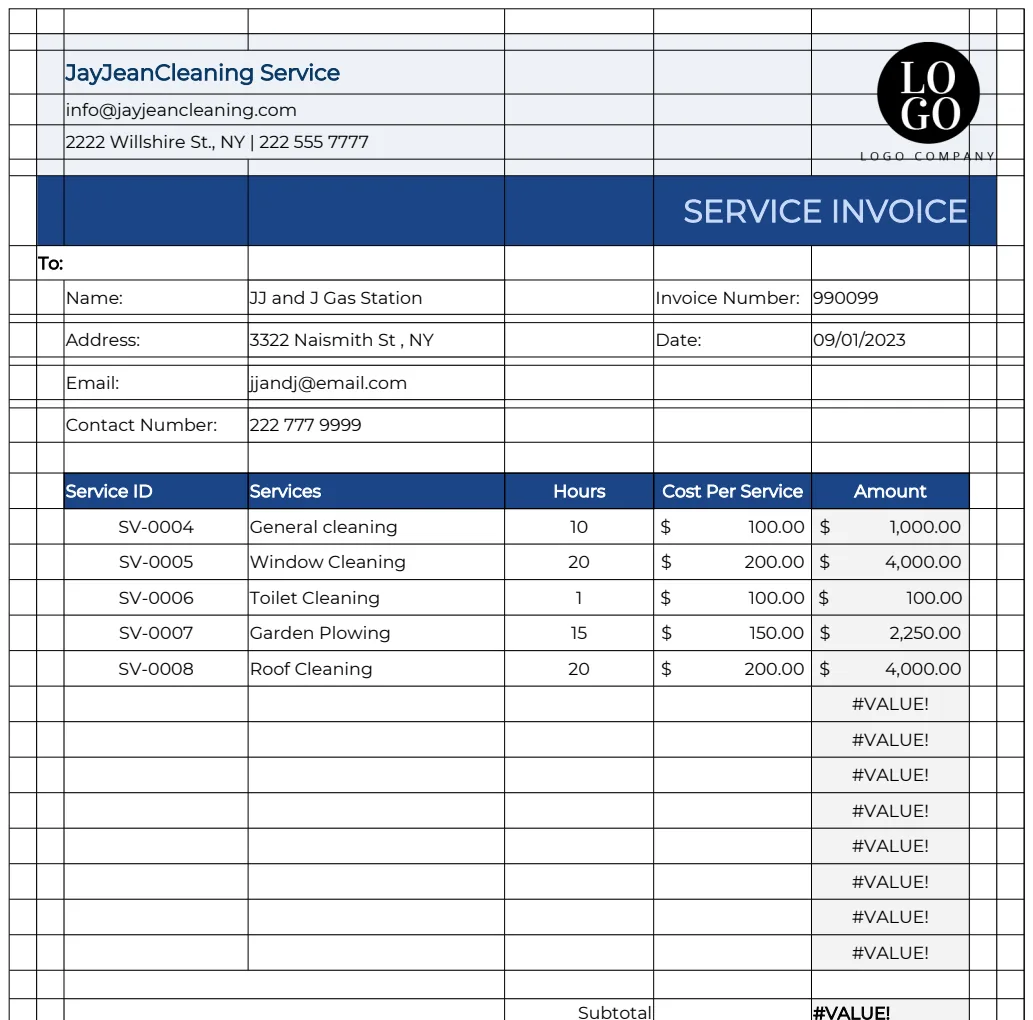
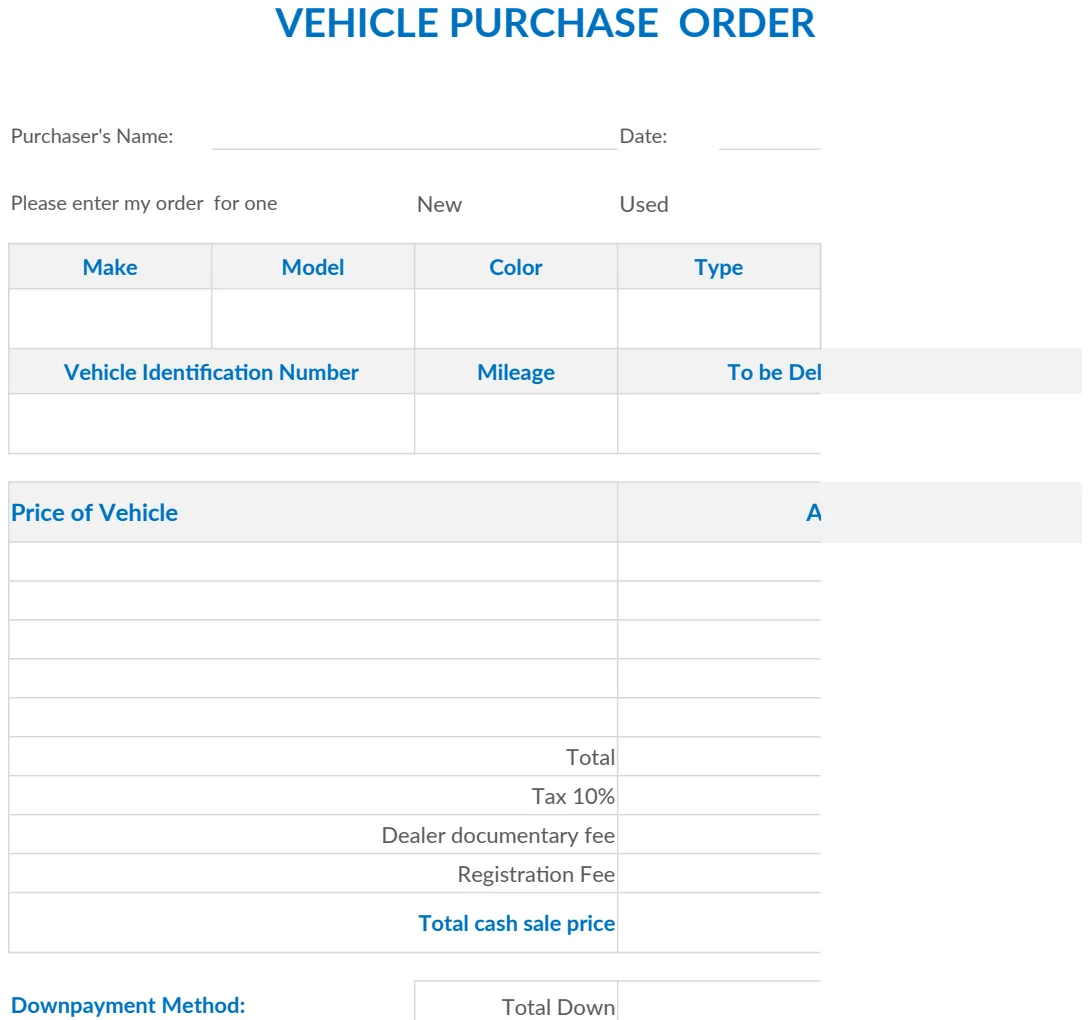
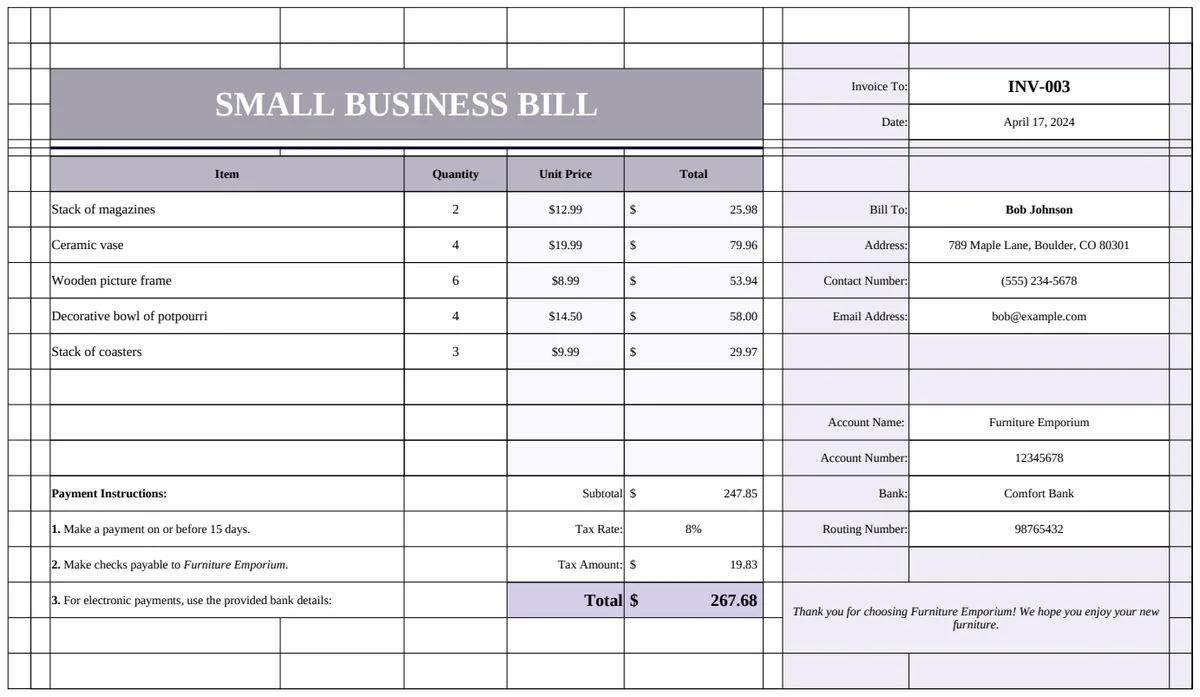
Create professional invoices in Excel fast
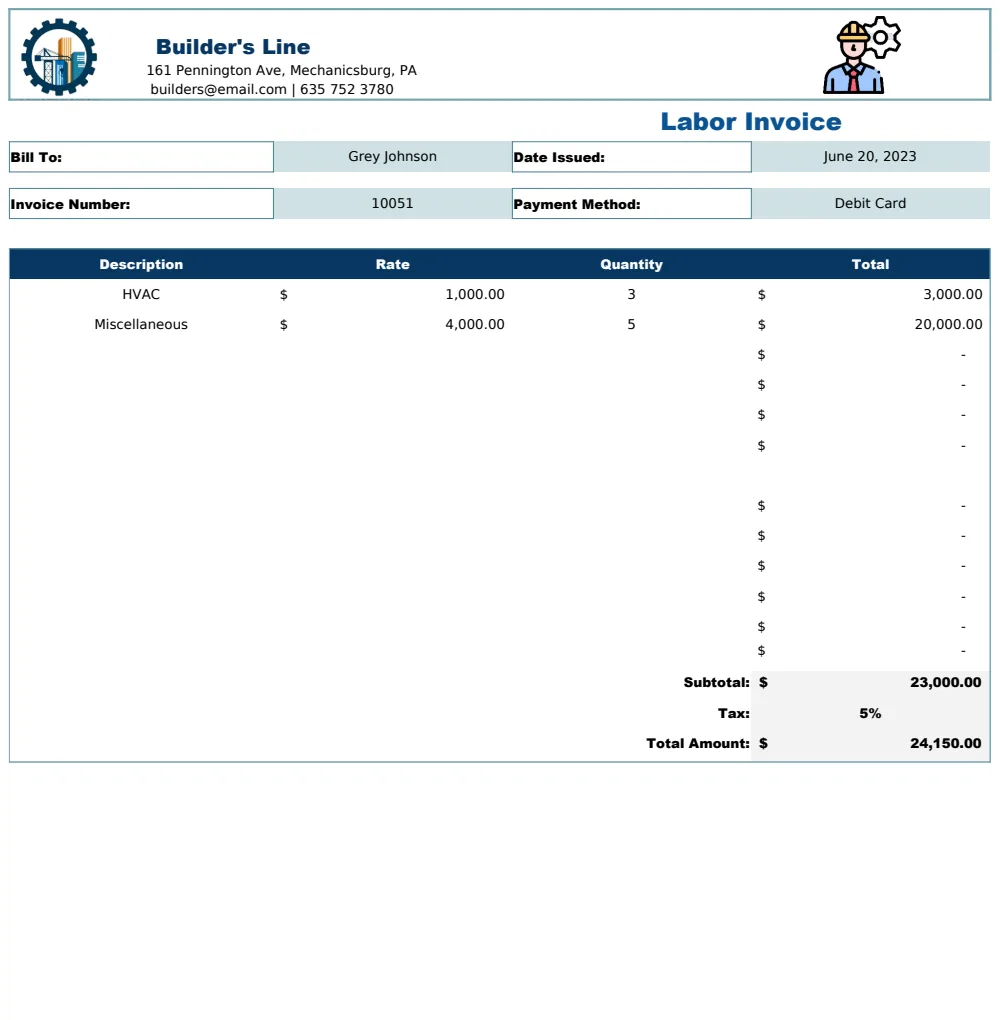
Discover how to find and use a free invoice template Excel download for efficient and professional business billing.
Many people assume a "free invoice template Excel download" means a simple, single-sheet document. In reality, a truly effective invoice system needs more than just blank lines for services and amounts. It requires structure for client data, itemized details, tax calculations, and payment terms, all presented professionally. This is where a well-designed template can save you significant time and prevent costly errors. Finding a great free invoice template Excel download is possible, but understanding what makes one useful is key.
A basic template is a starting point, but a robust system anticipates common business needs. Think about tracking past invoices, managing customer contact information, and ensuring consistent branding. While you can certainly cobble together a functional spreadsheet yourself, it's often more efficient to use a template built with these complexities in mind. We'll look at how to get the most out of a template, what features to look for, and how to adapt one to your specific business.
What Makes an Invoice Template "Good"?
Beyond just having the correct fields, a good invoice template offers clarity and professionalism. It should be easy for your client to understand what they're paying for and how much they owe. This means clear headings, logical organization, and sufficient space for detailed descriptions of goods or services. A template that handles calculations automatically, like sales tax or subtotals, prevents manual math errors and saves you considerable time.
Consider the visual aspect. A professional-looking invoice builds trust. This includes having a dedicated space for your company logo, contact information, and a clear invoice number. It should also include all necessary legal and payment information, such as payment terms and methods. A truly comprehensive free invoice template Excel download will often go beyond the bare minimum to offer these advantages.
Essential Components of an Invoice
Regardless of the template you choose, certain elements are non-negotiable for a legally sound and clear invoice:
- Your Business Information: Name, address, phone number, email, and website.
- Client Information: Name, address, and contact details.
- Invoice Number: A unique identifier for each invoice. This is crucial for record-keeping.
- Invoice Date: The date the invoice was issued.
- Due Date: When payment is expected.
- Itemized List of Services/Products:
- Description of each item or service.
- Quantity.
- Unit Price.
- Line Total (Quantity * Unit Price).
- Subtotal: The sum of all line totals before taxes and discounts.
- Taxes: Applicable sales tax, VAT, or other regional taxes. Clearly state the tax rate and amount.
- Discounts: Any discounts applied, with their value clearly shown.
- Total Amount Due: The final amount the client needs to pay.
- Payment Terms: How and when payment should be made (e.g., Net 30, due upon receipt, accepted payment methods).
- Notes/Thank You: A space for any additional information or a brief thank you.
Finding and Using a Free Invoice Template Excel Download
When you search for a free invoice template Excel download, you'll find many options. Some are very basic, essentially just spreadsheets with labels. Others are more sophisticated, with built-in formulas and formatting that make them powerful tools. The best approach is to download a few that look promising and then evaluate them against your specific needs.
For instance, if you provide services rather than physical products, a template designed for labor might be more suitable. The Labor Invoice Template often includes fields for hours worked, hourly rates, and project details that generic templates might lack. If you sell multiple products and need to track inventory or product specifics, a more advanced system like the Final Invoice Template with Product List Management would be a better fit.
Once downloaded, the first step is to customize it. Replace placeholder text with your business name, logo, and contact details. Adjust the column headers if necessary to better reflect your services or products. If the template includes tax calculations, ensure the tax rate is set correctly for your region.
Customizing Your Template for Professionalism
A generic template can be a good start, but a few tweaks can significantly boost its professional appearance and functionality.
- Add Your Logo: Most templates have a placeholder for a logo. Replace it with your actual business logo in a suitable format (e.g., PNG or JPG). This immediately makes the invoice look more official and branded.
- Font and Color Scheme: While Excel offers many fonts, stick to professional, easy-to-read options like Arial, Calibri, or Times New Roman. If your brand has specific colors, you might be able to subtly incorporate them into borders or shading, but avoid anything too distracting.
- Clear Payment Instructions: Don't make clients guess how to pay you. Clearly list accepted payment methods (e.g., bank transfer, credit card, check) and provide all necessary details (account numbers, payee names, mailing addresses).
- Formatting Dates and Numbers: Ensure dates are formatted consistently (e.g., MM/DD/YYYY or DD/MM/YYYY) and currency values are formatted with the correct symbol and decimal places.
Advanced Features to Look For
While many free invoice template Excel download options are basic, some offer surprisingly advanced features that can significantly improve your workflow.
- Automatic Invoice Numbering: Some templates can be set up to automatically increment the invoice number with each new invoice you create. This prevents duplicates and makes tracking much easier.
- Data Validation: This feature can prevent errors by restricting what can be entered into certain cells. For example, it could ensure that a quantity entered is a positive number.
- Drop-down Lists: For frequently used items or services, a drop-down list can speed up data entry and ensure consistency.
- Formulas for Calculations: Look for templates where subtotals, taxes, and totals are calculated automatically using formulas. This is a huge time-saver and error-reducer. If a template doesn't have them, they are relatively easy to add. For example, if your itemized list is in columns D (Quantity) and E (Unit Price) and the line total is in F, a formula in F2 would be
=D2*E2. Then, you would sum column F for the subtotal.
Common Mistakes When Using Invoice Templates
Even with a great template, businesses often make mistakes that undermine their professionalism or accuracy.
- Not Unique Invoice Numbers: Using sequential, unique invoice numbers is critical for accounting and tracking. Reusing numbers or using dates as invoice numbers can lead to confusion.
- Incomplete Client Information: Missing a client's full address or contact details can delay payments or make it impossible to follow up.
- Incorrect Tax Calculations: This is a common pitfall. Double-check that the tax rate and calculation logic in your template are correct for your jurisdiction and the services/products being billed.
- Vague Descriptions: Clients need to understand what they are paying for. Instead of "Consulting," specify "Project Management Consulting - 5 hours."
- Forgetting Payment Terms: Clearly stating when payment is due and what methods are accepted prevents disputes and speeds up payment.
- Poor Formatting: An invoice that is hard to read, has misaligned text, or lacks a professional appearance can reflect poorly on your business.
When a Template Isn't Enough
While a free invoice template Excel download can serve many small businesses well, there comes a point where more robust solutions are beneficial. If you're sending out dozens of invoices a month, managing a large client base, or need features like recurring billing, payment gateway integration, or detailed reporting, you might outgrow a simple spreadsheet.
The Business Invoice Template is designed to handle these growing needs, offering features like a customer database and product catalog management. These systems automate much of the invoicing process, freeing you up to focus on other aspects of your business. For unlimited downloads of professional, feature-rich templates designed for various business needs, the OpenWorksheet library offers a cost-effective solution at a one-time fee of $9.
Can I Track Payments with an Excel Invoice Template?
Yes, you can track payments. While many basic templates don't have built-in payment tracking, you can easily add a column for "Payment Status" (e.g., "Paid," "Due," "Overdue"). You can then use conditional formatting to highlight overdue invoices in red. For more advanced tracking, consider using a dedicated accounting or invoicing software, or a more complex Excel template designed for this purpose.
How Do I Add My Company Logo to an Excel Invoice Template?
To add your logo, you typically need to insert an image into Excel. Go to the "Insert" tab, click "Pictures," and then select your logo file. Resize and position it appropriately, usually in the header or a designated logo area on the template. Ensure the logo is in a common image format like PNG or JPG and has a transparent background if needed to blend well.
What if I Need to Bill in Multiple Currencies?
Billing in multiple currencies with a standard Excel template can be complex. You would need to add columns for the currency type and the exchange rate at the time of invoicing. Formulas would then need to be adjusted to perform conversions. For regular multi-currency billing, specialized accounting software or an invoicing system with currency conversion features is highly recommended to avoid errors.