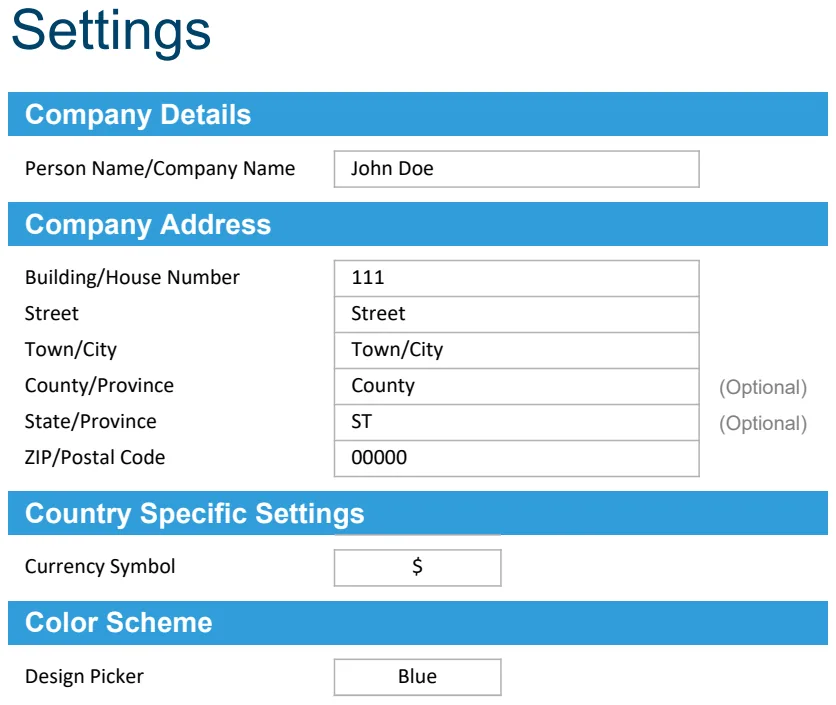
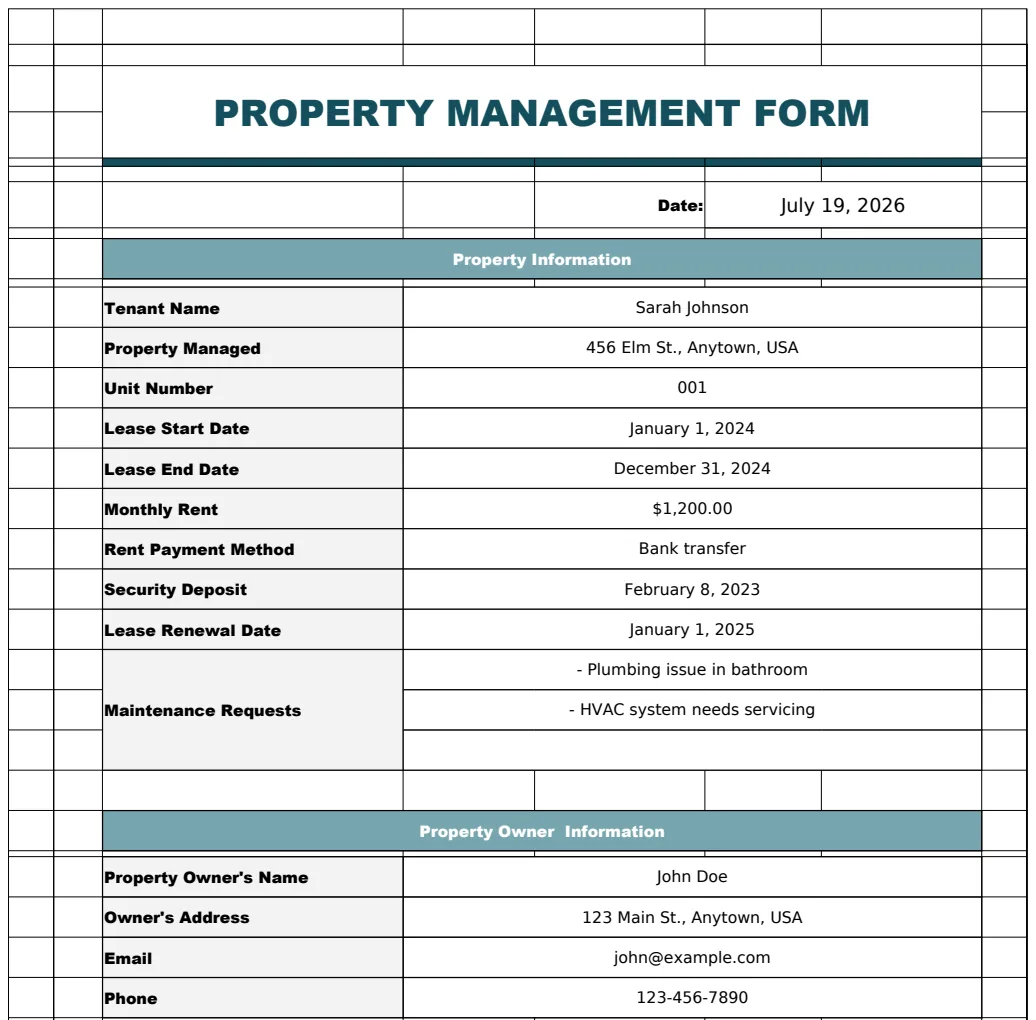
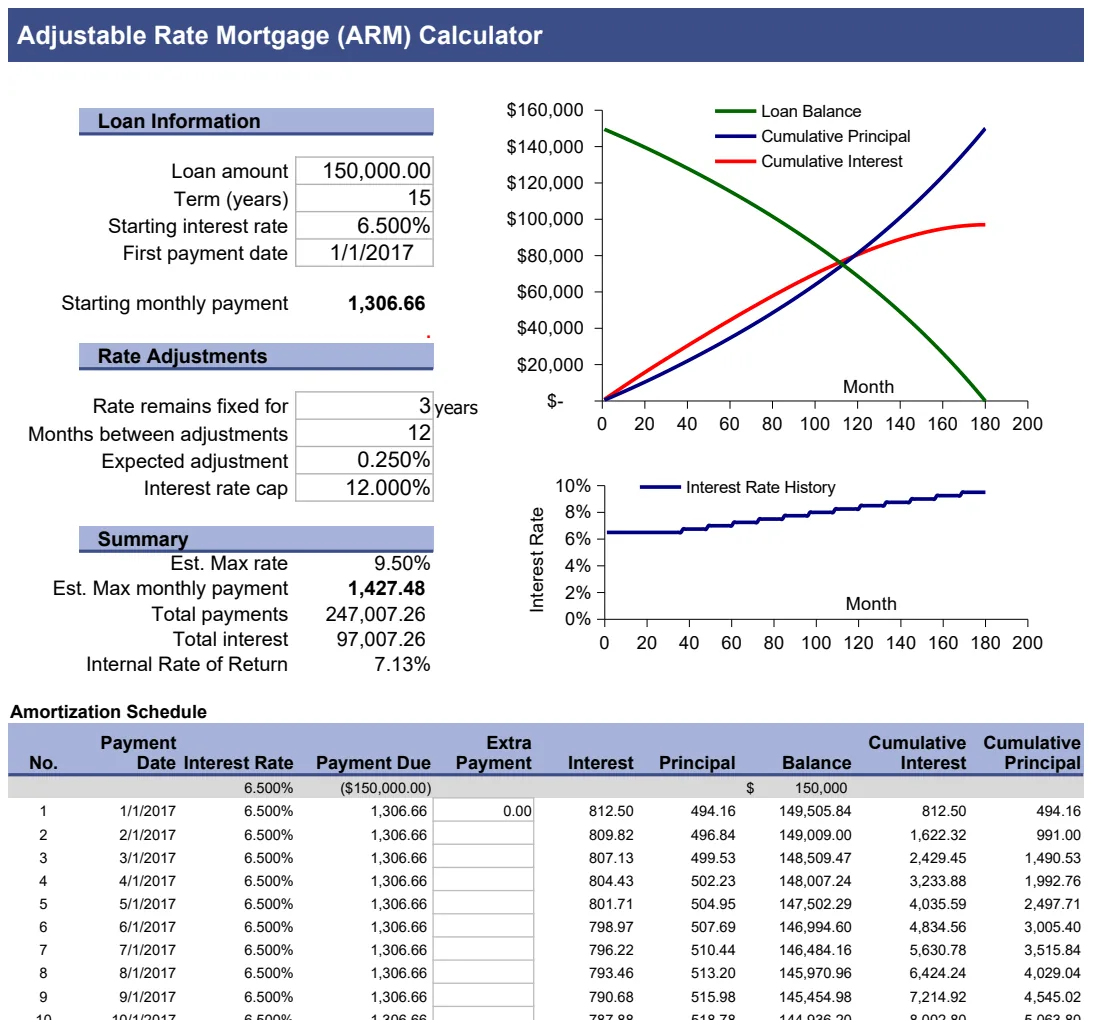
Price your next listing accurately with this comp spreadsheet.
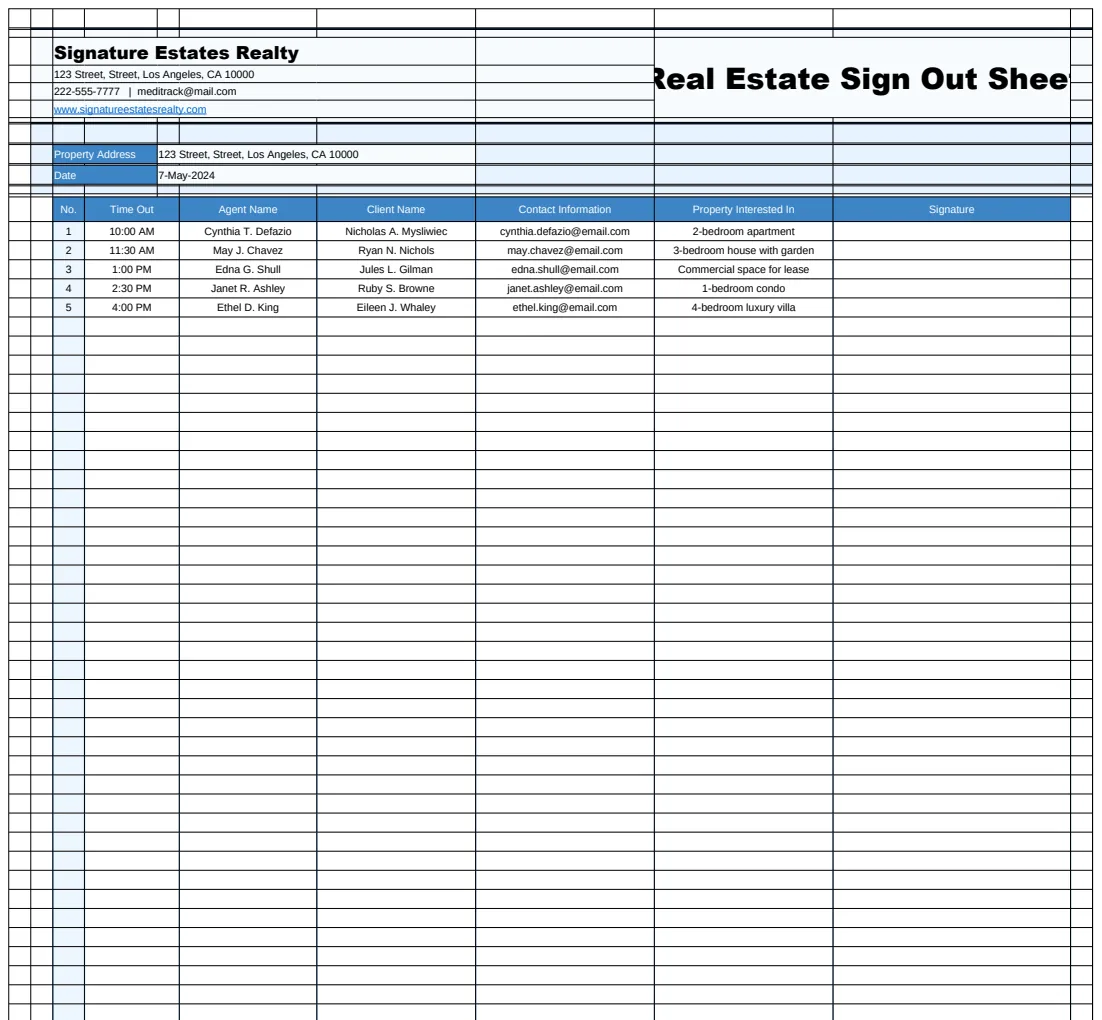
Use a real estate comps spreadsheet template to accurately value properties and avoid common pricing mistakes.
Using a dedicated real estate comps spreadsheet template is far more effective for accurately valuing properties than piecing together disparate notes and spreadsheets. While manual tracking feels simple initially, it quickly becomes unmanageable as deal flow increases, leading to missed details and inaccurate valuations.
A well-structured spreadsheet for comparable market analysis (CMA) transforms this chaos into clarity. It provides a standardized way to collect, organize, and analyze data on recently sold properties that are similar to the subject property you are appraising. This systematic approach is crucial for making informed pricing decisions, whether you're representing a buyer, a seller, or investing yourself.
Why Comps Matter for Property Valuation
Comparative market analysis, or CMA, is the cornerstone of real estate valuation. It involves comparing the subject property to similar, recently sold properties (comparables or "comps") in the same geographic area. The goal is to arrive at an estimated market value by identifying how these sold properties differ from the subject property and adjusting their sale prices accordingly.
For example, if a comp sold for $500,000 and has one more bedroom than your subject property, you'd likely adjust the comp's price downward to reflect that difference. Conversely, if a comp has a renovated kitchen and your subject property doesn't, you'd adjust the comp's price upward. This iterative process, when done correctly, provides a defensible range for the subject property's market value.
Essential Columns for Your Comps Spreadsheet
To effectively perform a CMA, your spreadsheet needs to capture specific, critical data points for each comparable property. Aim for at least the following columns:
- Address: The full street address of the comparable property.
- Date Sold: The date the property closed. This is vital for ensuring you're using current market data.
- Sale Price: The final sale price of the comparable.
- Property Type: Single-family, condo, townhome, etc.
- Beds: Number of bedrooms.
- Baths: Number of bathrooms (full and half baths are typically listed separately or as a decimal, e.g., 2.5).
- Sq. Ft. (Living Area): The heated and cooled square footage. Be consistent in how this is reported.
- Lot Size (Acres/Sq. Ft.): The size of the land.
- Year Built: The original construction year.
- Days on Market (DOM): How long the property was listed before going under contract.
- Sale to List Ratio: The percentage of the final sale price to the last asking price. (Sale Price / List Price).
- Key Features/Upgrades: A brief description of significant features or renovations (e.g., "New Roof 2022," "Updated Kitchen," "Finished Basement").
- Distance to Subject: The approximate distance of the comp from your subject property.
- Adjustments: A column to note any adjustments made to the comp's sale price based on differences from your subject property.
- Adjusted Sale Price: The comp's sale price plus or minus your adjustments.
Building Your Real Estate Comps Spreadsheet Template
You can build this from scratch in Excel or Google Sheets. Here’s a step-by-step approach:
- 01Create a New Spreadsheet: Open a blank workbook.
- 02Add Column Headers: In the first row (Row 1), enter the column names listed above. Bold these headers for clarity.
- 03Format Columns:
- Format "Date Sold" as a Date.
- Format "Sale Price," "Adjustments," and "Adjusted Sale Price" as Currency.
- Format "Sq. Ft.," "Beds," and "Baths" as Numbers.
- Format "Sale to List Ratio" as Percentage.
- 04Add Data: Begin entering information for each comparable property, one row per property.
- 05Implement Formulas (Optional but Recommended):
- For "Sale to List Ratio": In cell L2 (assuming L is the Sale to List Ratio column and row 2 is your first data row), enter
=C2/K2(assuming C is Sale Price and K is List Price). Drag this formula down for all rows. - For "Adjusted Sale Price": This will be a manual calculation for each comp. You might add a note in the "Adjustments" column (e.g., "+$10,000 for extra bath") and then calculate the "Adjusted Sale Price" in the corresponding cell. For example, if the sale price is in C2 and the adjustment is in M2, the adjusted sale price in N2 would be
=C2+M2.
- 06Sorting and Filtering: Use Excel's or Google Sheets' sorting and filtering tools to quickly find properties based on specific criteria (e.g., sort by date sold, filter by number of bedrooms).
A well-designed real estate comps spreadsheet template saves immense time and improves accuracy.
Gathering Comparable Property Data
The quality of your CMA hinges on the data you collect. Here are common sources:
- Multiple Listing Service (MLS): If you are a licensed real estate agent, the MLS is your primary and most reliable source. It contains detailed information on active, pending, and sold properties.
- Public Records: County assessor or recorder websites often provide basic property information, sales history, and tax data. However, this data can be less detailed and may not include features or condition.
- Real Estate Websites: Sites like Zillow, Redfin, or Realtor.com can offer publicly available sales data, though accuracy can vary, and they may not be as granular as MLS data. Always cross-reference information.
- Your Own Database: Experienced agents often maintain their own historical sales data, which can be invaluable.
When selecting comps, prioritize properties that are:
- Recently Sold: Within the last 3-6 months is ideal.
- Geographically Close: Within the same neighborhood or subdivision.
- Similar in Size and Type: Matching beds, baths, square footage, and property type.
- In Similar Condition: Ideally, comps should be in a comparable state of repair and modernization as the subject property.
Making Adjustments for Accuracy
This is where the art of the CMA comes into play. You're not just listing data; you're interpreting it.
- The Rule of Thumb: Adjust the price of the comparable property to match the subject property.
- Positive Adjustments: If a comparable property is inferior to your subject property in a certain aspect (e.g., fewer bedrooms, older kitchen), you add value to the comparable's sale price.
- Negative Adjustments: If a comparable property is superior to your subject property (e.g., has a pool your subject doesn't, is larger), you subtract value from the comparable's sale price.
Examples of Adjustments:
- Extra Bedroom: If your subject has 4 bedrooms and a comp has 3, you might add $15,000-$25,000 (depending on your market) to the comp's sale price.
- Updated Kitchen: If a comp has a recently renovated kitchen and your subject does not, you might subtract $20,000-$50,000 from the comp's sale price.
- Garage Spaces: An extra garage space might add $5,000-$15,000.
- Lot Size: If a comp has a significantly smaller lot, you'd subtract value.
The key is to be consistent and logical with your adjustments. Document why you made each adjustment in your "Key Features/Upgrades" or a separate notes column.
Analyzing the Adjusted Sale Prices
Once you've made adjustments to all your comparable properties, you'll have a list of "Adjusted Sale Prices."
- Calculate a Range: Identify the lowest and highest adjusted sale prices. This gives you a valuation range.
- Determine the Median/Average: Calculate the median (middle value) and average (mean) of your adjusted sale prices. The median is often more reliable as it's less affected by outliers.
- Weighting: You might give more weight to comps that are more similar to your subject property or more recently sold.
For instance, if your adjusted sale prices are $485,000, $500,000, $510,000, and $525,000, your range is $485,000 to $525,000. The median is $505,000, and the average is $507,500. You would then use this analysis to justify a specific listing price or offer price.
Common Mistakes to Avoid
- Using Too Few Comps: Relying on just one or two comparables is insufficient. Aim for at least 3-5, but more is often better if they are relevant.
- Using Irrelevant Comps: Don't use properties that are too dissimilar in size, type, or location, or that sold too long ago. A vacant lot next door is not a comparable for a single-family home.
- Ignoring Condition: Failing to account for differences in the condition, age, and quality of upgrades between the subject property and the comps will lead to inaccurate valuations.
- Inconsistent Data Entry: Mixing up square footage definitions, bath counts, or date formats will corrupt your analysis. Stick to a standard.
- Over-Reliance on Automated Valuations: Websites providing AVMs (Automated Valuation Models) are a starting point, but they cannot replace a thorough CMA done by a knowledgeable individual.
A well-maintained real estate comps spreadsheet template is a powerful tool for avoiding these pitfalls.
What if I can't find enough good comps?
If finding perfect comps is difficult, expand your search radius slightly or look at properties that sold a bit further back in time (e.g., 6-9 months). You'll need to make more significant adjustments for distance and market changes. Also, consider properties that are currently for sale or have recently gone under contract as indicators of current market sentiment, though these are not direct comparables for value.
How often should I update my comps spreadsheet?
Market conditions can change rapidly. If you are actively listing or buying, it's best to refresh your comps every 30-60 days, or even more frequently in fast-moving markets. If you're using a template for personal record-keeping, an annual review might suffice unless you're planning a sale or purchase in the near future.
Can I use this template for rental properties?
Yes, the core principles apply. You would adjust the columns to reflect rental-specific data such as "Monthly Rent," "Lease Terms," and "Tenant-Paid Utilities" instead of sale prices. You'd then analyze rental rates for comparable properties in the area. For tracking rental income and expenses, a Real Estate Profit and Loss Template would be a complementary tool.
Is there a cost for these templates?
Our library of templates, including the real estate comps spreadsheet template, is available for a one-time fee of $9 for unlimited downloads. You can explore our full range of templates at /templates.