Stop searching for free Excel templates, start building
Discover where to find free Excel templates and learn why building your own is a better long-term solution.
You're staring at a blank spreadsheet, needing to track project deadlines, calculate a breakeven point, or perhaps just organize your grocery list, and you wonder, "Where to find free Excel templates?" The immediate need for structure often hits when you're already pressed for time or dealing with a specific, complex task that a pre-built framework would simplify immensely. Free templates are a great starting point, offering ready-made solutions for common problems, but knowing where to look is key to saving yourself frustration and getting to work faster.
Many users search for free templates because they need a quick, functional solution without investing in custom development or paid software. This is especially true for small businesses, individuals managing personal projects, or students needing to organize academic work. The challenge lies in sifting through the many options to find high-quality, reliable templates that actually fit your needs.
Why Use a Template?
Templates provide a significant head start. Instead of building a system from scratch, you get a pre-designed layout, often with built-in formulas, data validation, and even basic dashboards. This means less time spent on formatting and formula creation, and more time on the actual data and analysis. For instance, if you're managing a small project, a template can offer columns for task names, assignees, start dates, end dates, and status, saving you the effort of defining these yourself.
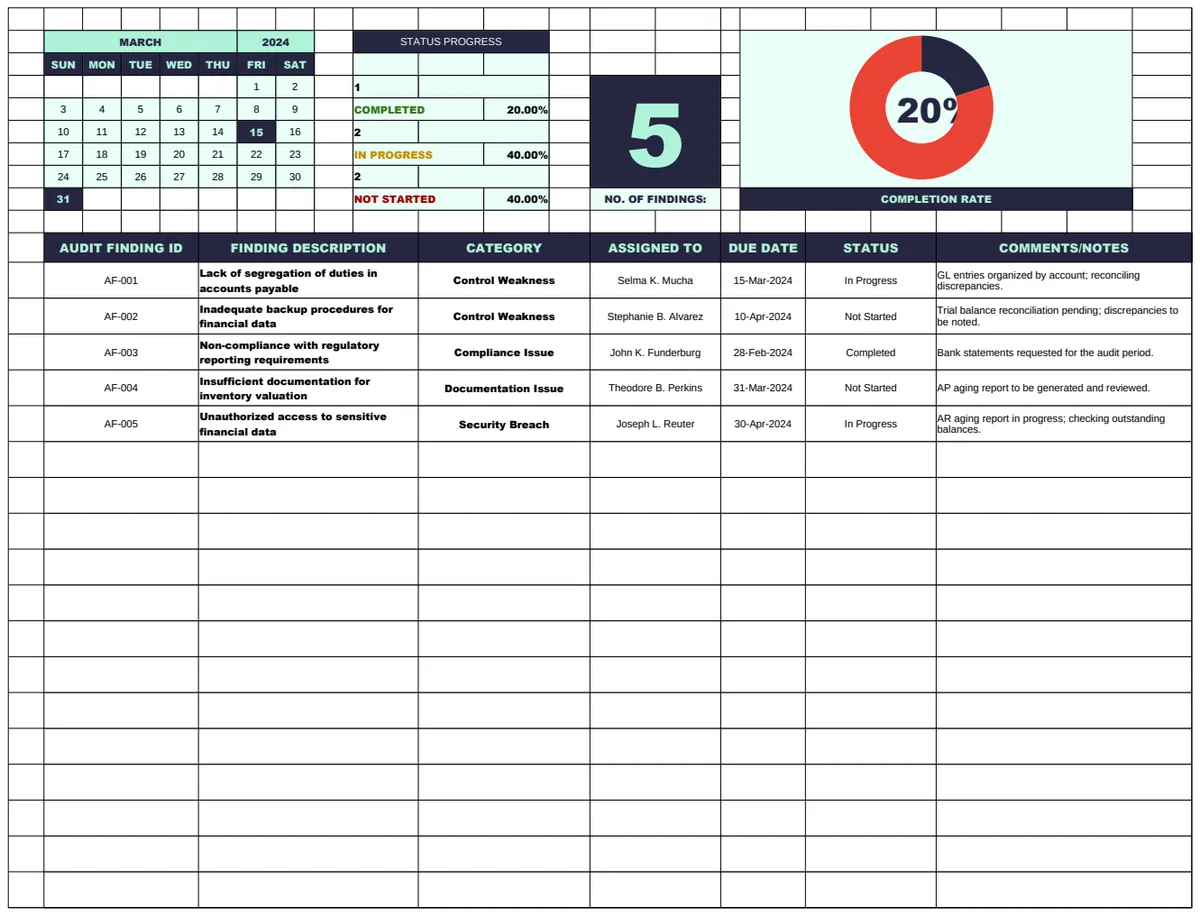
Consider a scenario where you need to meticulously track every repair and maintenance issue in a facility. Manually setting up a system to log these incidents, assign responsibility, and monitor resolution progress can be time-consuming. A dedicated template, like the Internal Audit Condition Monitoring Sheet Template, can provide immediate structure, allowing you to focus on the audit findings and remediation efforts right away.
Leveraging Built-in Options
Microsoft Excel itself offers a basic library of templates directly within the application. When you open Excel and go to File > New, you'll see categories like Personal, Business, Budgets, and Charts. These are accessible offline and are generally well-integrated with Excel's features. While they cover common needs such as invoices, calendars, and simple budgets, they might lack the specialized functionality some users require.
For instance, if you're trying to understand your business's financial viability, Excel's built-in templates might offer a general profit and loss statement, but they won't automatically guide you through calculating your breakeven point. That requires a more specific tool.
Exploring Online Repositories
Beyond Excel's native offerings, a vast number of websites provide free spreadsheet templates. These can range from individual bloggers sharing their creations to dedicated template libraries. The quality and scope vary widely. Some sites offer a few basic templates, while others curate thousands. When searching where to find free Excel templates, you'll quickly discover that the internet is a rich, albeit sometimes overwhelming, source.
The advantage of these online repositories is the sheer variety. You can find templates for highly specific tasks. If your goal is to optimize household spending, a Grocery Price Book template can help you compare prices across different stores and brands, something you might not find in a general-purpose template collection.
Key Areas Where Templates Shine
Certain types of tasks are particularly well-suited for templated solutions:
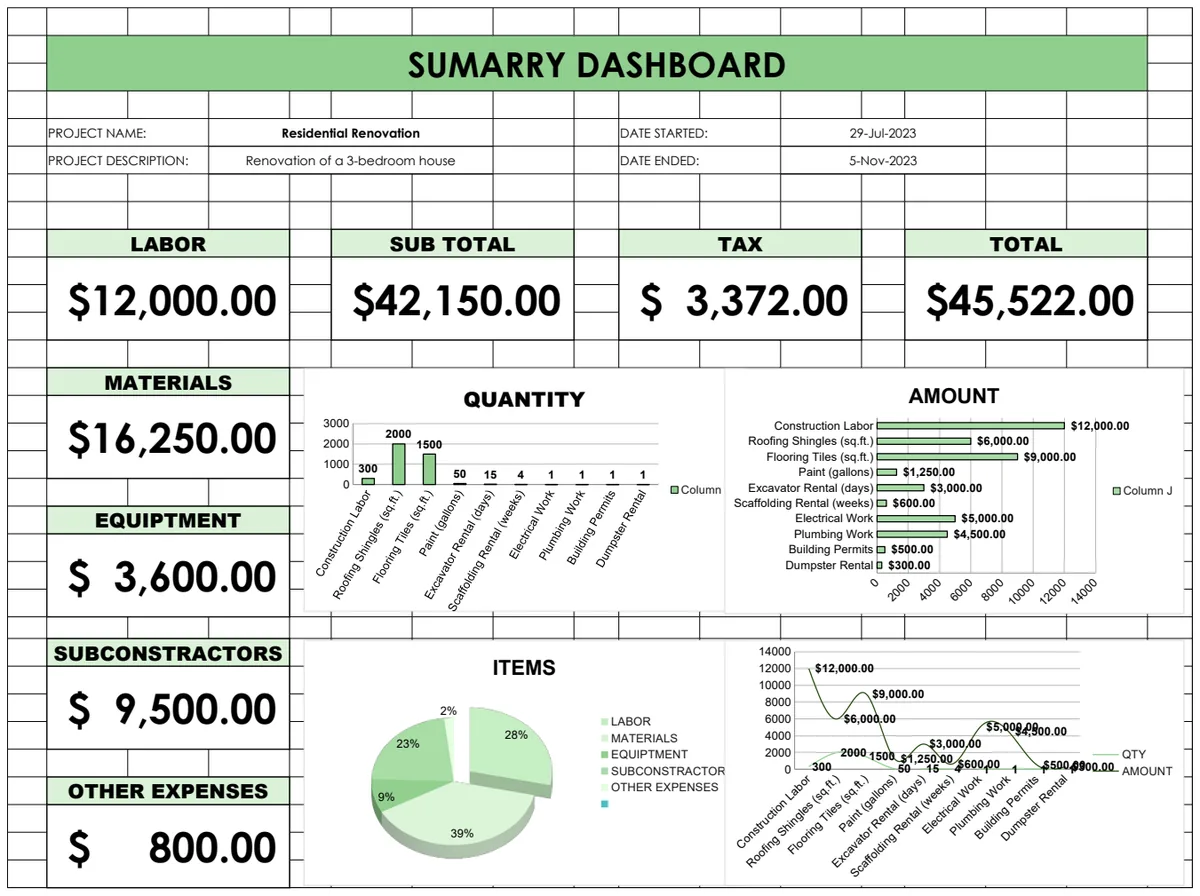
- Budgeting and Financial Planning: Personal budgets, project budgets, expense trackers, and savings goal planners.
- Project Management: Task lists, timelines, project status trackers, and risk registers.
- Data Analysis: Simple data entry sheets, basic reporting dashboards, and analytical tools.
- Personal Organization: Calendars, meal planners, contact lists, and inventory trackers.
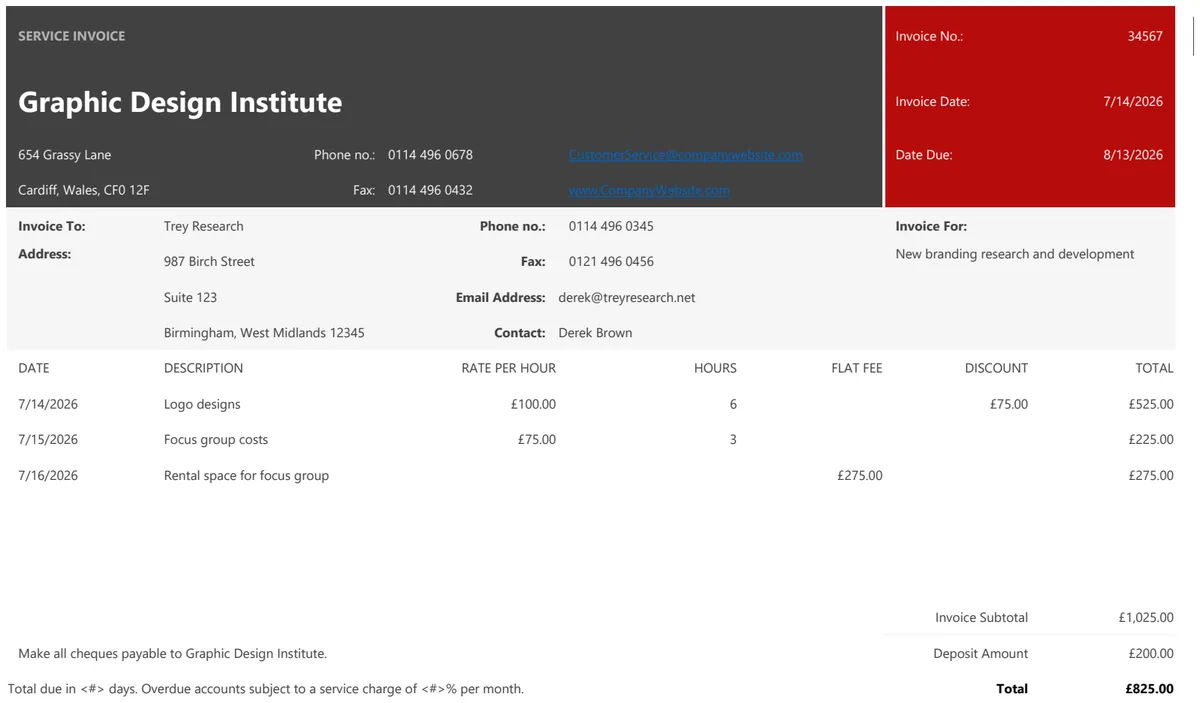
- Business Operations: Invoices, quotes, time sheets, and simple CRM sheets.
For businesses looking to understand their financial performance more deeply, a template for Leverage and Breakeven Analysis can be invaluable. It helps answer critical questions about pricing, sales volume, and cost structures.
How to Evaluate Free Templates
Not all free templates are created equal. Here's how to pick good ones:
- 01Check the Source: Stick to reputable websites or well-known creators. Avoid downloading from unknown or suspicious links.
- 02Review Functionality: Does it do what you need it to do? Look at the included columns, formulas, and any descriptive text.
- 03Examine Formulas: If possible, glance at the formulas. Are they clear? Are there complex array formulas you don't understand, or are they straightforward calculations? For numerical methods, a template like the Newton-Raphson Equation Solver should clearly outline its iterative process.
- 04Look for Clarity: Is the layout intuitive? Are the instructions, if any, easy to follow? A cluttered or poorly labeled template can be more trouble than it's worth.
- 05Consider Updates: Templates that haven't been updated in years might not account for newer Excel features or common user needs.
Common Mistakes to Avoid
When you're looking where to find free Excel templates, it's easy to fall into a few traps:
- Over-reliance on Complexity: Choosing a template that's far more complex than your actual needs. This can lead to confusion and difficulty in maintaining the spreadsheet.
- Ignoring Data Security: Downloading templates from untrusted sources can expose you to malware or data breaches.
- Not Customizing: Assuming a template is a perfect fit without making any adjustments. You'll often need to tweak column headers, add or remove fields, or adjust formulas for your specific situation.
- Failing to Understand Formulas: Using formulas you don't understand can lead to incorrect results and make troubleshooting difficult.
Advanced Customization and Paid Options
While free templates are excellent for many purposes, sometimes your needs are highly specialized, or you require a higher level of polish and support. In such cases, you might consider a curated library of templates. For a single, one-time fee, you can get unlimited access to a wide range of professionally designed and tested templates. This can be a cost-effective solution if you frequently need advanced spreadsheets for business, finance, or project management. You can explore the full collection of templates available at /templates.
When is a Paid Template Worth It?
A paid template is often worth considering when:
- You need highly specific functionality not readily available in free options.
- Time is critical, and a polished, ready-to-go solution saves significant setup time.
- Accuracy and reliability are paramount, and you want templates that have been rigorously tested.
- You need ongoing support or updates for complex tools.
Can I Modify Free Templates?
Absolutely. Most free templates are designed to be flexible. You can change column names, add new rows or columns, adjust formulas, and modify formatting to better suit your specific requirements. Think of a free template as a robust starting point, not necessarily a final product.
What if a Free Template Doesn't Work?
If a free template you downloaded isn't functioning correctly, first check if you've entered data in the correct format or if you've accidentally deleted a crucial formula. If the issue persists, it might be a flaw in the template itself. In such situations, it's often best to look for an alternative template or consult resources that explain how to build the specific functionality you need within Excel.